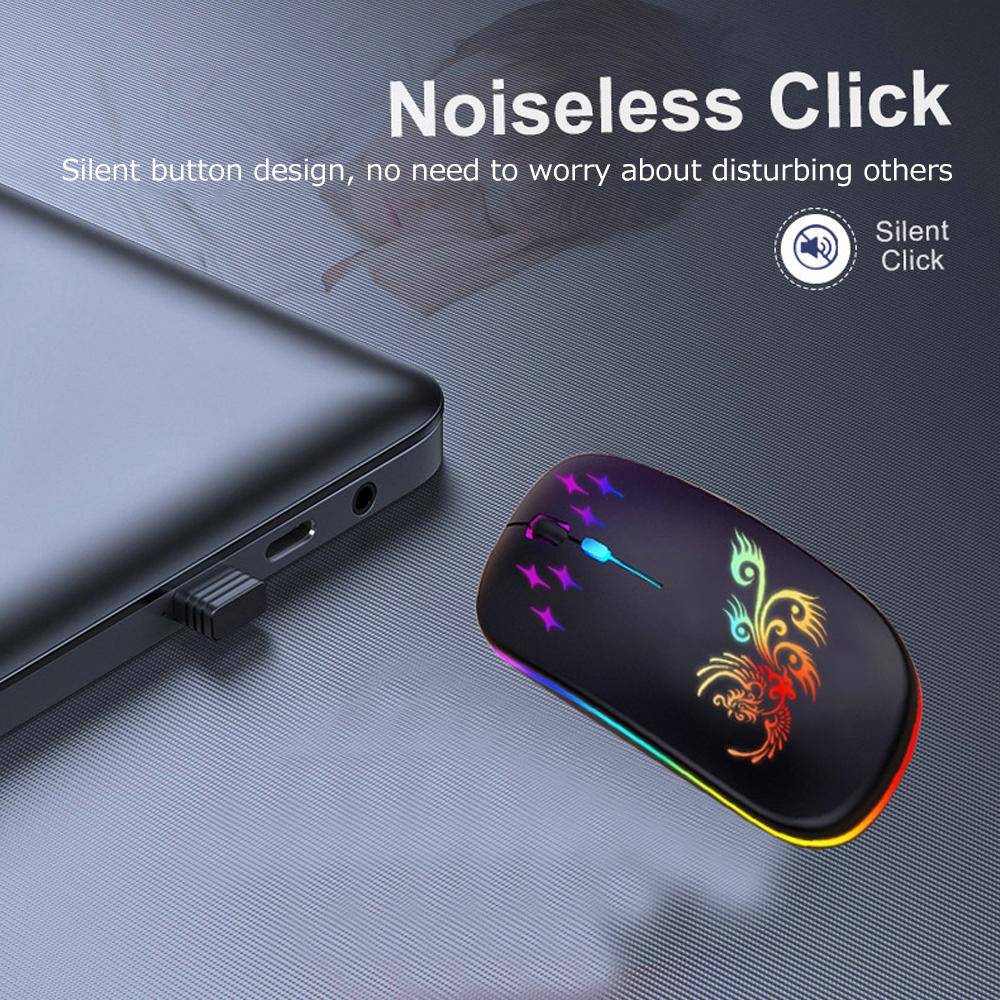
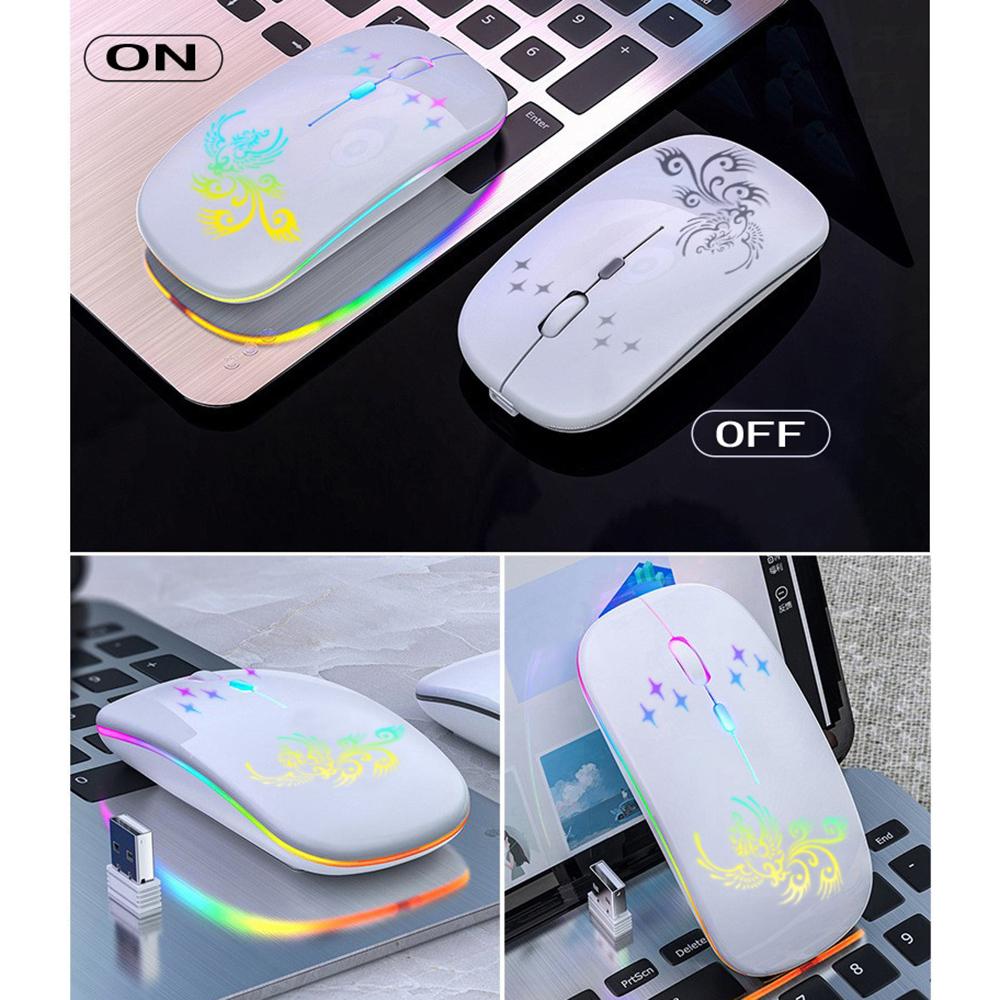
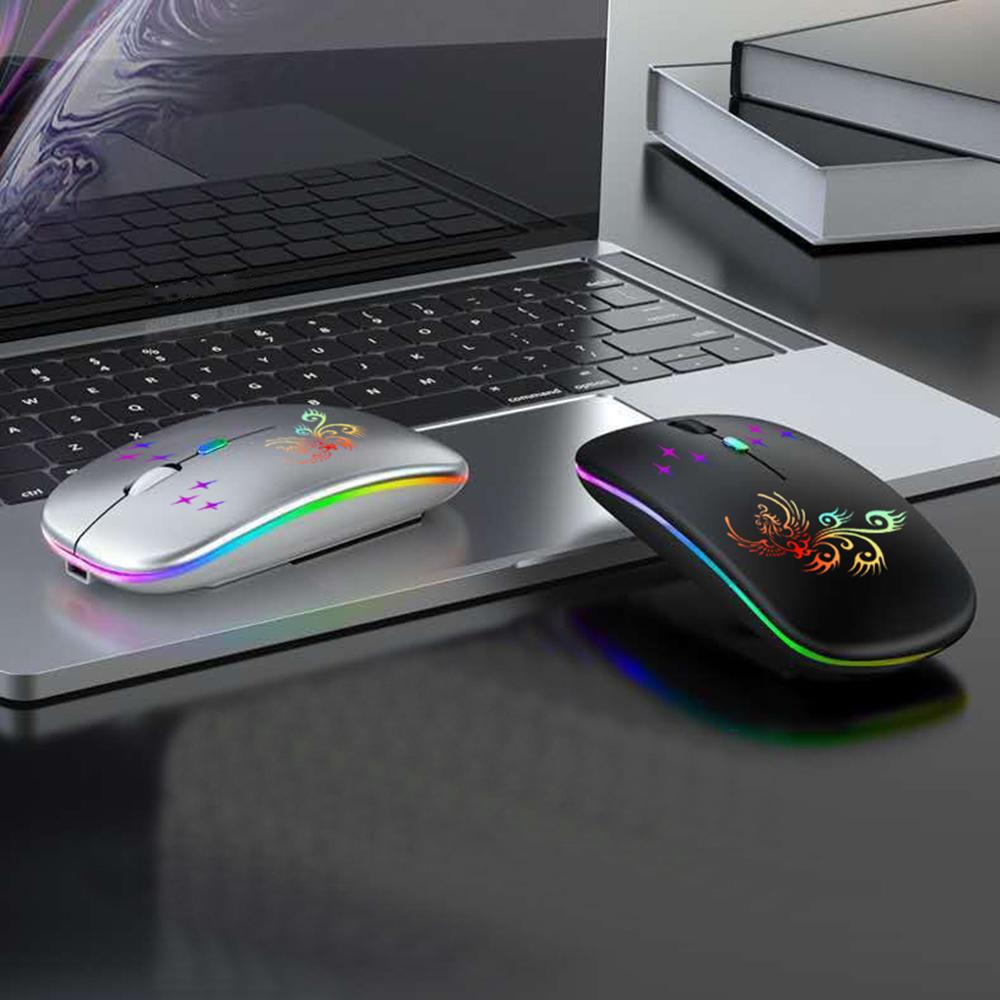
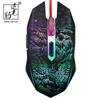
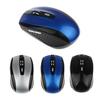
Wireless Mouse Wireless Mouse 5 Buttons Compact USB Rechargeable Small Quiet High Precision Easy to Carry Macro Definition Button Ideal for 3DCG CAD


Beskrivning
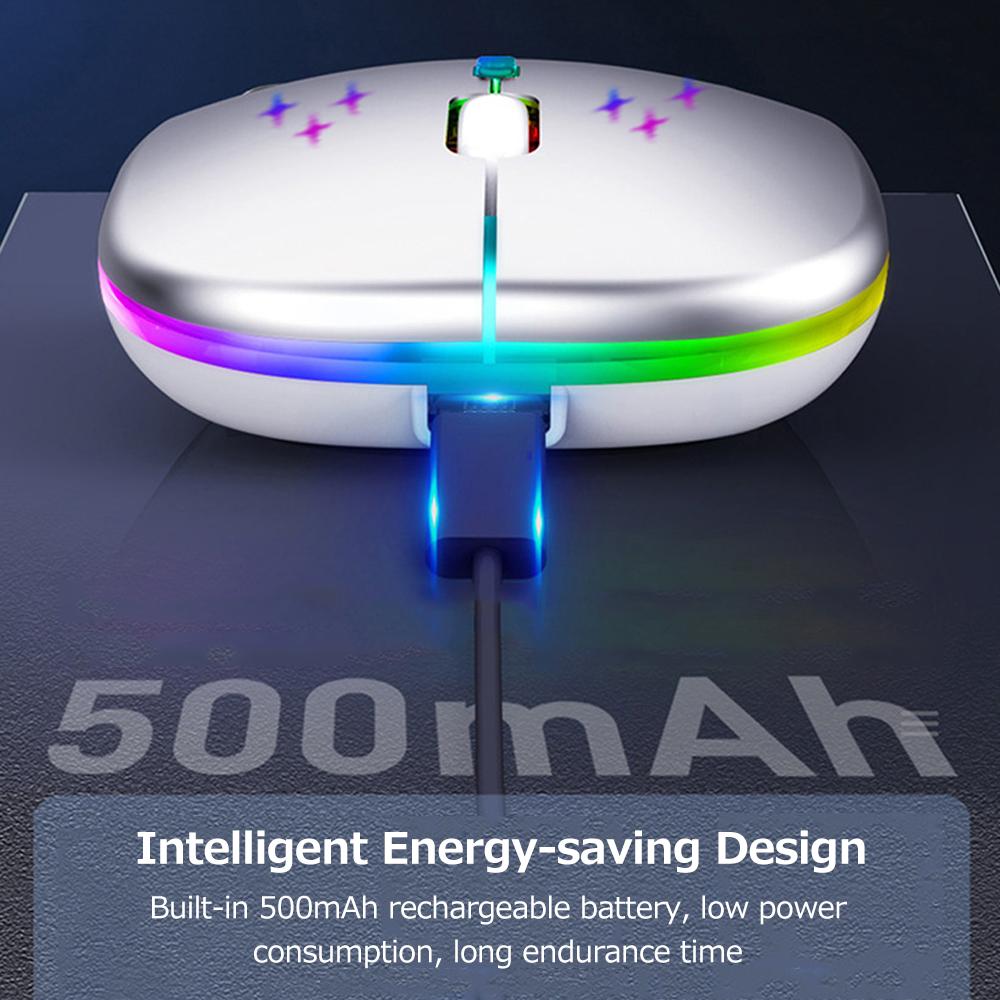
✔Support Windows 7/8/10/XP, Vista7/8, Linux, compatible with PC, laptop, tablet, computer. ✔If you need quick and detailed work, such as quick CAD 3D or graphic design, production, or online searching, we recommend using a 5-button mouse. Unlike the left and right buttons and scroll buttons, buttons have been added to move forward and backward on the page, greatly improving work efficiency. ✔The surface of the wireless mouse is made of skin-friendly material, making it comfortable to hold in your palm during long hours of work or gaming. ✔Both sides are designed with matte texture to relax your fingers, and the ergonomic design brings you a comfortable experience. ✔ "Plug and play". No additional software or firmware required. 5 Button Productivity Increase your productivity and efficiency. [Instructions]: 1. Insert the receiver into the computer's USB socket, and after 3-5 seconds press the button or side roller to start the mouse. Then you can use the mouse normally after the bottom light flashes. 2. The maximum connection distance is 15M (may be affected by environment). The mouse will go into standby after 8 minutes of inactivity. There is no feedback when I move the mouse. Click any button or side roller to wake up the mouse and become your workstation. 3. If the button is too far from the computer it is connected to, the light on the button will automatically turn off and the mouse will not work. Once the connection is established again, the light on the button will turn on and the mouse will work again. 4. It is mouse lithium polymer, after recharging, it can last 1-6 months with normal use, and can last 1 year if always on standby. We recommend charging your mouse every 6 months. 5. Even when starting to recharge, the mouse has no feedback if it is depleted. To rebuild the connection, move the mouse near the receiver again. You need to 6. Will be recharged approx. 15% of capacity, need to be charged again before use, mouse can be used while charging. The mouse can be charged with any common smartphone charger within 5V. You can also charge it with a power bank and computer USB scotch (computer USB charging takes a long time). 7.Button customization requires driver cooperation. You can log in to the official website to download drivers and instructions. [Improve work efficiency] Each button can also be set to the keyboard key that you use most often. The 5-button mouse is recommended for people who need to perform detailed tasks quickly, such as CAD-based 3D and graphic design production, and Internet searches. Unlike the three buttons for left and right and scroll, there are additional buttons for forward and backward pages, which greatly increases work efficiency. [Specifications]: Number of keys: 5 Working method: Optical Optical resolution: 1600 Color: Black Product size: 120 * 38 * 66 (61) mm Charging jack: Micro charging socket Charging voltage: 5V Current: 0.5A Product weight: 163 Gram [Note]: 1. Due to manual measurement, please allow 1-3mm difference, thank you. 2.Due to monitor differences, the photo may not reflect the actual color of the project. [Package Includes]: 1 5-button wireless mouse