---------------------------------------------------
【Condition】
Please check the product description and photos for the condition.
Some items may have not been tested or may show signs of use.
【Included Items】
Accessories are limited to those shown or mentioned in the product description.
Items such as manuals, boxes, or cables are not included unless specifically stated.
【Product Specifications and Firmware】
Some Japanese domestic models may have limited functionality overseas.
Please check compatibility before purchase.
【Voltage Compatibility】
Our products are selected to support international voltage ranges (e.g. 100–240V).
However, please make sure your local voltage is compatible before use, as incorrect voltage may still cause malfunction.
【Plug Type】
Our products use Japanese plug types (A or B type).
Please use a conversion adapter if necessary.
【Important Note on Transformers and Adapters】
A transformer adjusts voltage to match your device’s requirements.
A conversion adapter only changes the plug shape and does not adjust voltage.
Using only a conversion adapter without a transformer may result in damage to the product.
【Liability】
We are not responsible for malfunctions or damages caused by improper use, such as operating the product without appropriate voltage or equipment.
---------------------------------------------------
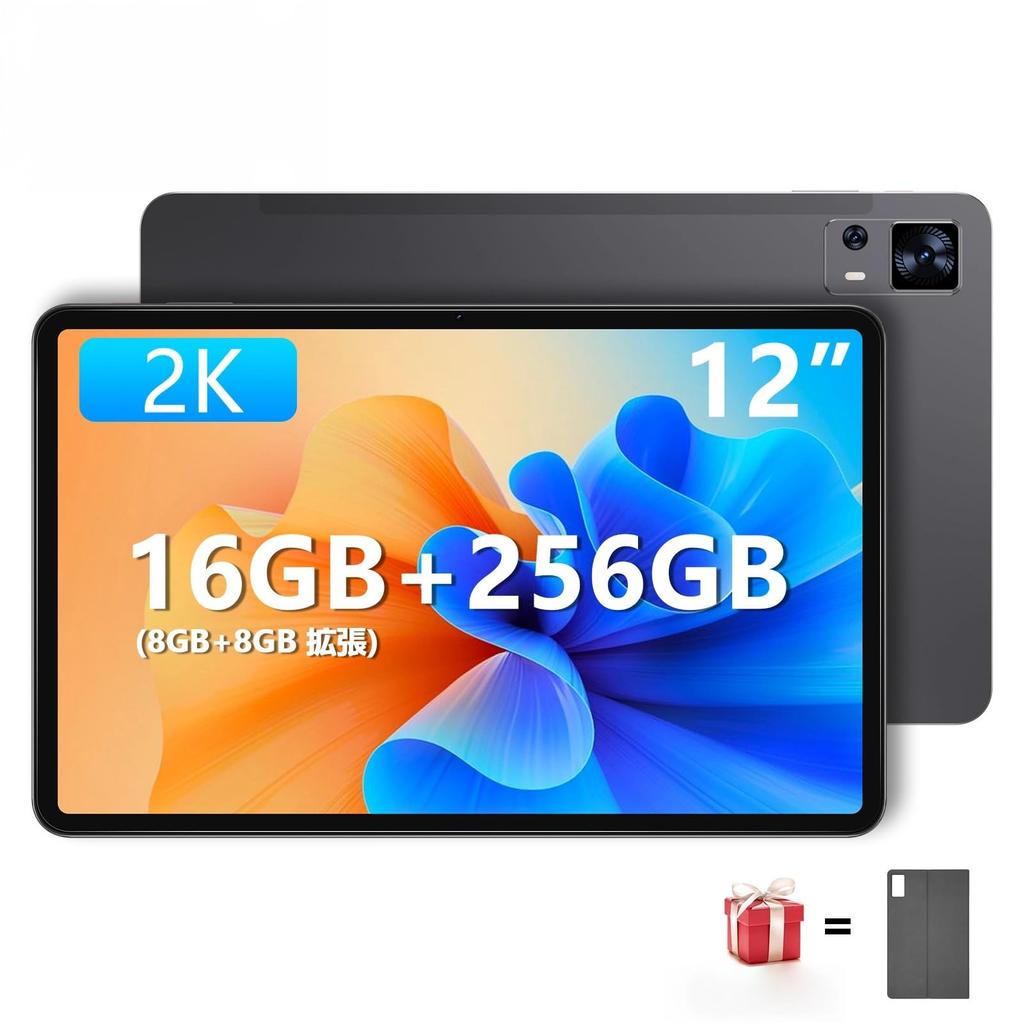
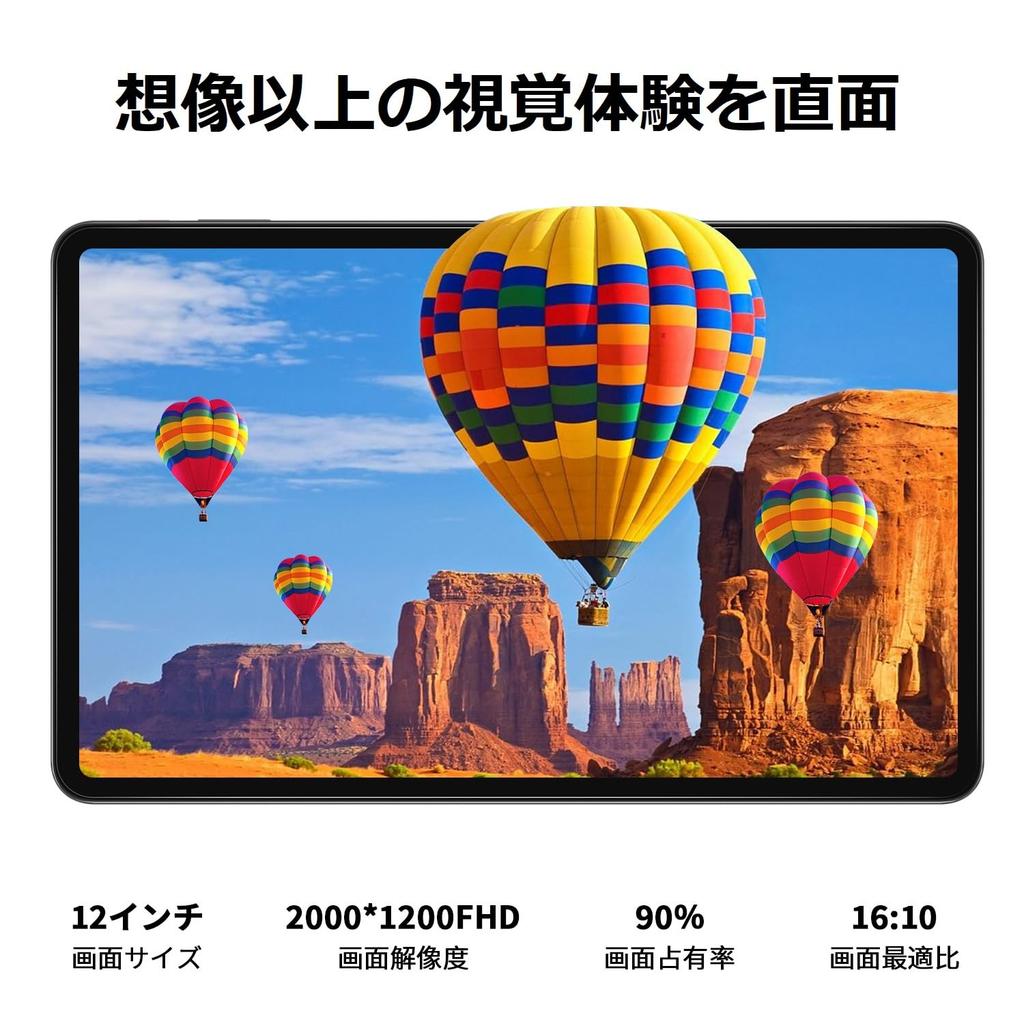
[12" FHD Display & Widevine L1 & Symmetrical Stereo + 4 Speakers] The PRITOM TAB16 12-inch tablet features a 2000*1200 FHD display, providing a clear screen and a wide field of view. It is Widevine L1 certified and can play 1080P HD videos from Netflix, Amazon Prime Video, YouTube, and more (Note: DiZoo apps are not supported). The addition of four symmetrical box speakers provides a realistic viewing experience. It is TUV Blue Light Certified, providing gentle eye protection. Endless enjoyment is within reach.
[16GB RAM + 256GB ROM + 1TB Expandable Storage & Android 13 OS & GMS Certified] The device features a Unisoc T616 octa-core processor, combining two 2.0GHz A75 cores and six power-efficient 1.8GHz A55 cores. It comes with 16GB RAM (8GB + 8GB expandable) and 256GB ROM with high-speed storage expandable up to 1TB, giving you plenty of room to enjoy your time. It's equipped with the latest Android 13 system, including features like vibration, dark mode, night mode, reading mode (black and white screen), split-screen (apps split into two), and three-finger screenshots. It also features wireless projection for easy connection to a TV or external screen.
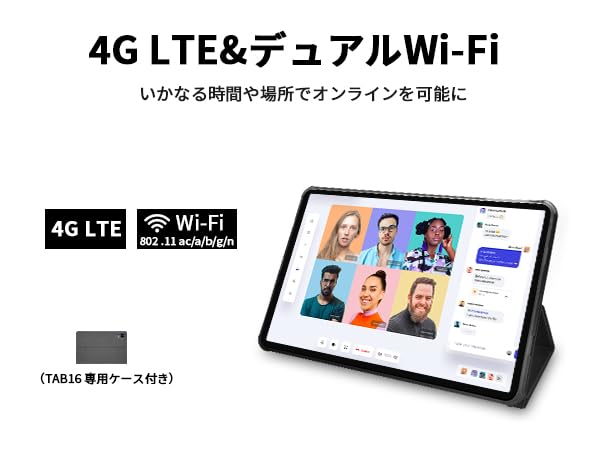
[5G Wi-Fi & 4G LTE Calling & Bluetooth 5.0 & Face Recognition] Equipped with dual-band 2.4/5GHz Wi-Fi, the wireless type is 802.11ac/b/g/n. It offers efficient data transfer and low power consumption. It supports SIM-free 4G LTE calling (frequency bands TD-LTE: B41; FDD-LTE: B1/B28; WCDMA: B1). High-speed 4G LTE allows for easy web surfing, even when not connected to Wi-Fi. Efficient Bluetooth 5.0 connectivity supports keyboard and mouse (AAC audio codec is not supported). It also features face recognition.
[Multifunctional & 8000mAh & 4-in-1 Navigation System] Satisfy your daily needs, such as family entertainment, online classes, and video viewing. The 8000mAh battery with a USB-C PD 18W charger provides up to 8 hours of normal entertainment and daily needs on a single charge. Equipped with GPS, GLONASS, BDS, and GALILEO, it is your reliable guide.
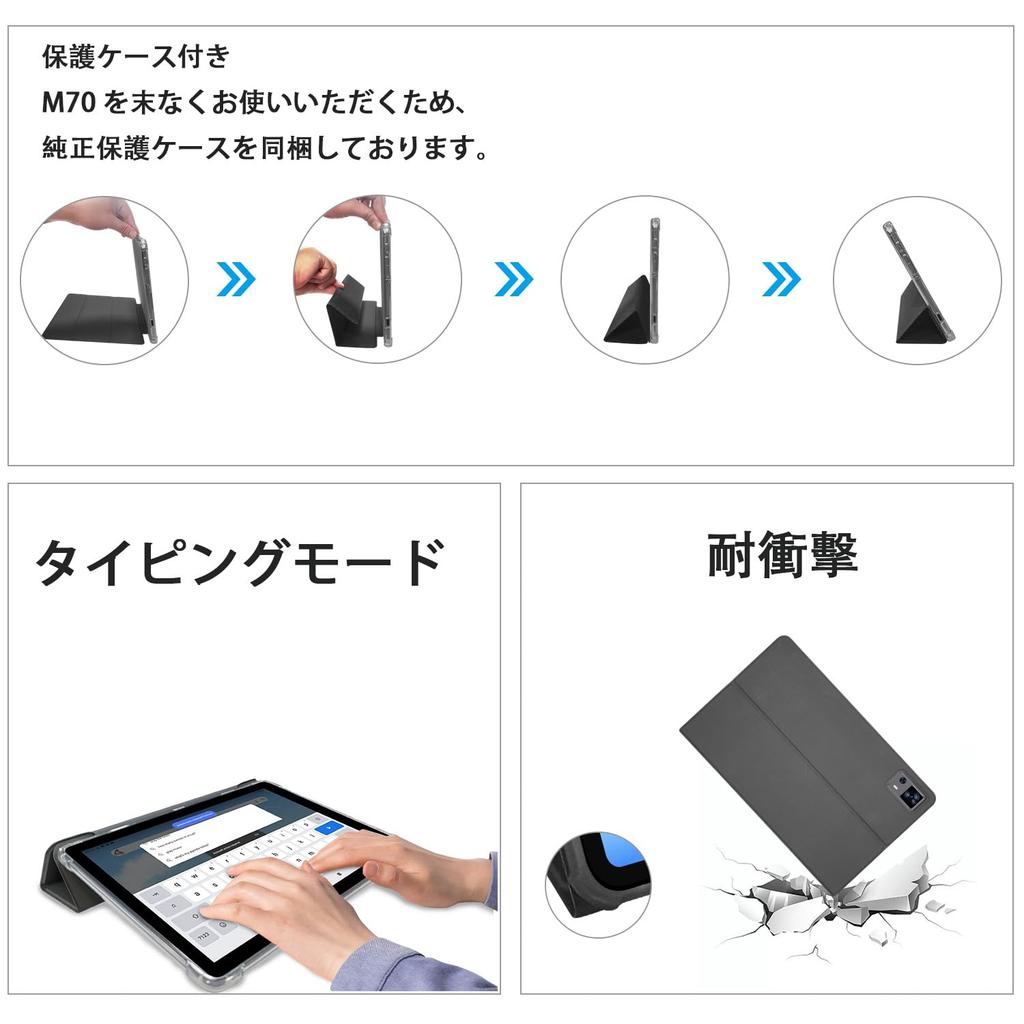
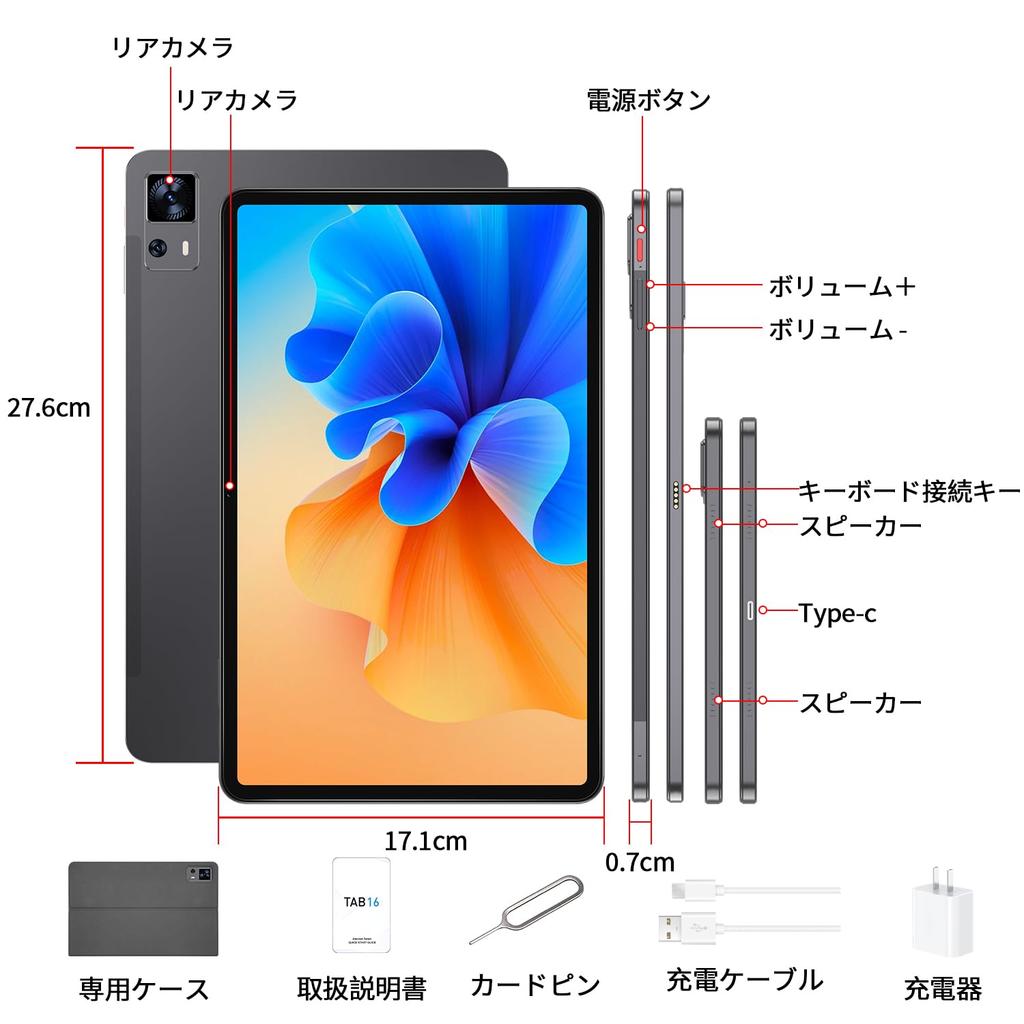
[Package Contents & 1-Year Warranty] Includes a dedicated case, screen protector (applied), Japanese instruction manual, PD18W power adapter, USB-C cable, and SIM card pin. Product dimensions are 27.6*17.1*0.7cm and weigh approximately 560g (excluding case). A 12-month warranty is provided, and please feel free to contact us with any questions. Support is available in English and Japanese. Contact Us: 1. Click "Happycould-JP" below the "Add to Cart" button on the product page and click "Ask a Question" in the upper right corner. 2. Go to "Account Services" - "Order History" - "Related Order" - "Contact Seller." 3. Please include your order number before contacting us by email.
[Note]: Japanese can be set as the initial setting. If you have forgotten, please refer to the following order: (System) System - (Language & input) Languages & input - (Language) Languages - (Add a language) Add a language - Select "Japanese" - Press the two lines to the right of "Japanese" and move up.









![Enhanced Android 15 24GB RAM 256GB ROM Up To 1920x1200 FHD Large 8000mAh 18W Fast Widevine L1 T615 4G LTE WiFi 6 Face Recognition [2025 Edition]](https://img.joomcdn.net/11f9028abf9e0c01ce7d36181de9cb7fee1e0cec_100_100.jpeg)