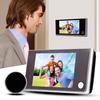
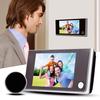
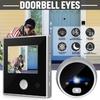
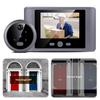
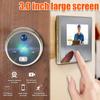
Function operation:
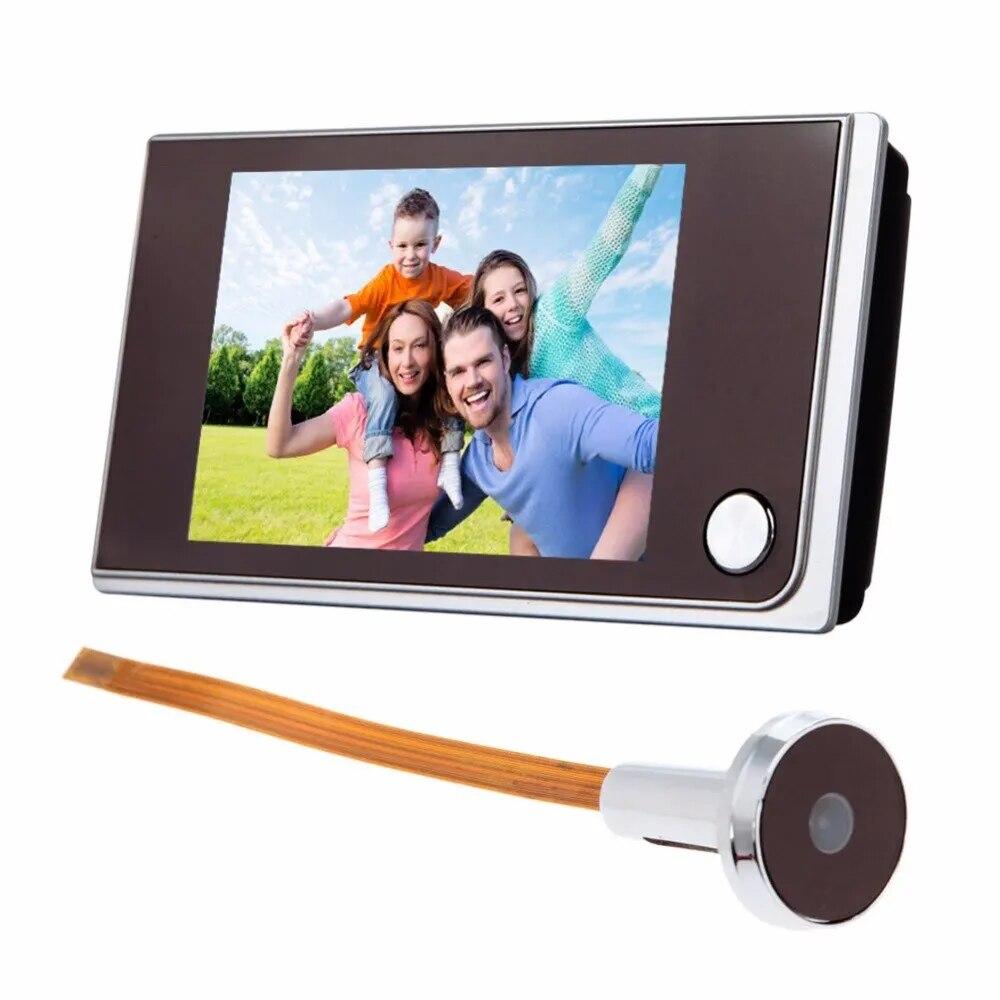
Press the power button to turn on the display image, you can observe the scene outside the door in real time through the display screen, and automatically shut down after 15 seconds.
1. Power on: Press the power button
2. Power off: Power off automatically after 15 seconds, long press the power button in the state of power on for 3 seconds to shut down.
Installation diagram and installation instructions:
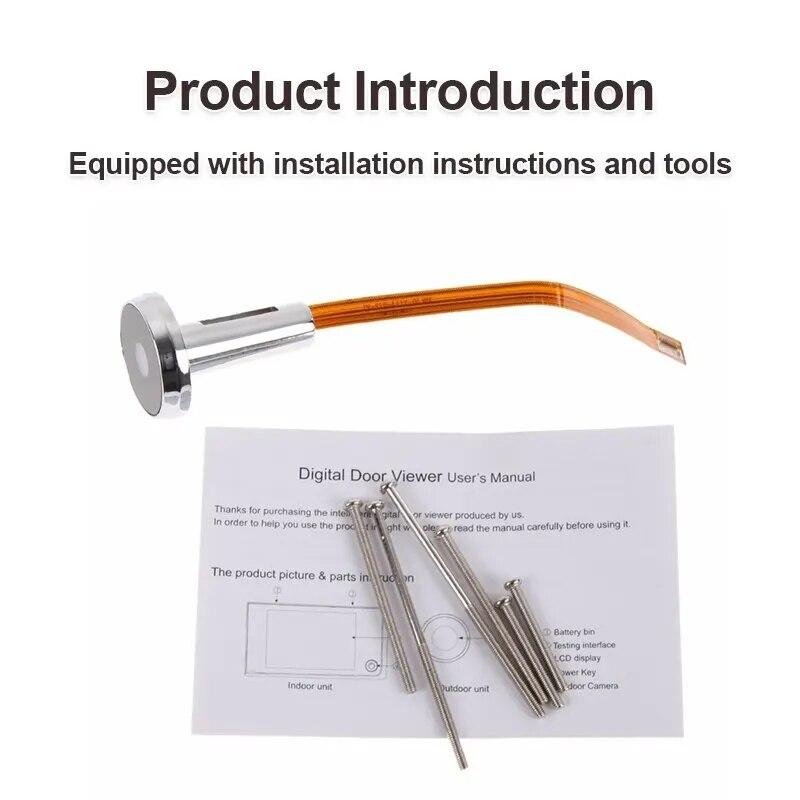
Step 1: Open the screw package and select a screw of appropriate length according to the thickness of the door. Screw the two screws into the metal boom of the outdoor unit.
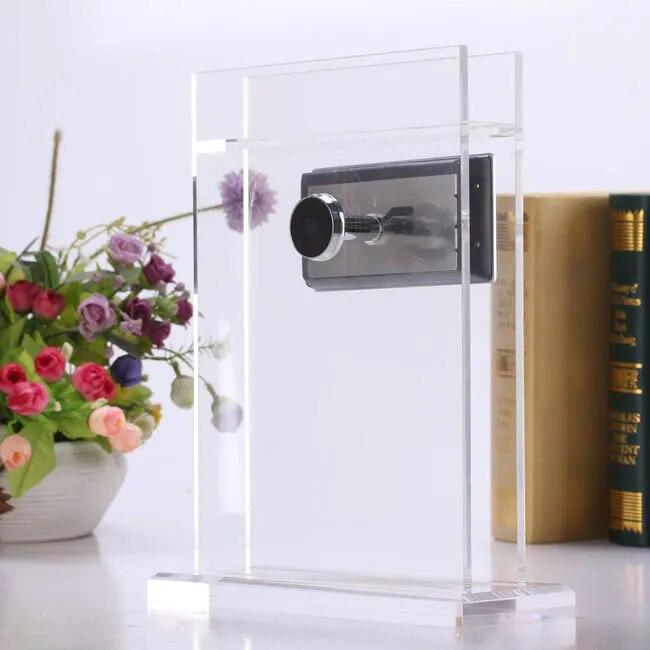
Step 2: Insert the outdoor unit into the door hole, remove the metal support from the rear of the host, route the outdoor unit cable through the upper slot hole of the metal support, and screw the metal support through the lower slot hole of the metal support, and hang the metal support to the screws on the boom rod outside the door. (Note: the triangular notch outside the door is facing upward, and the arrow direction of the metal support is facing upward), after checking the direction of the door and the metal support, push and pull the metal support to the left to make the metal support locked by screws. Tighten the two screws until the support and outdoor unit are securely secured.
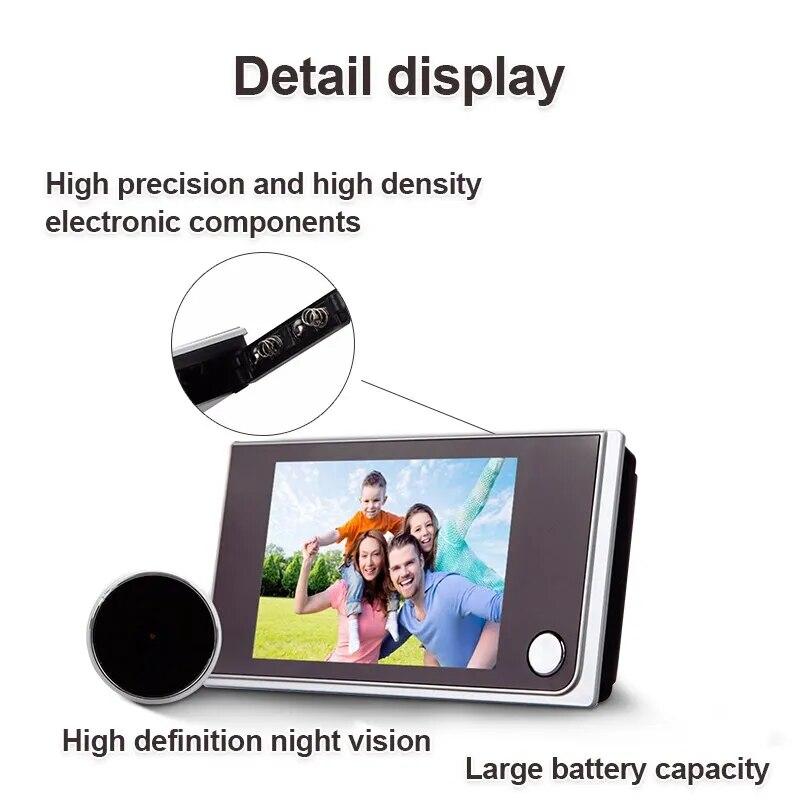
Step 3: Open the battery cover of the host and load the battery into the host (the battery polarity is marked on the battery cover).
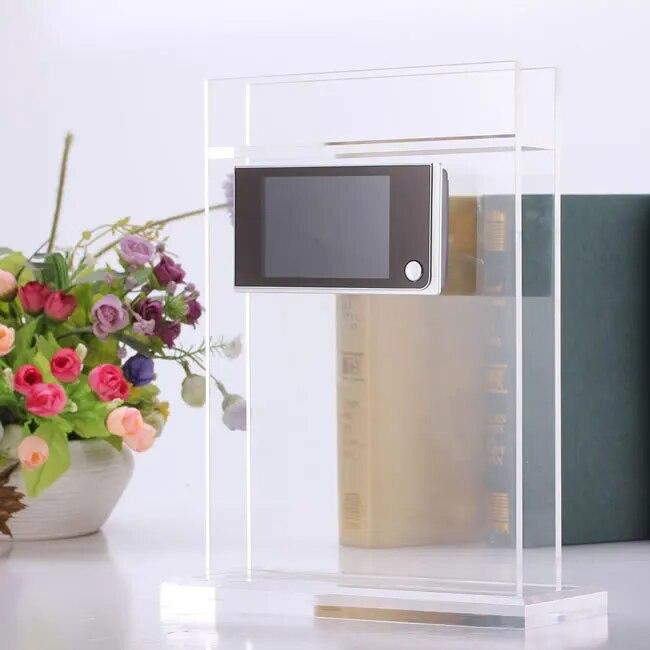
Step 4: Insert the four slots on the back of the indoor unit into the four hooks on the metal support, and pull down the indoor unit until it is locked.
Step 5: Remove the protective films from the surfaces of the indoor unit and outdoor unit. Installation complete.



 Återbetalning vid utebliven leverans