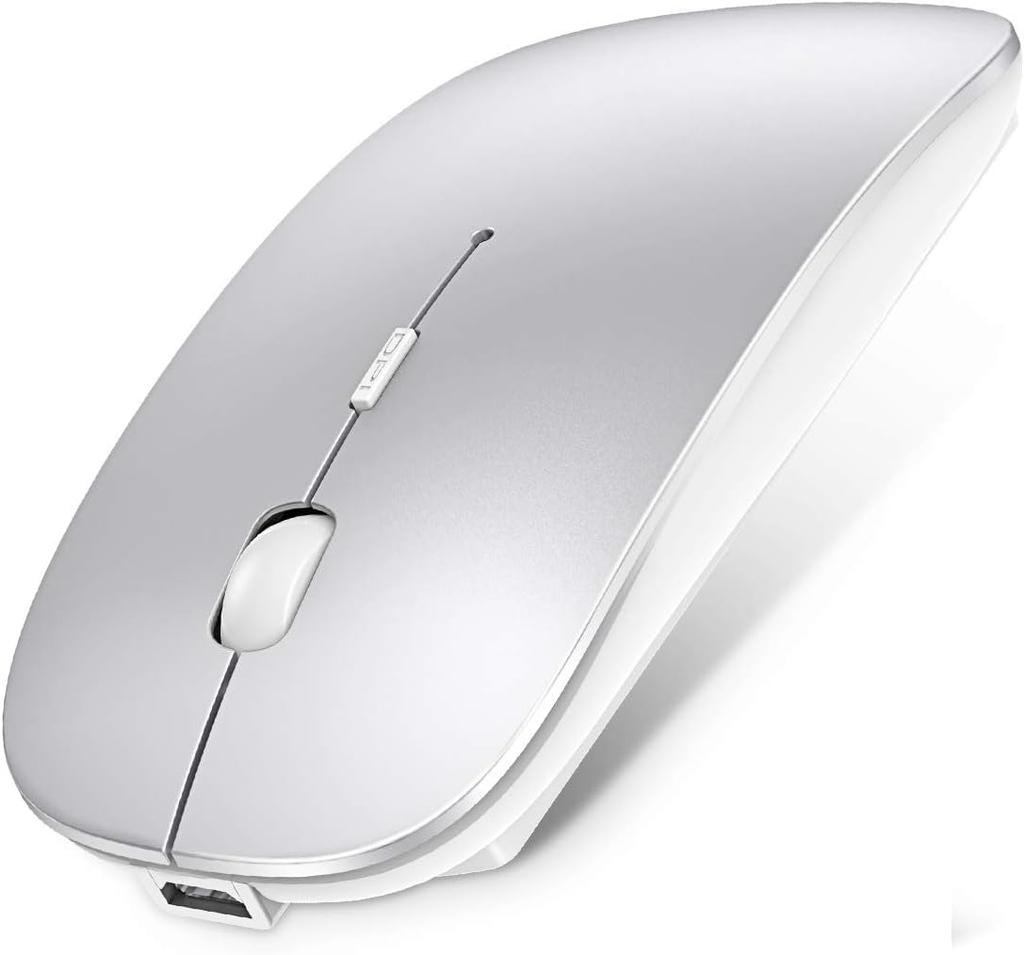
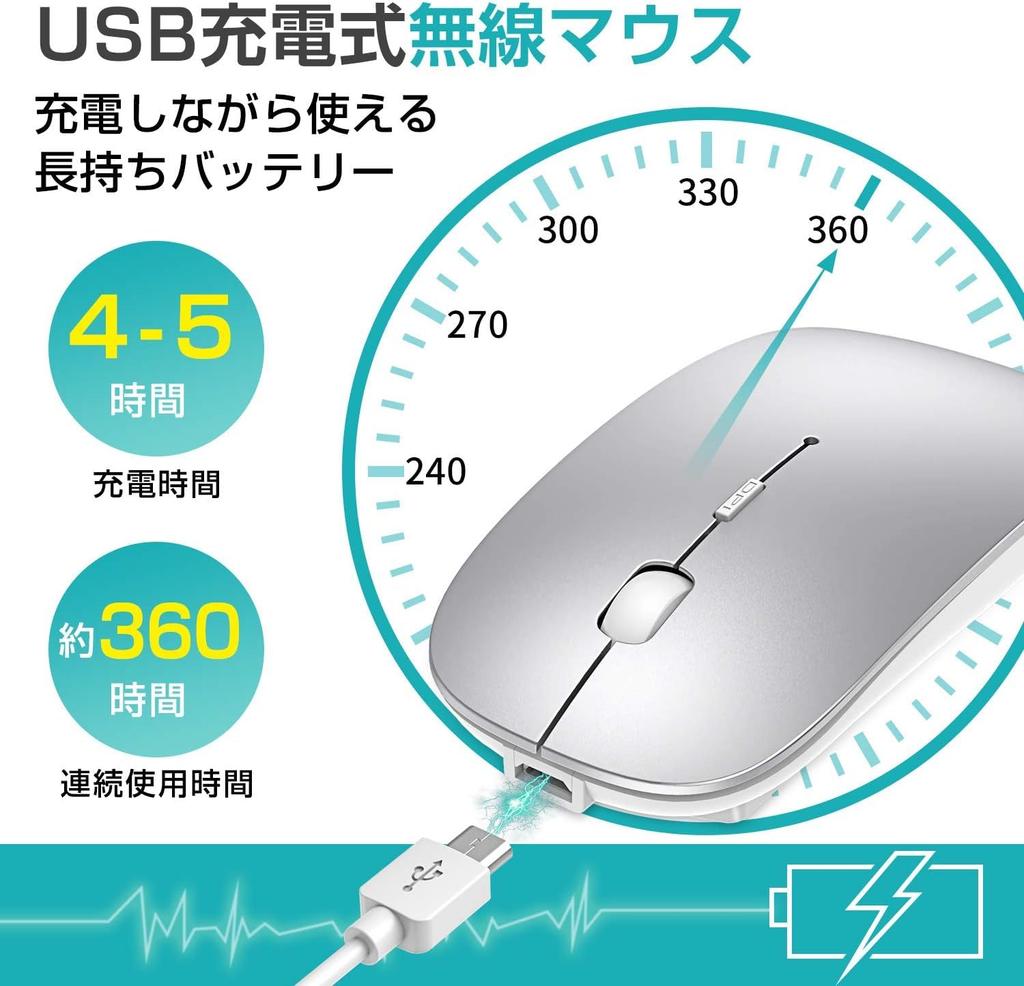
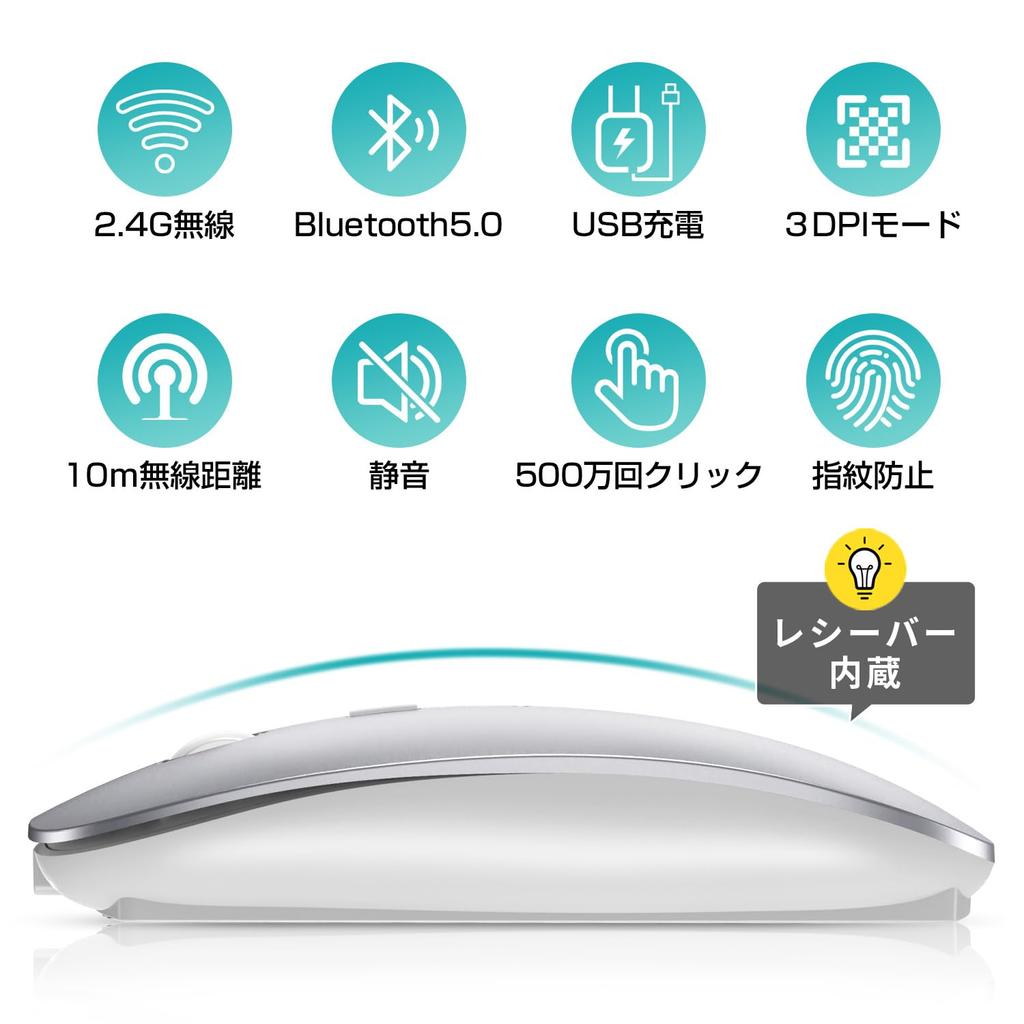
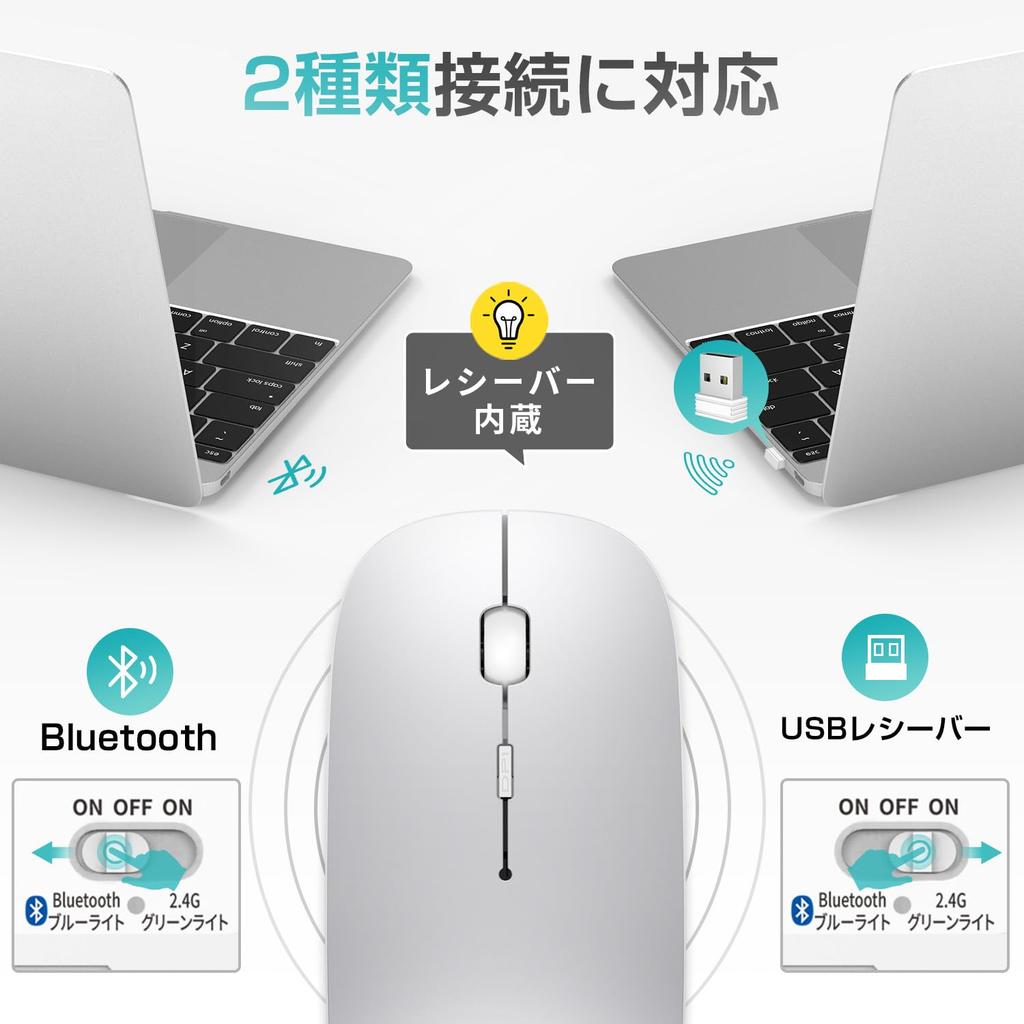
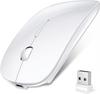
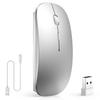
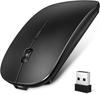
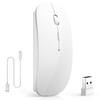
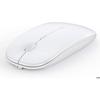
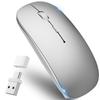
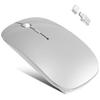
【2.4G Wireless Transmission/Bluetooth Mode】This mouse adopts advanced 2.4G wireless communication and Bluetooth 5.0 technology to provide a strong and stable wireless connection with more accurate tracking and faster response. USB and Bluetooth modes can be connected to two computers or a computer and a smartphone at the same time, and can be switched at will. The USB receiver is built into the back of the mouse.
[3-level DPI switching] Three adjustable DPI allows you to freely control the speed of the mouse. 800DPI is recommended for editing and design, but 1200DPI and 1600DPI are best for precise work such as game (FPS) illustration. You can easily change the cursor movement speed and enjoy both work and games.
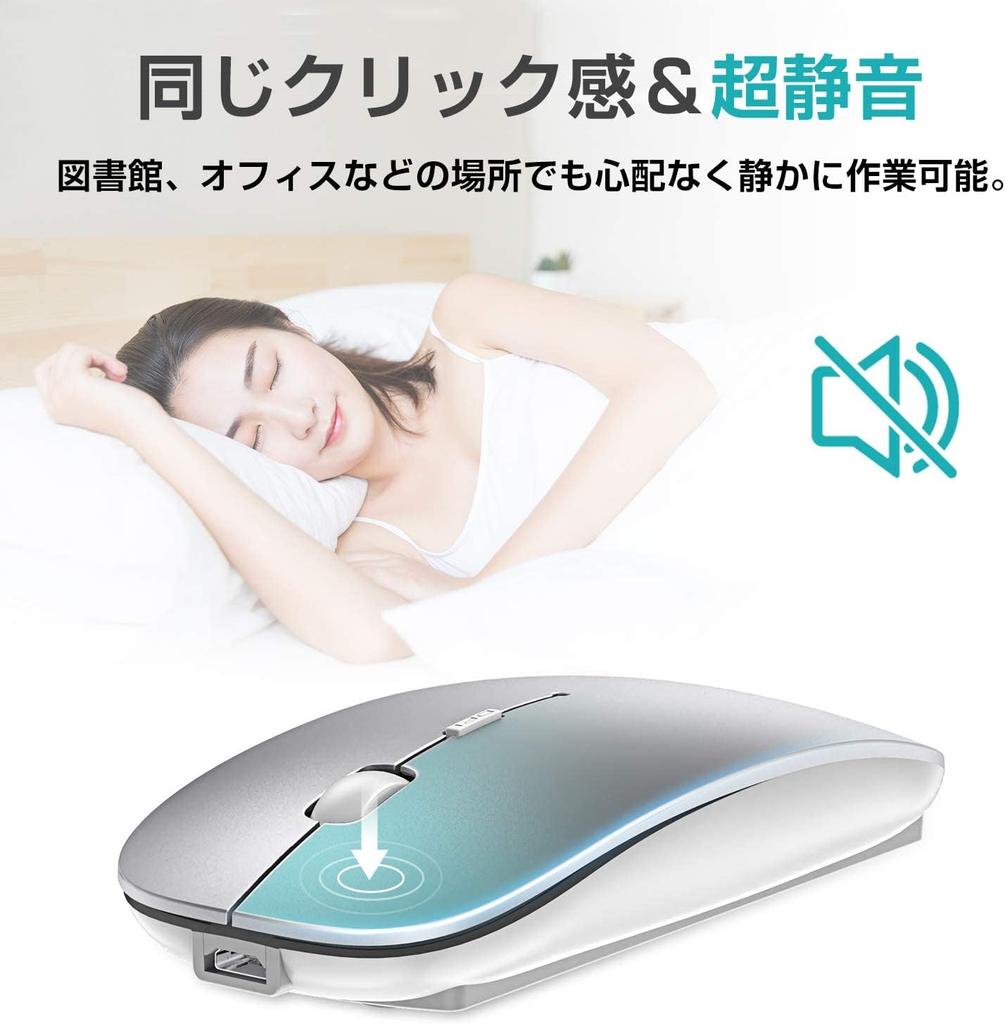
[Ergonomic design/quiet] A small cordless mouse with silent switch allows you to use it even if you are concerned about working noise. Whether it's for office or home use, you won't be a nuisance to others. It has an ergonomic design, so your hands won't get tired even if you use it for a long time.
[Thin/Highly Durable] This wireless mouse can withstand 5 million clicks. It has a luxurious matte texture that is light, thin, and feels good on the skin.
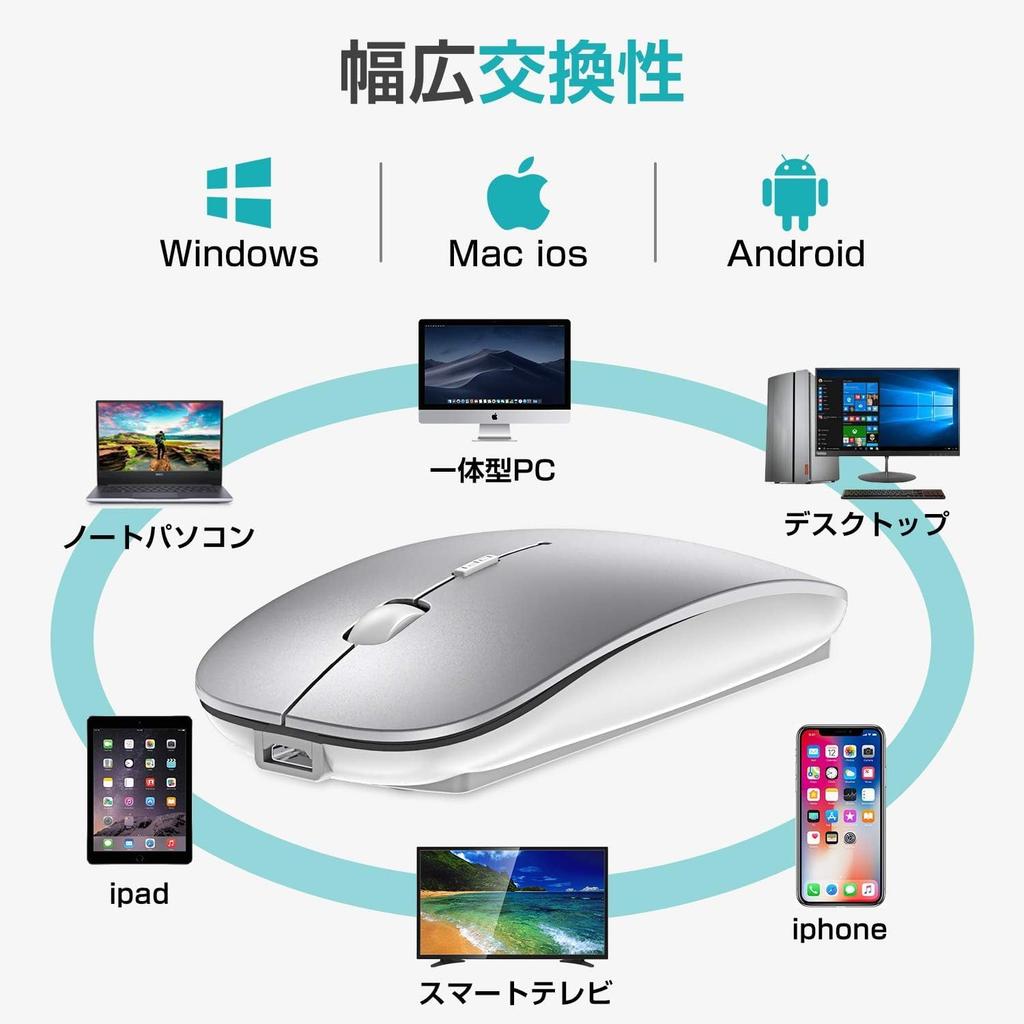
[Wide Compatibility/Quality Guarantee] Compatible with devices equipped with Bluetooth 4.0 or higher, such as iPhone/iPad/Windows 7/8/10, Vista/Android/MAC OS/Linus. It comes with a six-month warranty from the date of purchase, and if there is any initial defect or malfunction, damage, or other malfunction during shipment within normal usage, please contact our customer service directly. Please contact our store and we will replace it free of charge. Please rest assured. How to contact our store: Order history → Access the purchased product page → Click on "OO (store name)" under "Sold by OO" → Ask a question. We will always do our best to provide warranty service. We will do our best to satisfy our customers!
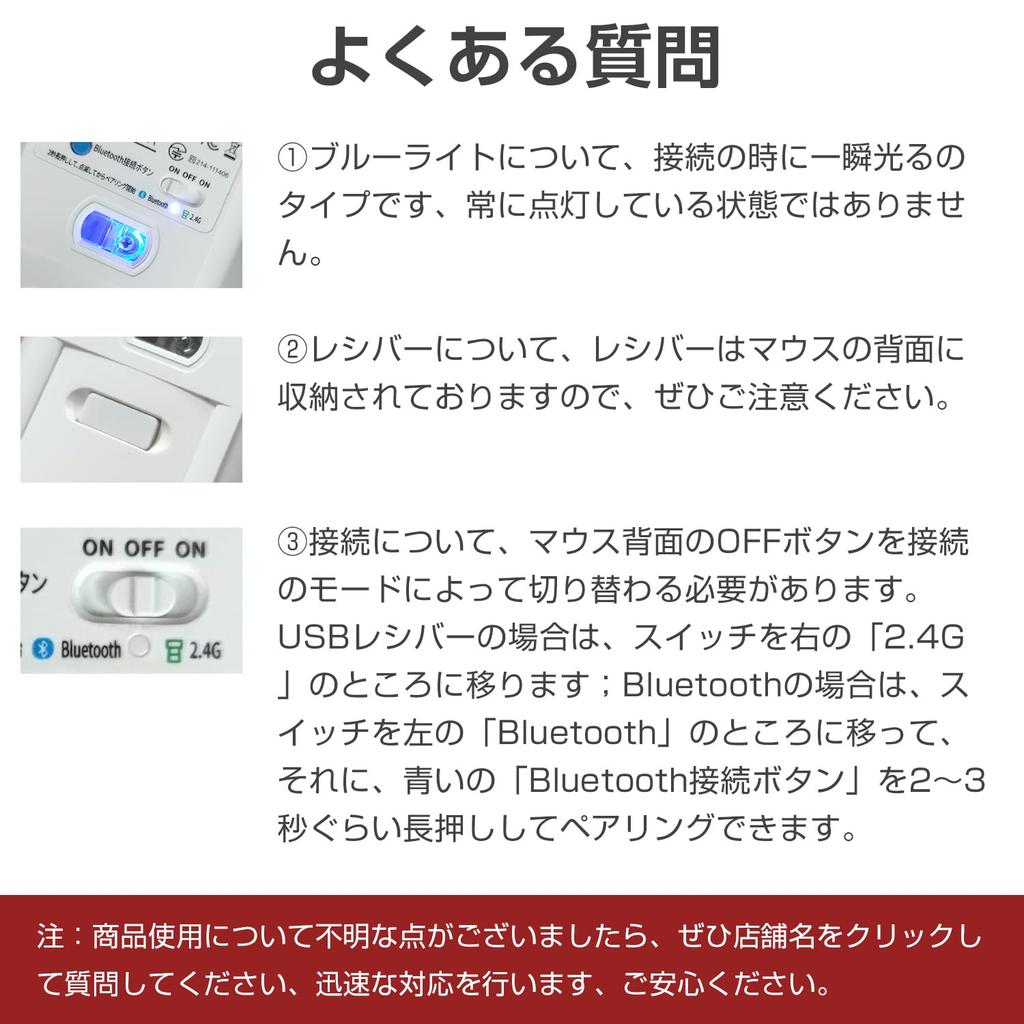
Frequently Asked Questions: 1. Regarding the blue light, it is a type that flashes momentarily when connected, but is not always on. ② Regarding the receiver, please note that the receiver is stored on the back of the mouse. ③ Regarding the connection, you need to switch the OFF button on the back of the mouse depending on the connection mode. For a USB receiver, move the switch to "2.4G" on the right; for Bluetooth, move the switch to "Bluetooth" on the left, then press the blue "Bluetooth connection button" You can pair by pressing and holding for about 3 seconds. Note: If you have any questions about using the product, please click on the store name and ask us a question, we will respond quickly, don't worry.
mouse wireless