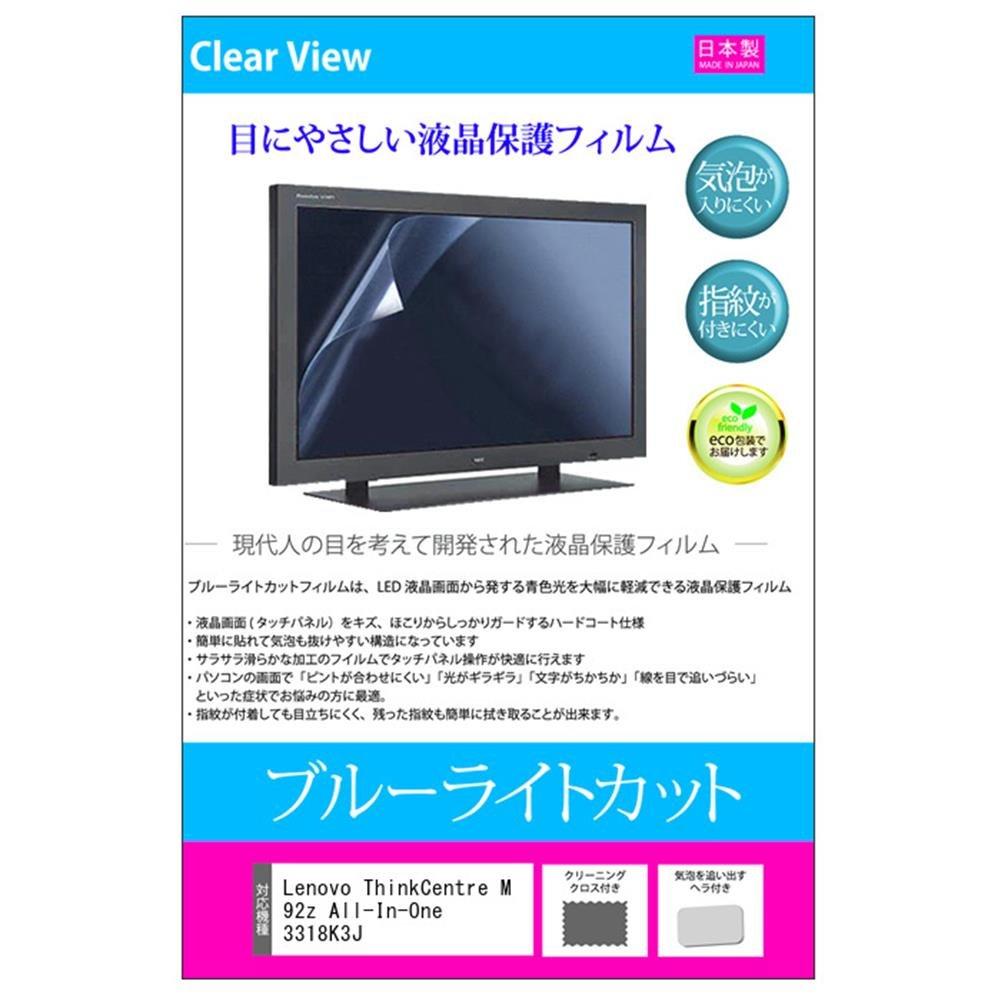
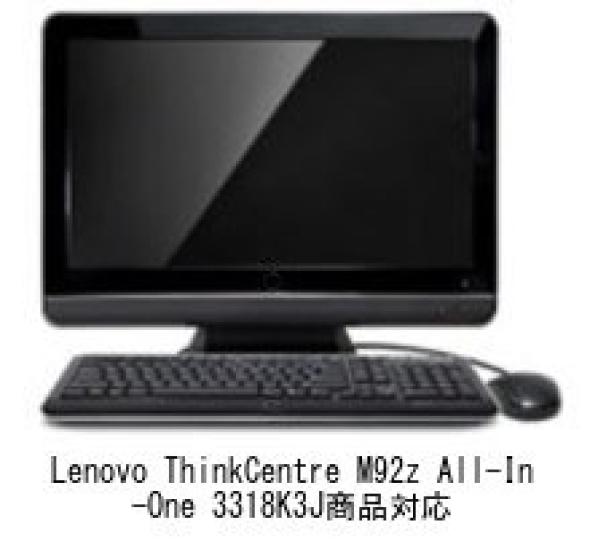
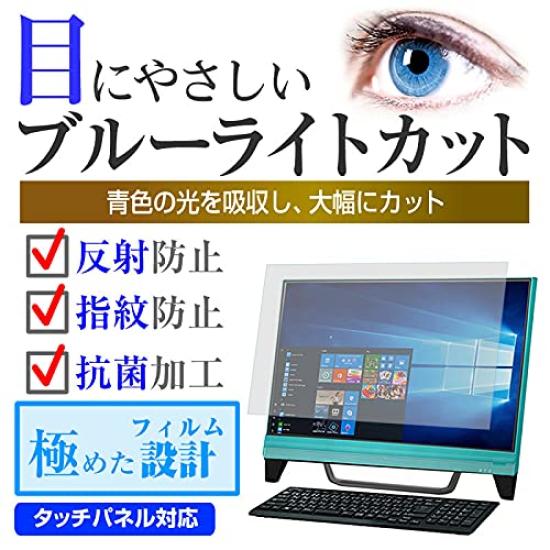
Compatible with ThinkCentre M92z 3318K3J (23 inch 1920x1080) Blue light cut LCD protective film. Protects your eyes from the blue light emitted from your computer monitor and reduces eye strain.
The bubble-free processing makes it easy for air bubbles to escape.
The anti-reflective (non-glare, anti-glare) coating reduces glare and makes the screen easier to see.
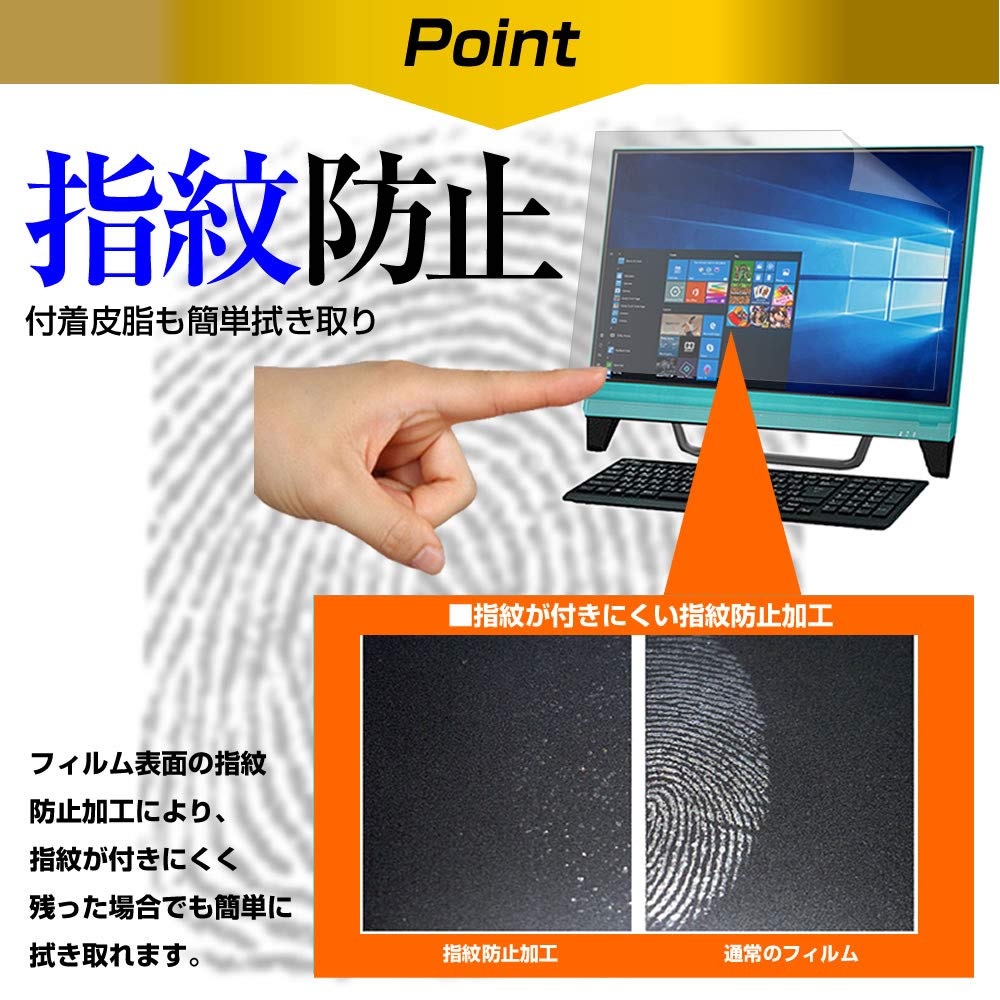
The anti-fingerprint coating makes it difficult for fingerprints to appear and easy to wipe off.
It can be used with a clear LCD screen without any color cast.
Compatible with ThinkCentre M92z 3318K3J (23 inch 1920x1080)
Protective film, cover sheet, blue light cut, anti-reflective, anti-fingerprint, bubble-free, antibacterial, LCD protective film
◆Characteristics of LCD protective film
● Blue light blocking film protects your eyes from the blue light emitted from screens and reduces eye strain.
● Anti-reflective (non-glare, anti-glare) processing reduces reflections from light sources such as fluorescent lights, making the screen easier to see.
● The film is fingerprint-resistant, so fingerprints are less likely to stick to it, and even if they do, they are easy to wipe off.
● Due to the bubble-free processing, the structure is designed to easily remove air bubbles.
● Antibacterial coating keeps the screen clean.
● We use film made in Japan.
・Blue light blocking rate
380nm to 500nm: 32% or more cut
Uniformly suppresses the mid-wavelength light emitted from LED light sources.
- High transmittance that does not impair the beauty of the LCD screen
Total light transmittance: 90%
・Hardness 3H
It is scratch resistant and provides excellent protection for the LCD screen.
- It doesn't have a strong yellow tint and looks natural.
◆ Installation method: Silicone suction
◆Points to note before purchasing
※The device itself is not included.
*This product is a rectangular cut film the size of an LCD screen.
It does not support rounded corners on the display.
*It only covers the LCD screen display area and does not cover the entire display.
It is adjusted to the screen size, but if it does not fit the size, please cut it with scissors or a cutter.
*When installing, be careful not to press the LCD screen too hard as it may be damaged. Please attach it carefully.
*Dust and dirt may cause air bubbles. Please clean the screen before applying.