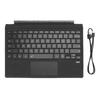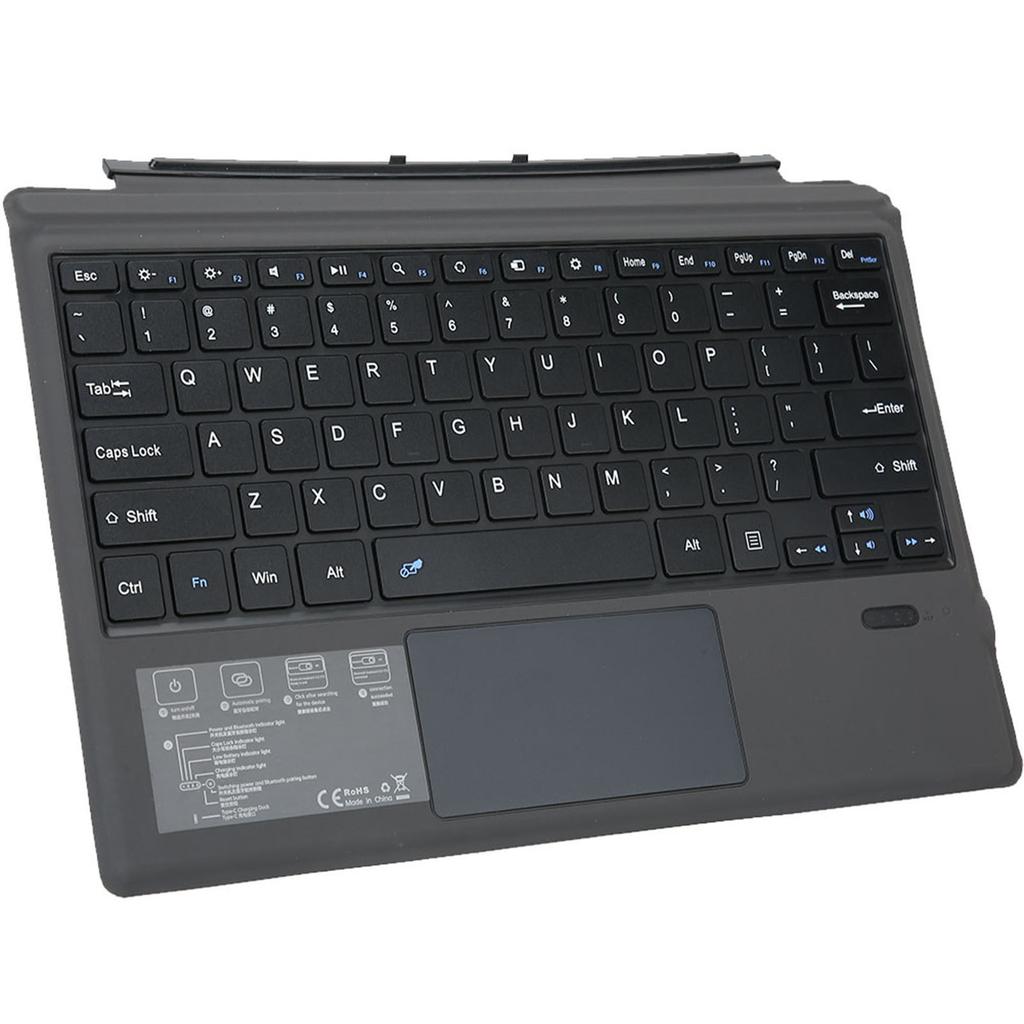
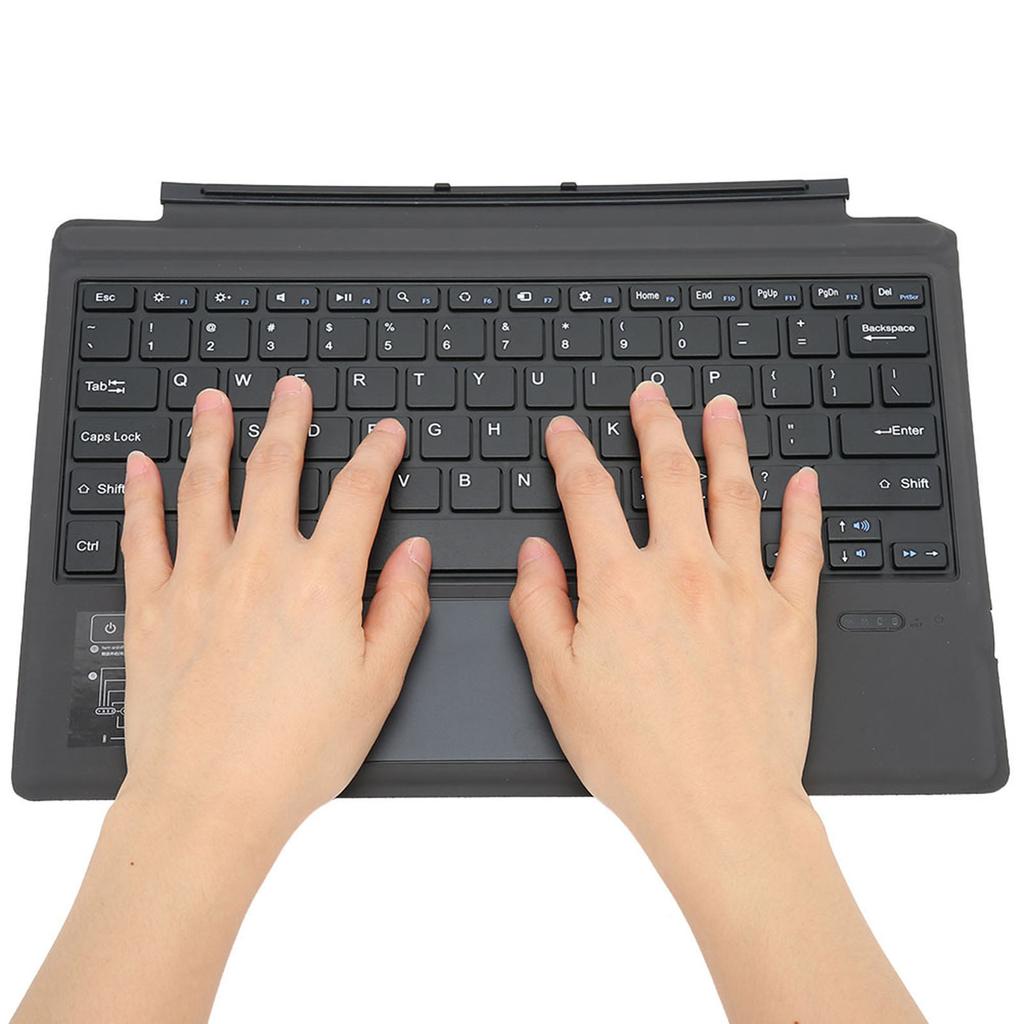
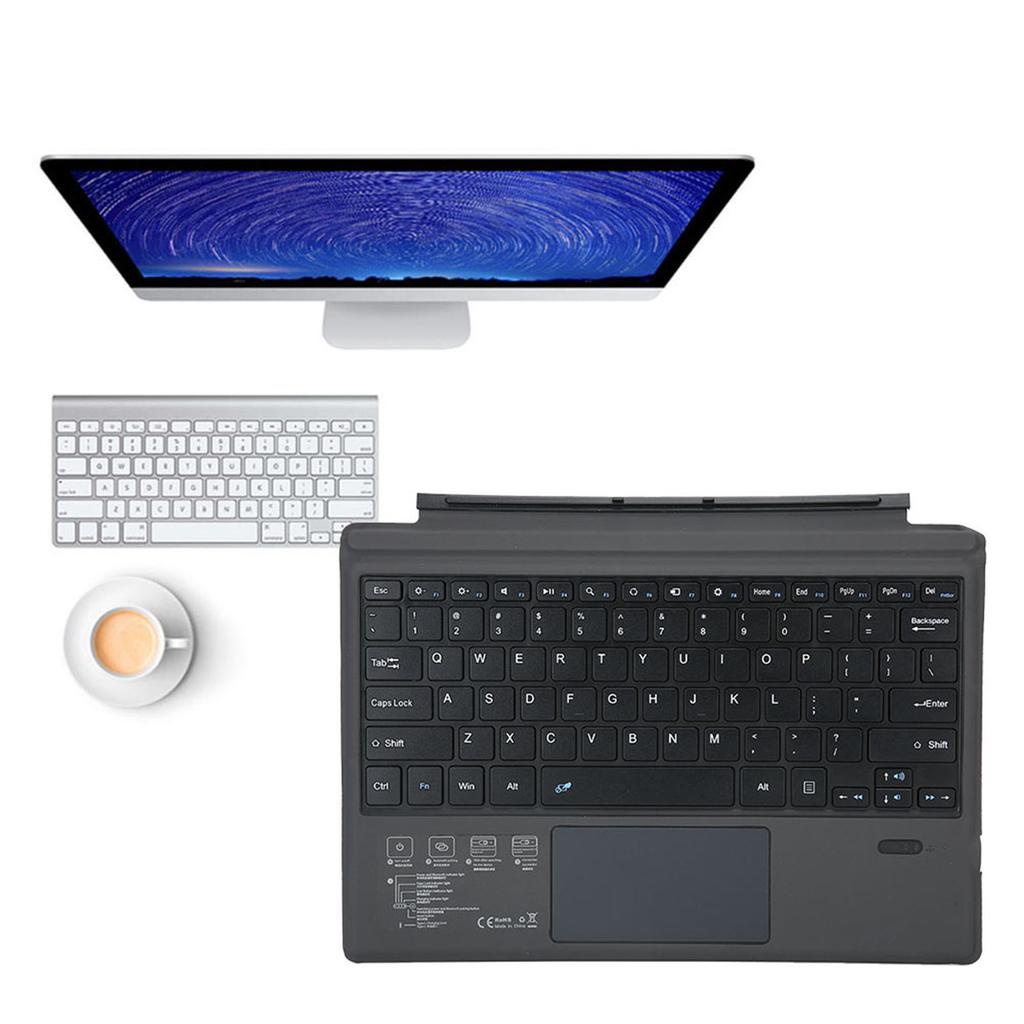

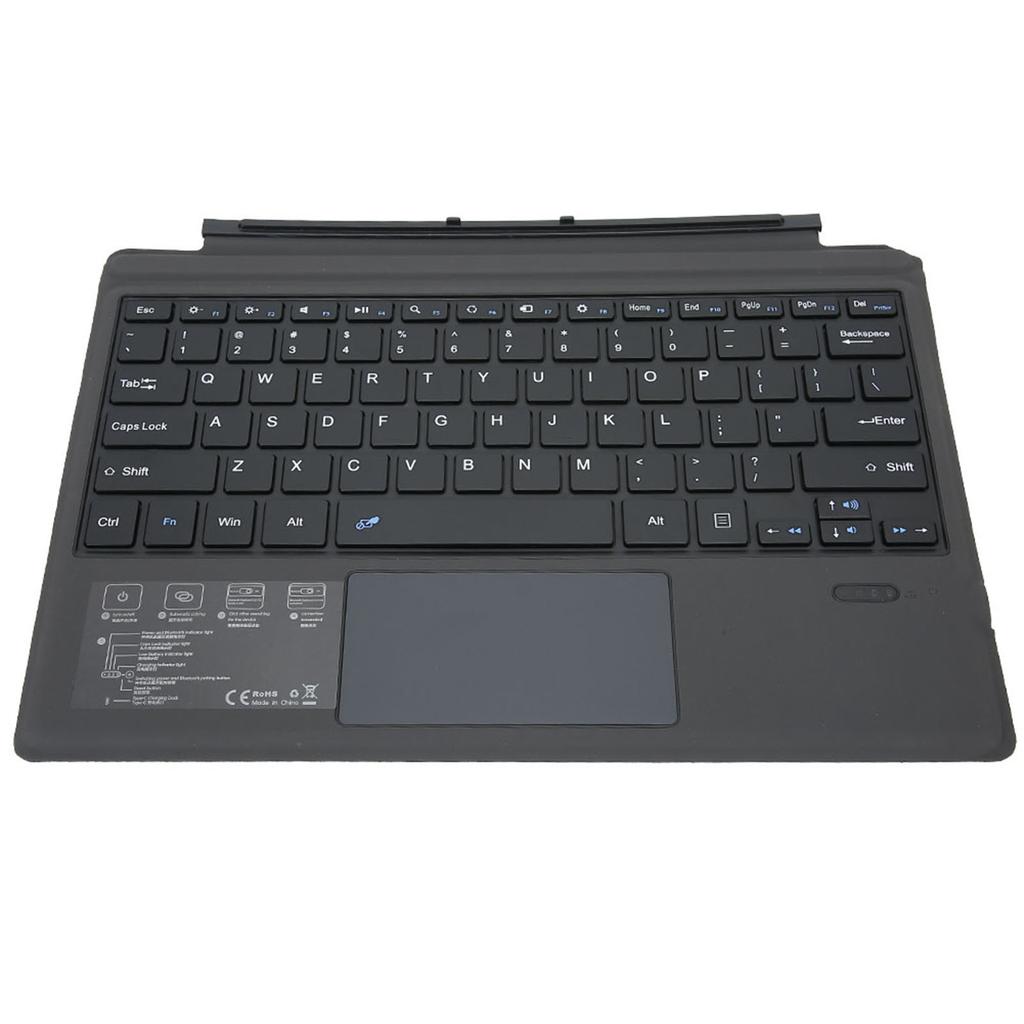
Bluetooth Wireless Magnetic Absorption Slim Keyboard For Microsoft surface pro3 4 5 Tablet PC


Beskrivning
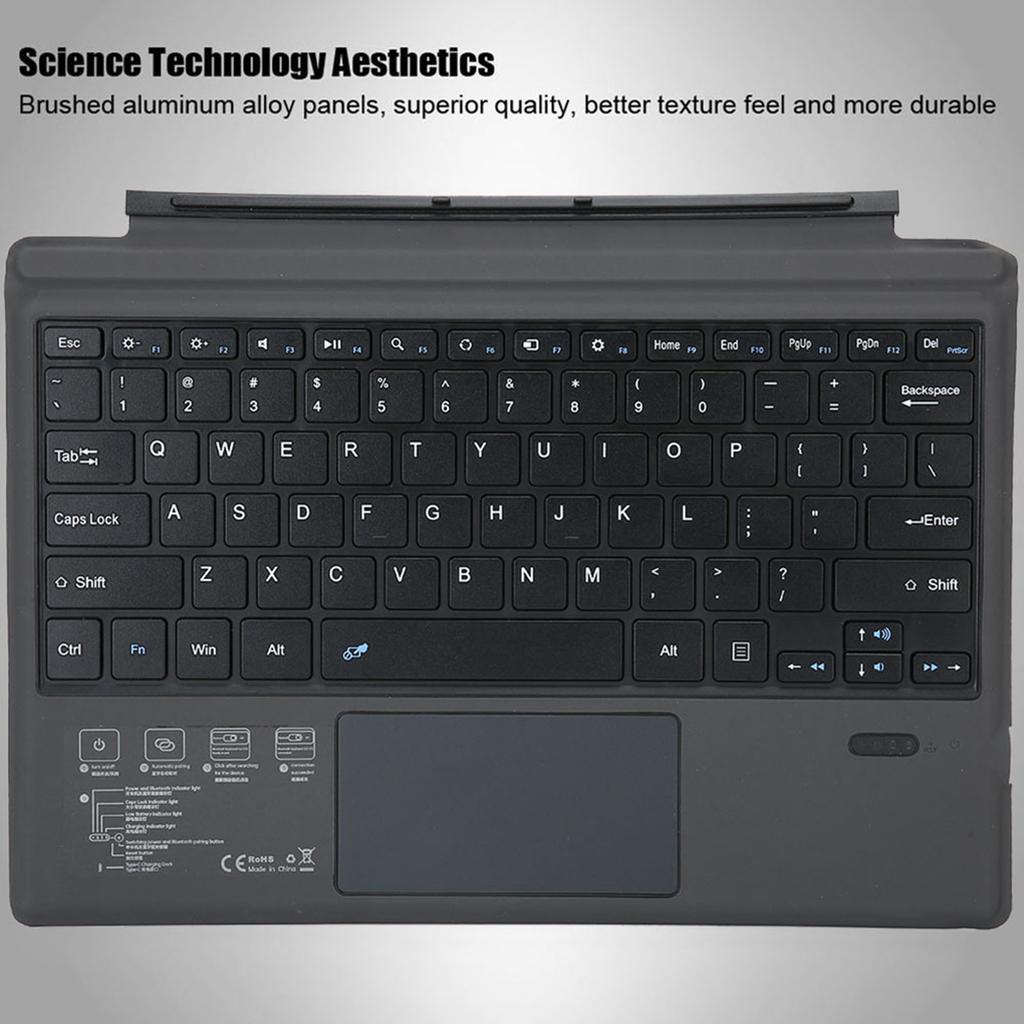
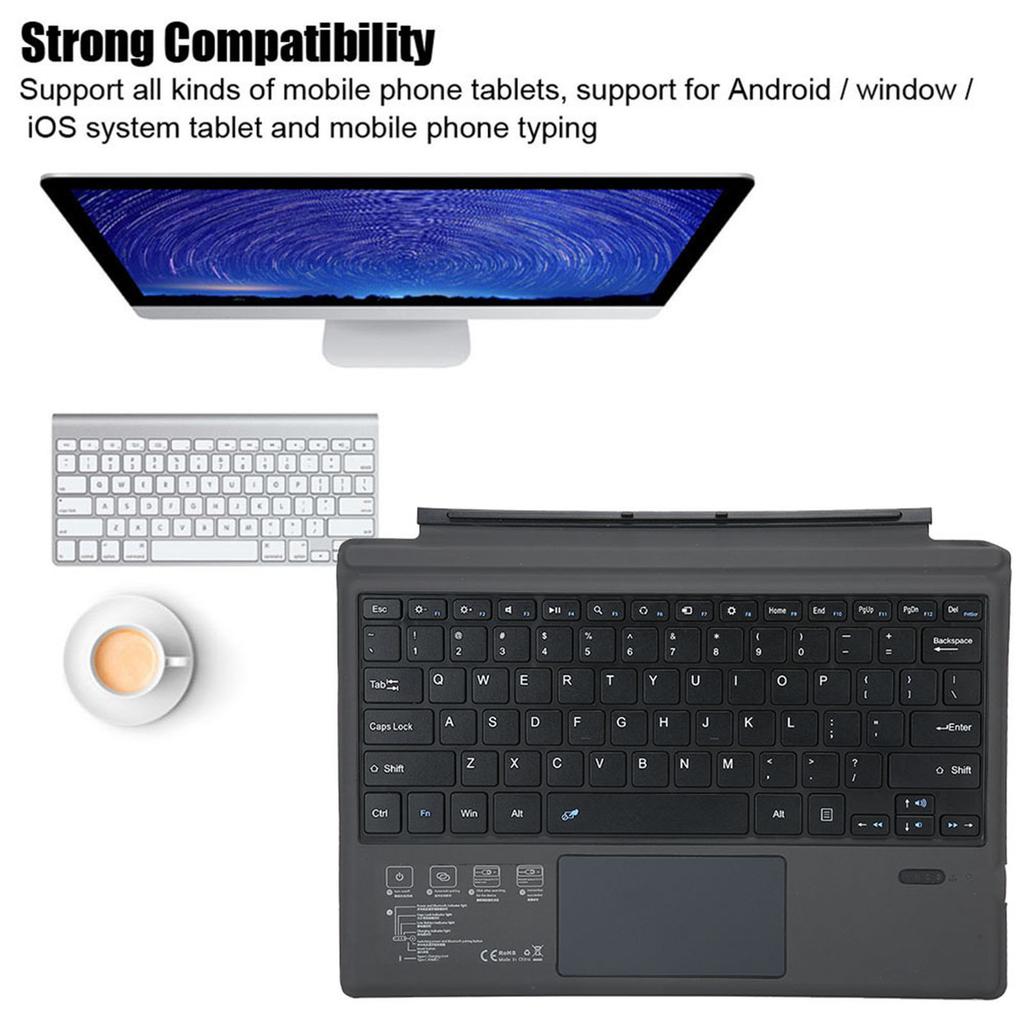
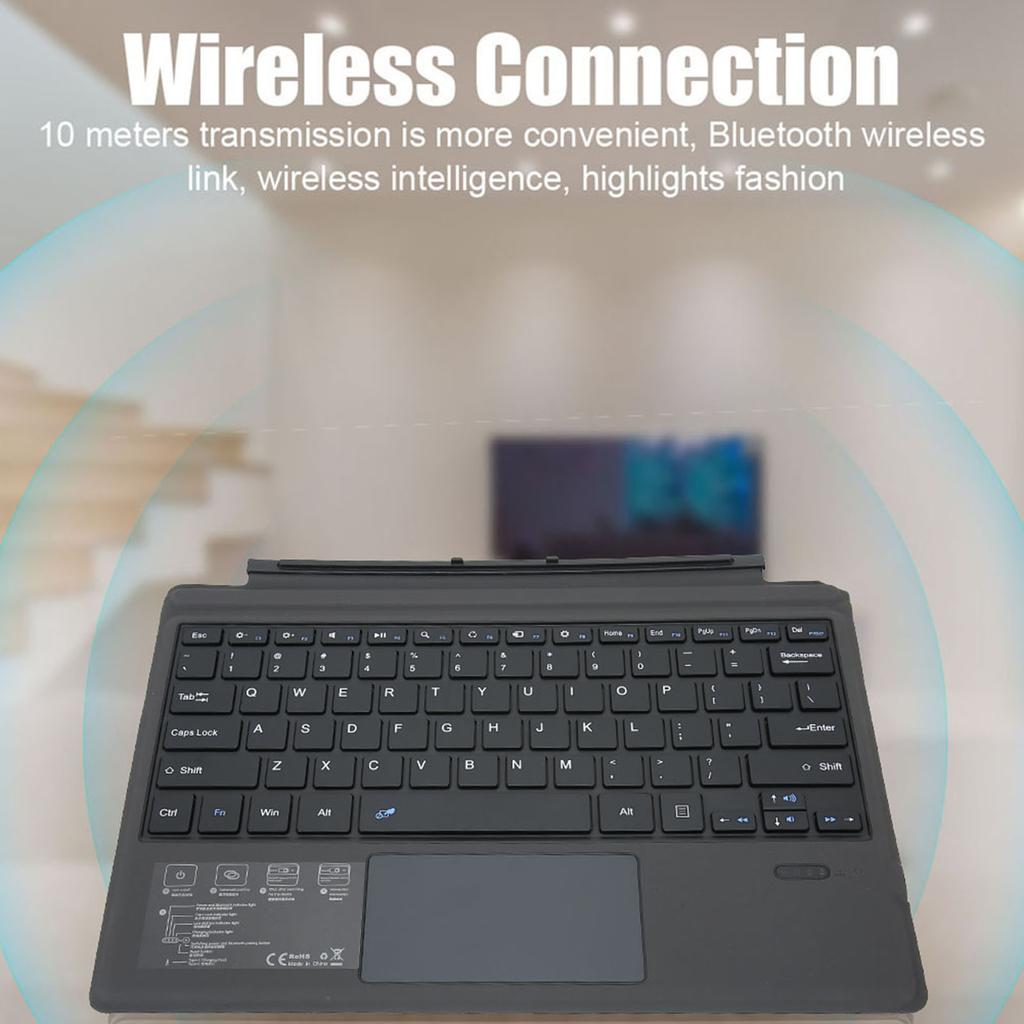
Features: Wireless Connection 10 meters transmission is more convenient, Bluetooth wireless link, wireless intelligence, highlights fashion. Science Technology Aesthetics Brushed aluminum alloy panels, superior quality, better texture feel and more durable. The back shell of the keyboard is selected with high quality and no smell pu, non slip, anti fall, no smell, and healthier. Multi Function Trackpad Different gestures and different functions allow you to truly enjoy smart technology. Upgrade Button Comfortable and sensitive, more comfortable typing experience, the keyboard is designed with high elastic scissors feet, and the hand feels improved. Magnetic Charging Fully for two hours, using 1800 minutes. Strong compatibility Support all kinds of mobile phone tablets, support for Android window iOS system tablet and mobile phone typing. Specification: Applicable models: For Microsoft surface pro3 4 pro5 pro6
pro7 Bluetooth : for Broadcom Solutions Product Layout: American English Ma terial: ABS chocolate key core + PU leather Features: Fn combined multimedia function Applicable system: The keyboard size is specially designed for Microsoft surface pro3 pro4 pro5. The keyboard supports all for Windows systems and can be used in many aspects. Support Agreement: Bluetooth 5.0 Power is connected to the power supply via the USB interface. Lithium battery capacity: 350 mAh Working environment temperature: 10 degrees C 55 degrees C Charging time: 2 3 hours Use time: 95 hours Standby time: 100 days Button life: 5 million times Effective operating distance: 10 meters Size: Approx. 29.5*22*0.5cm 11.61*8.66*0.2in Weight: Approx. 446 g Package list: 1 * Keyboard 1 * USB Cable 1 * Instruction Manual Use Tutorial: 1. Open the Bluetooth keyboard holster and push the switch in the lower right corner from (OFF to ON). At this time, the leather keyboard is activated, and the blue light is turned off after 3 seconds. 2. Then click the (Link button) (connect button) next to it, then the blue light is on and the Bluetooth light flashes. 3. Open the tablet, find Settings turn on wireless and network turn on Bluetooth search for nearby devices (search for Bluetooth keyboard) click on the connection. 4. Tablet screen prompt (Bluetooth pairing request (enter Bluetooth password XXXX to pair Bluetooth keyboard )), enter the number displayed on the screen on the Bluetooth keyboard and press the Enter key, the connection is successful!. Note: