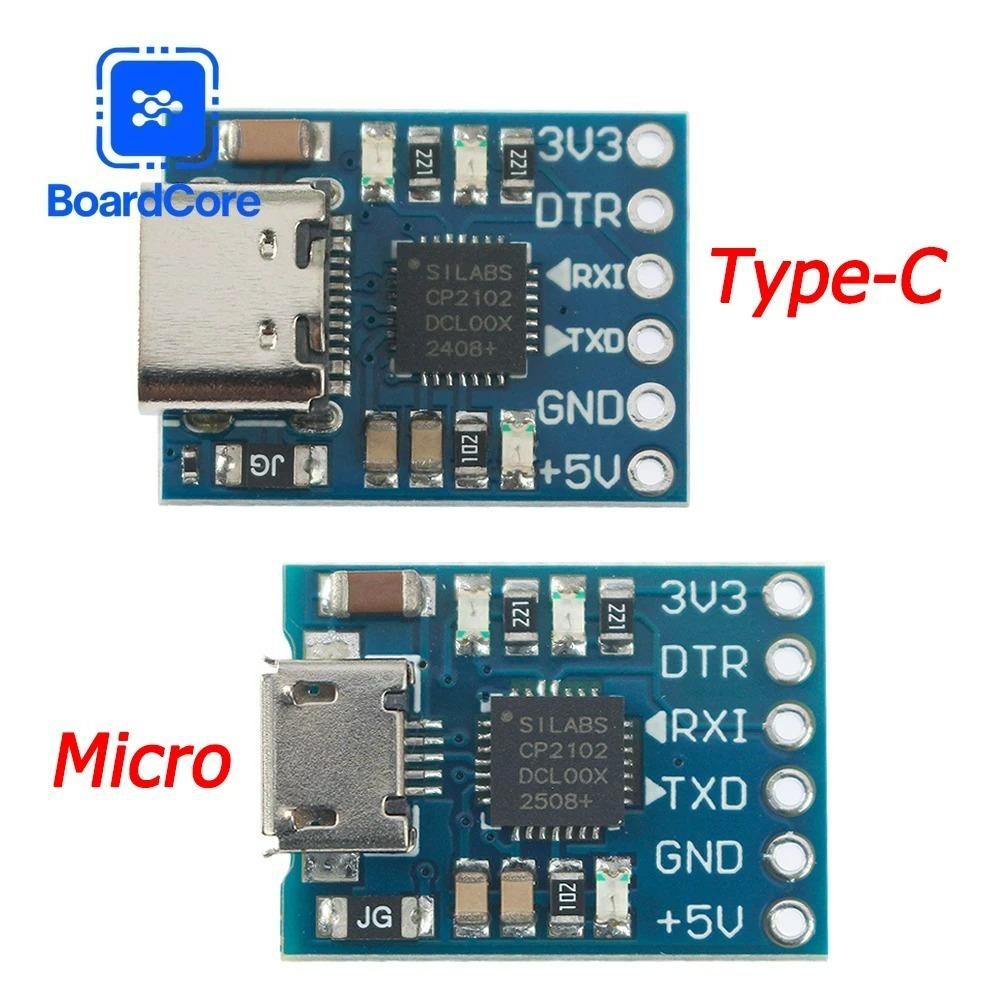
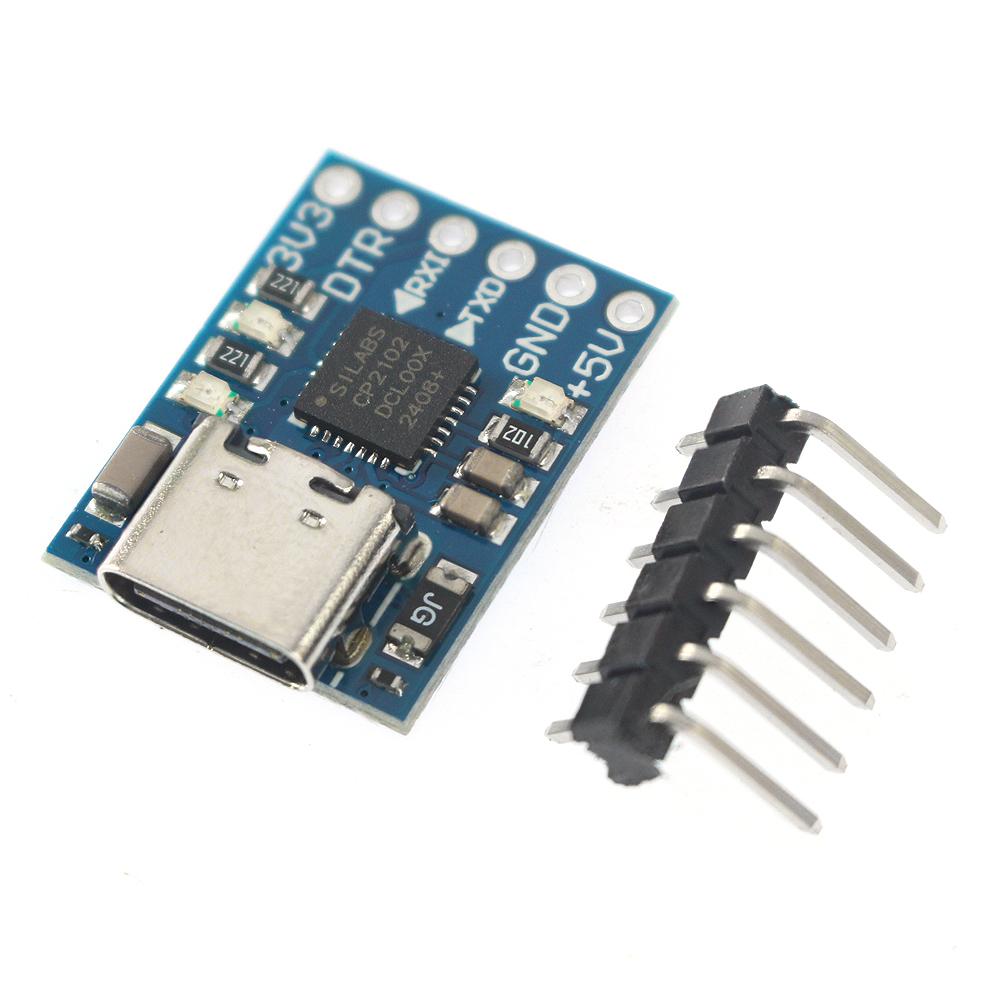
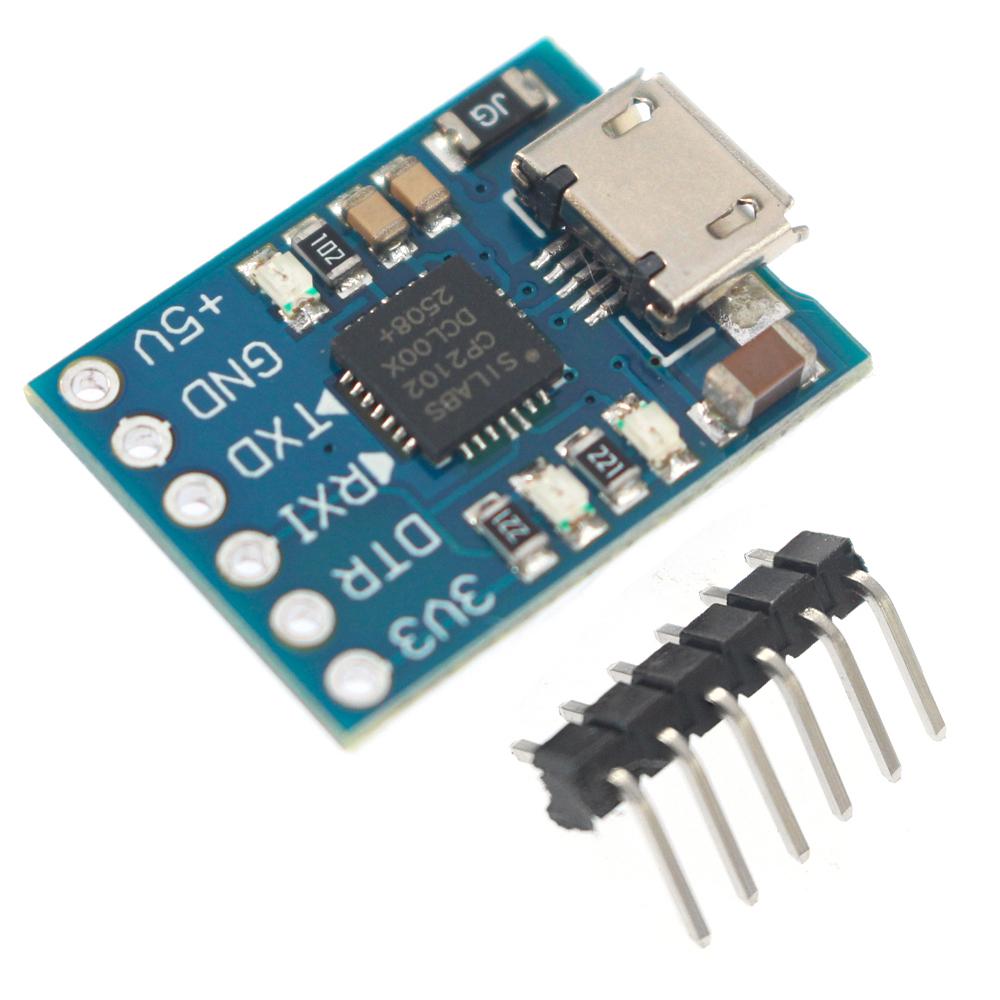
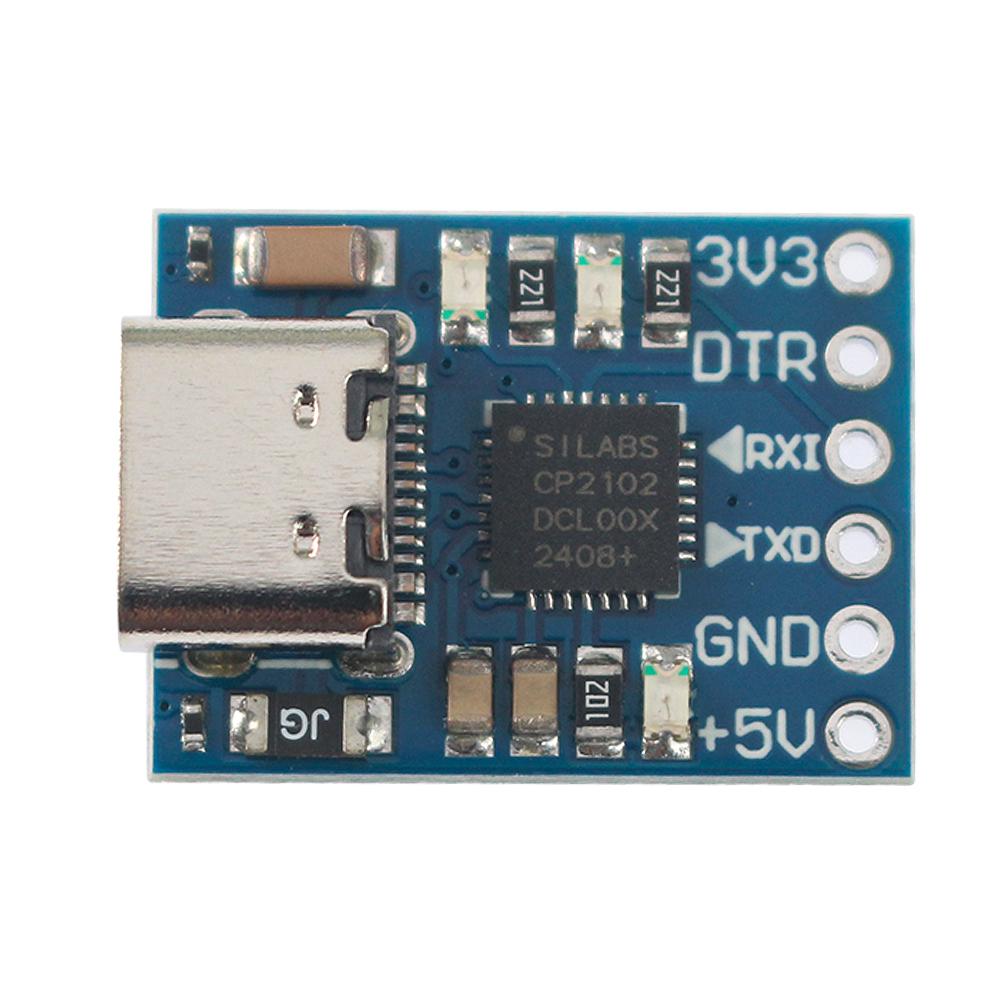
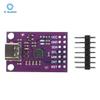
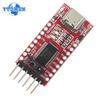
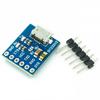
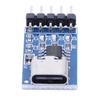
CP2102 Module USB to TTL, USB to Serial Port UART STC Downloader
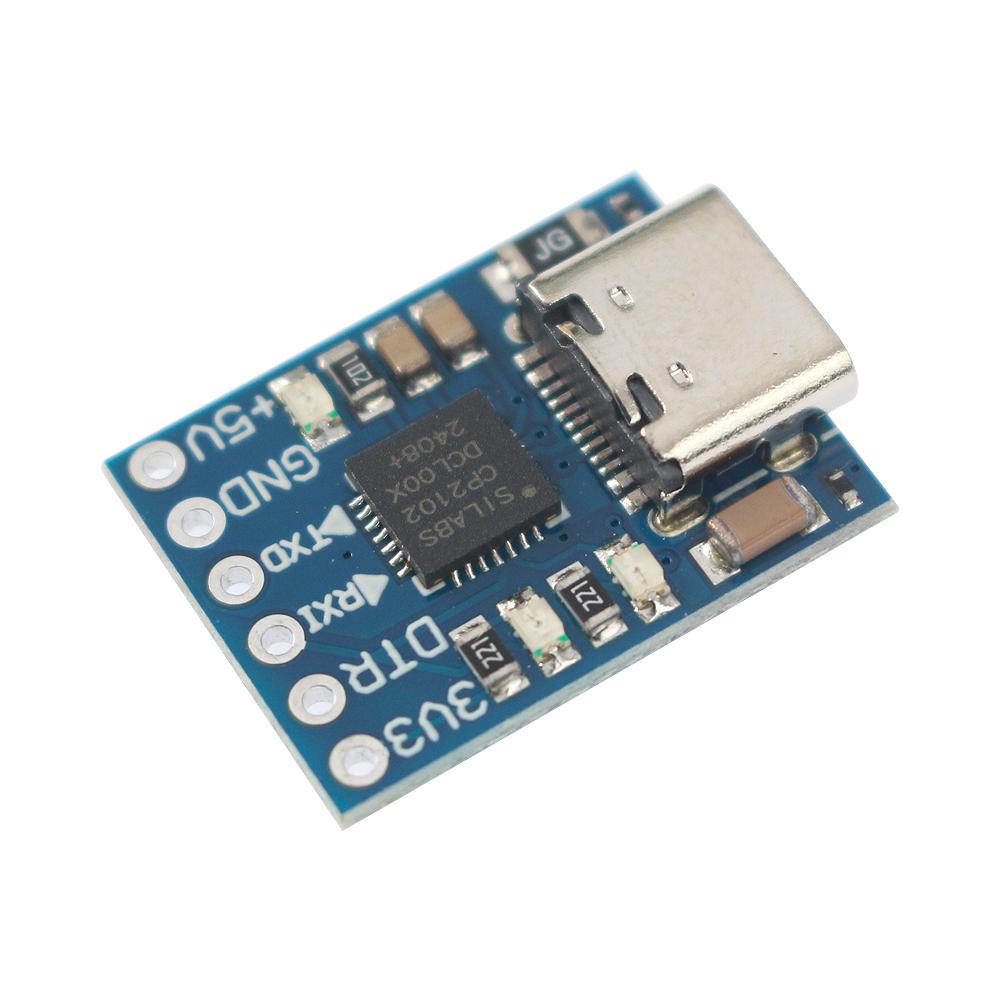
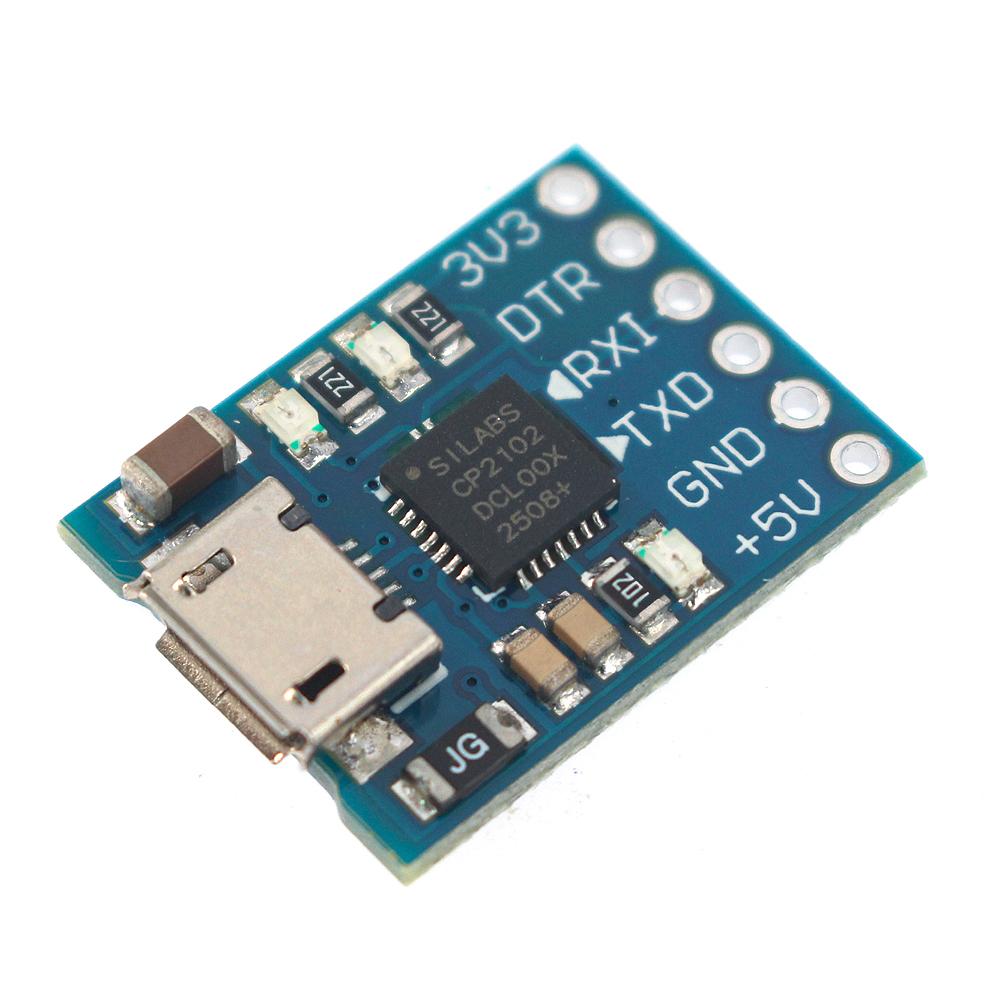
The MCU-CP2102 features a high degree of integration, with an integrated USB2.0 full-speed function controller, USB transceiver, crystal oscillator, EEPROM and asynchronous serial data bus (UART). It supports full-function signals from the modem without the need for any external USB devices. The working principle of CJMCU-CP2102 is similar to that of other USB-UART adapter circuits. It virtualizes the USB port of a PC into a COM port through a driver to achieve the purpose of expansion.
Cjmc-attitude Module Communication USB to TTL Module 5V power output TTL level CP2102 core CJMC-CP2102 is a highly integrated USB-UART bridge that can provide a simple solution for RS232 to USB conversion using minimal components and PCB space. In simple terms, it means that users can use the CJMCU-CP2102 to convert the USB interface and the RS232 interface to each other.
Module Description:
1. The original CP2102 chip generates a COM port after installing the driver.
2. Connect to the standard MICRO MINI-USB cable input to the computer USB interface, with two power output voltages of 3.3V and 5V
3. Equipped with self-resetting fuse. In the event of an unexpected short circuit, it can effectively protect your downloader and the USB port of your computer
4. On-board status indicator lights and transceiver indicator lights: After the driver is correctly installed, the status indicator light will remain constantly on. The transceiver indicator light will flash during communication, and it is equipped with an LED indicator light for operation.
5. Supports baud rates ranging from 300bps to 1Mbps
6. Communication format support: 1) 5,6,7, 8-bit data bits; 2) Supports 1,1.5, and 2 stop bits; 3) odd,even,mark,space,none checks
7. Supported operating systems: windows 8.1/7/vista/xp/98,Mac OS-X/OS-9,Linux
8. The USB port interface is a MICRO MINI USB port
9. The surface mount components are soldered by regular companies, ensuring stable quality and an attractive appearance
10. It is equipped with a DTR trigger signal output, which can directly download programs for communication with arduino pro, mini ATMEGA328P and other Arduino motherboards.
11. Module size: 16mm*20mm, super small.
Features:
1. It comes with a USB transceiver and does not require an external circuit
2. It contains a clock circuit and does not require an external circuit
3. It contains a power-on reset circuit
4. The on-chip voltage regulation can output 3.3V voltage
5. Comply with the requirements of the USB2.0 specification
6. The SUSPEND pin supports USB-state suspension
7. The asynchronous serial data bus is compatible with all handshake and modulation regulator interface signals
8. The supported data formats are data bit 8, stop bits 1 and 2, and check bits
9. It contains a 512-byte receiving buffer and a 512-byte sending buffer
10. Supports hardware or X-ON/X-OFF handshakes
Driver Installation Introduction:
Instructions for Use
win7/win8
First, open the installation package and keep clicking "next". Remember the installation directory
2. Start the service in the following way
3. In the Device Manager, find the driver, select Update Driver, browse the computer to find the driver, choose the directory where you just installed it, confirm and wait
win8.1
Right-click to update the driver, and it will automatically search for the driver, but it will prompt that the driver data is invalid. In fact, this problem is often encountered under windows8. The driver is fine, but it couldn't be installed at first. Later, it was found that it might be due to hardware incompatibility.
If you are using Windows8 or windows 8.1, and it is a ghost or other non-genuine system, and you have used various optimization tools to streamline and optimize the system, then during the process of installing drivers, you may encounter the error of "invalid data"
The solutions for "invalid data" are as follows:
1. Press Winkey+R on the keyboard, and in the "Run" dialog that pops up, enter "Services.msc". You can also find "services" under the "Computer Management" window.
2. In the Service list, find the two service items "Device Install Service" and "Device Setup Manager", and confirm whether these two services are enabled. If they are not enabled, you can click "Start" on the left side of this service