High-concerned chemical : None
Is Smart Device : Yes
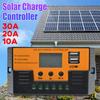
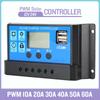
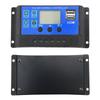
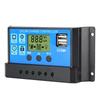
Application : Charger Controller
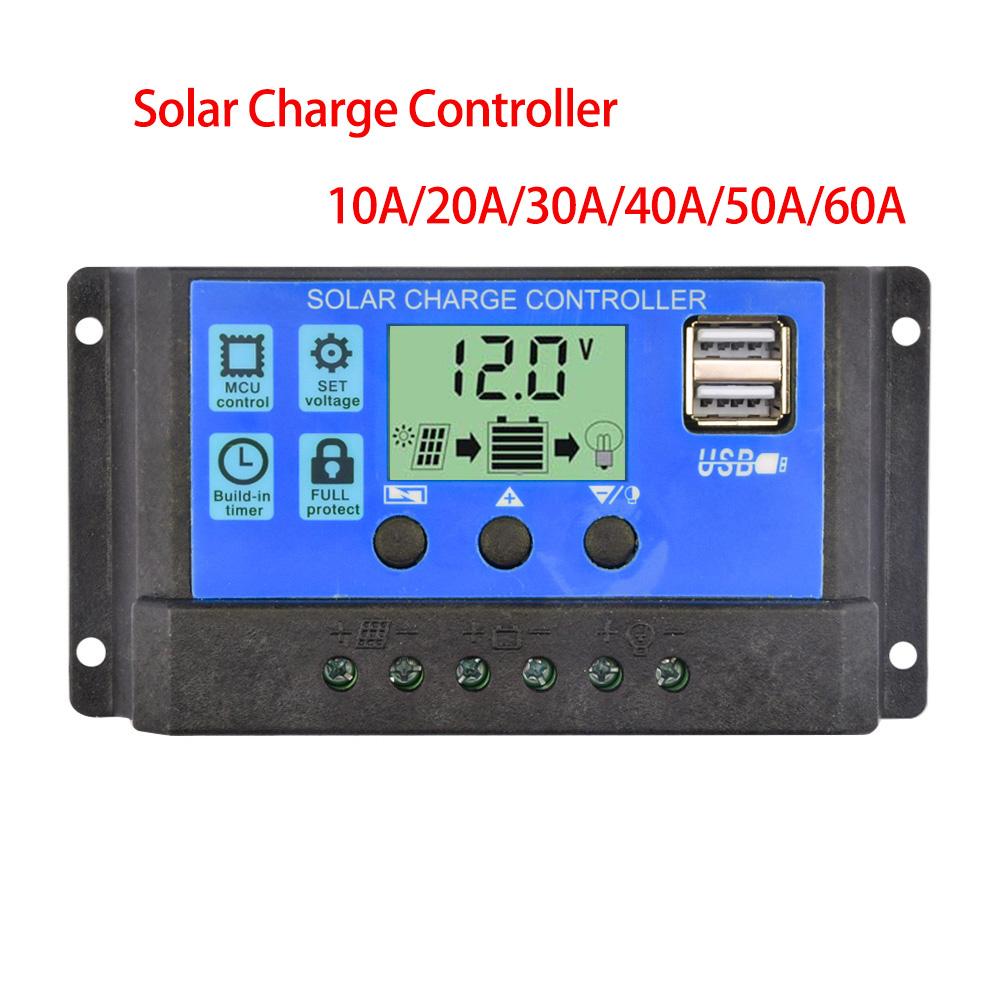
Model Number : Solar Charge Controller
is_customized : Yes
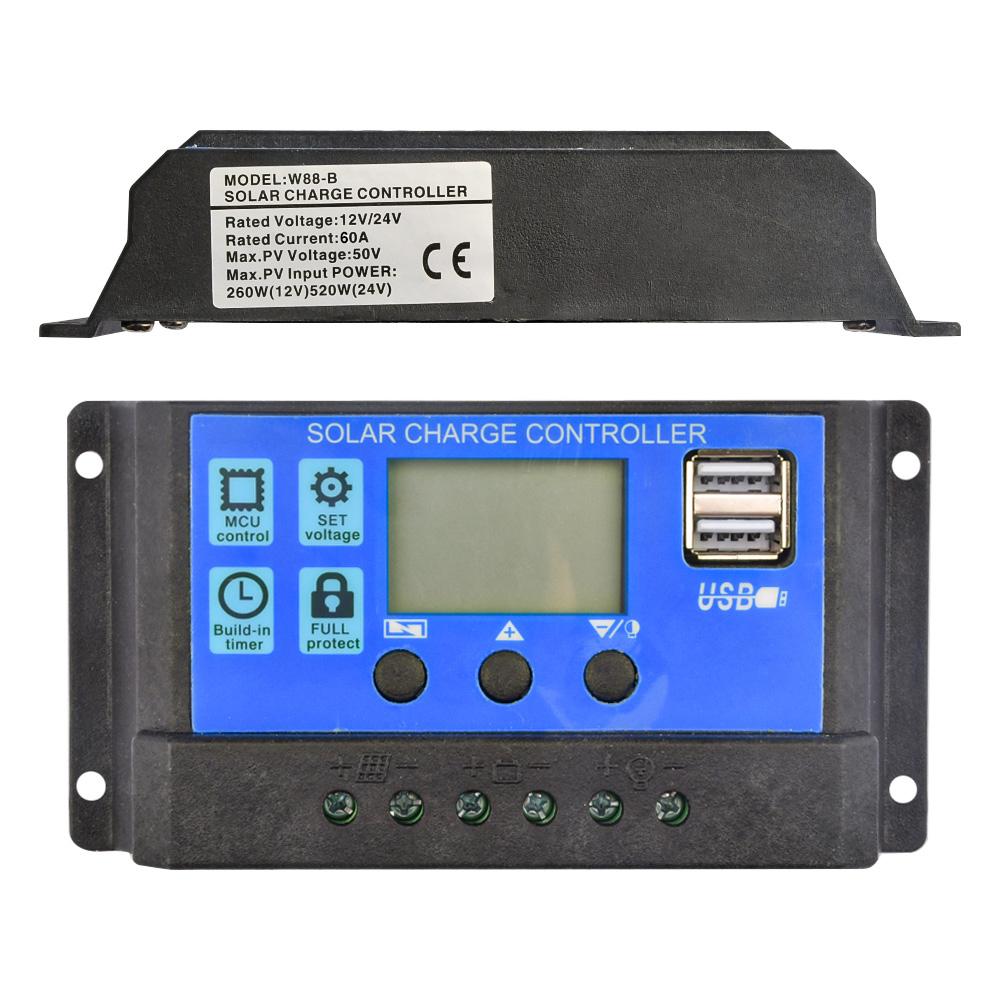
Maximum Current : 60a
Origin : Mainland China
Product selling points:
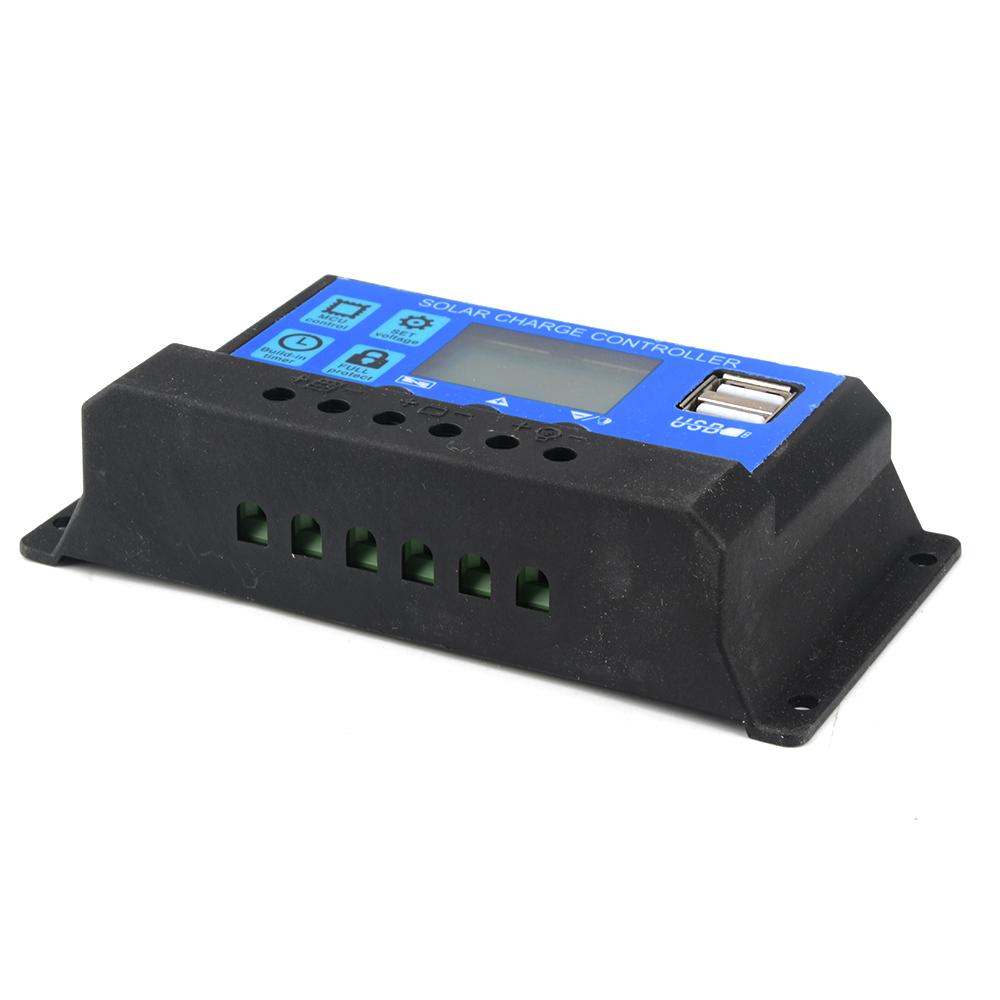
1. Adopt industrial grade main control chip
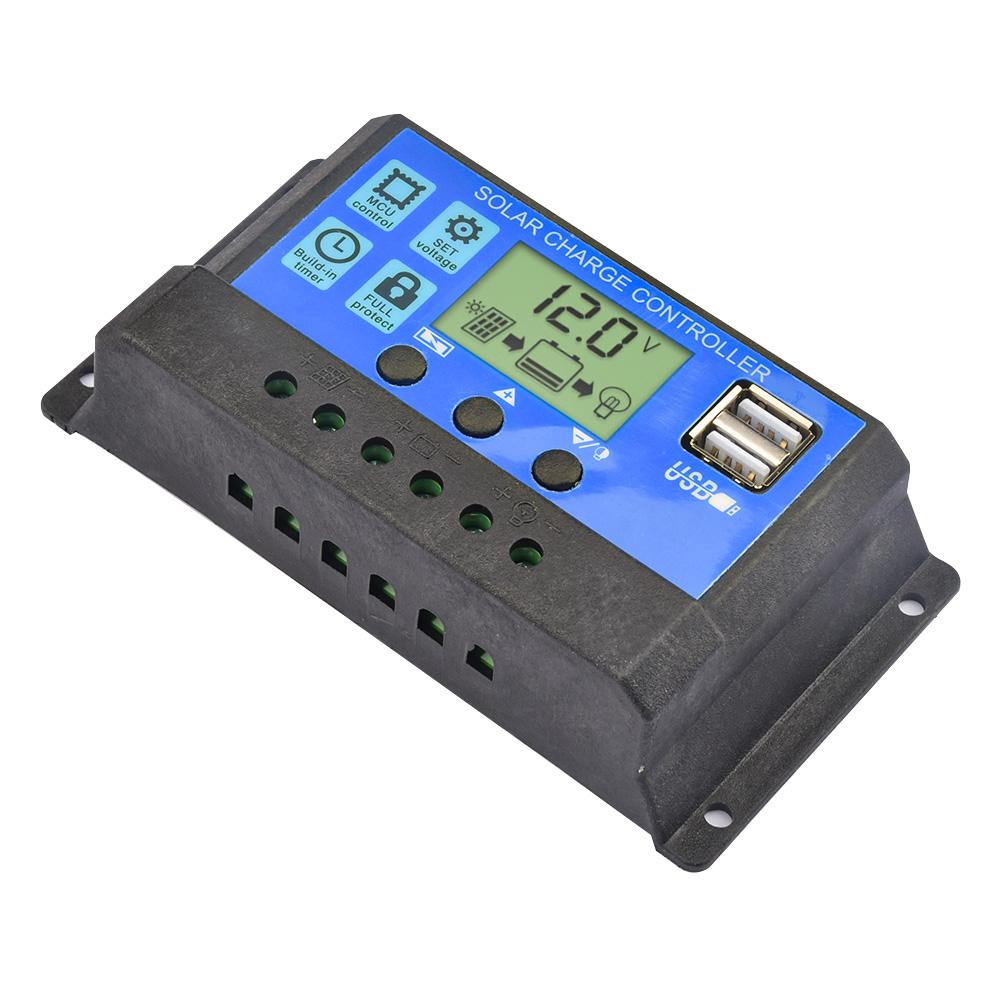
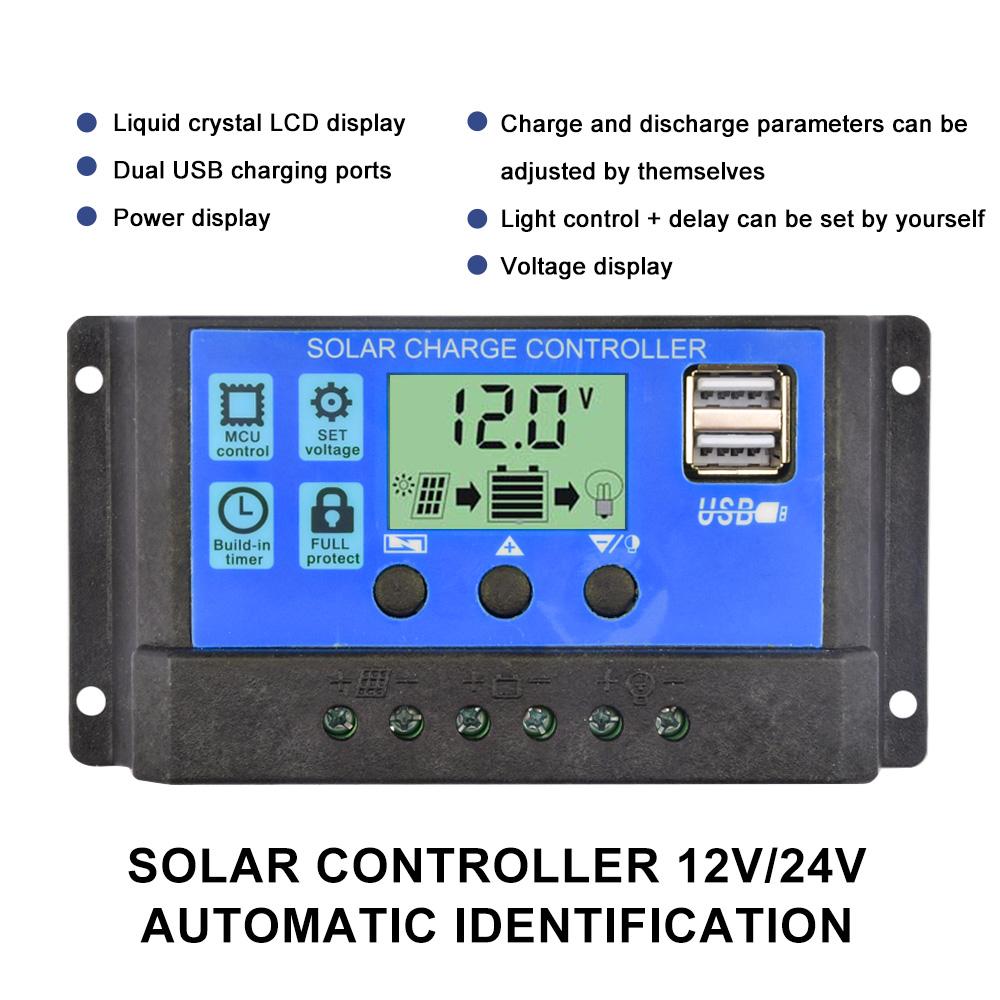
2. Large LCD display, adjustable charging and discharging parameters
3. Complete 3-stage PWM charging management
4. Built-in overcurrent/short circuit protection, open circuit protection, reverse connection protection, are self-recovery type, do not damage the controller
5. Dual MOS anti-backup circuit, ultra-low heat generation.
Product Parameter
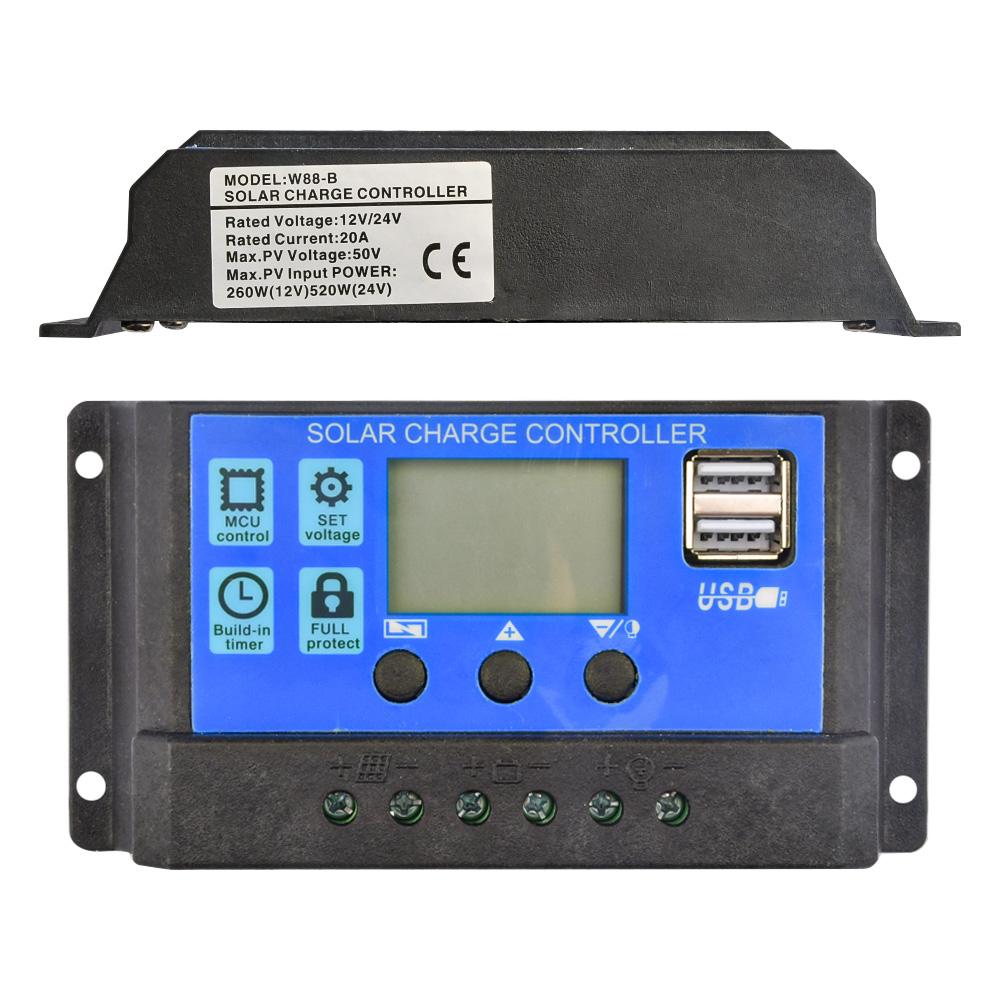
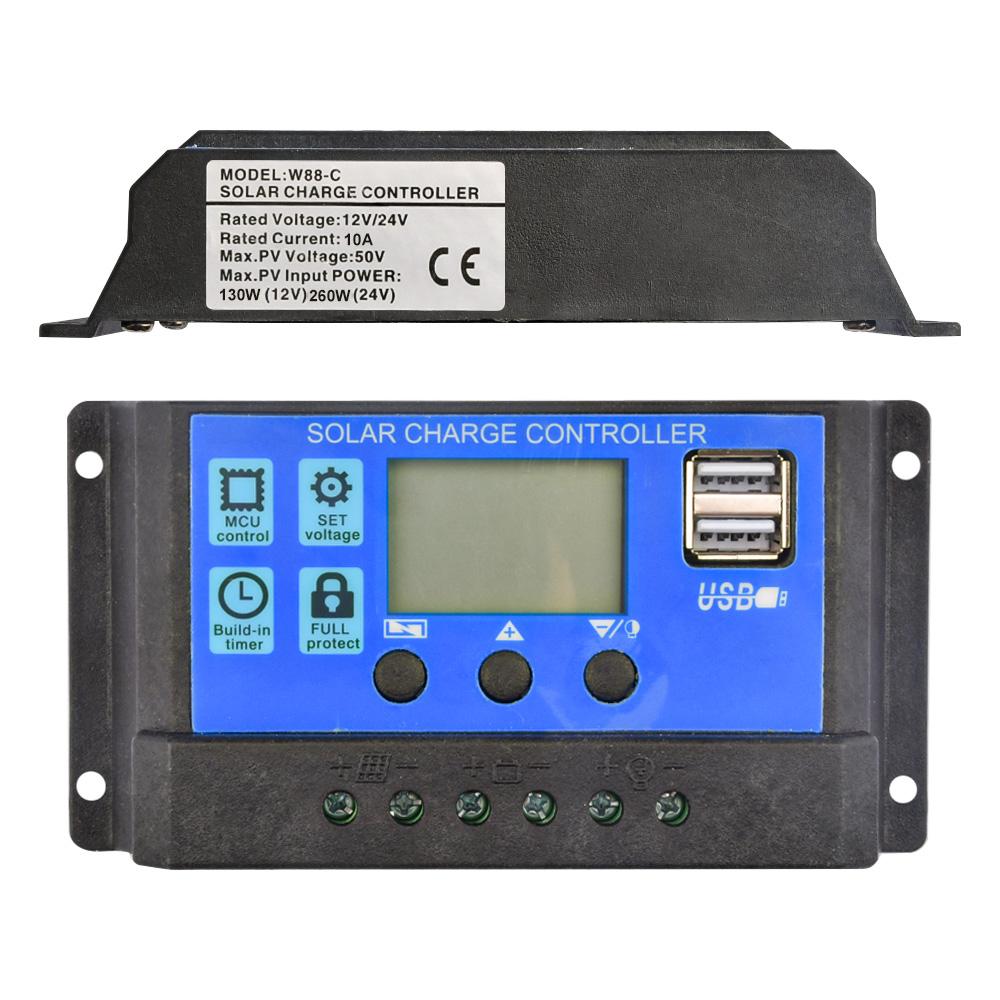
Rated voltage: 10A-30A Current: 10A
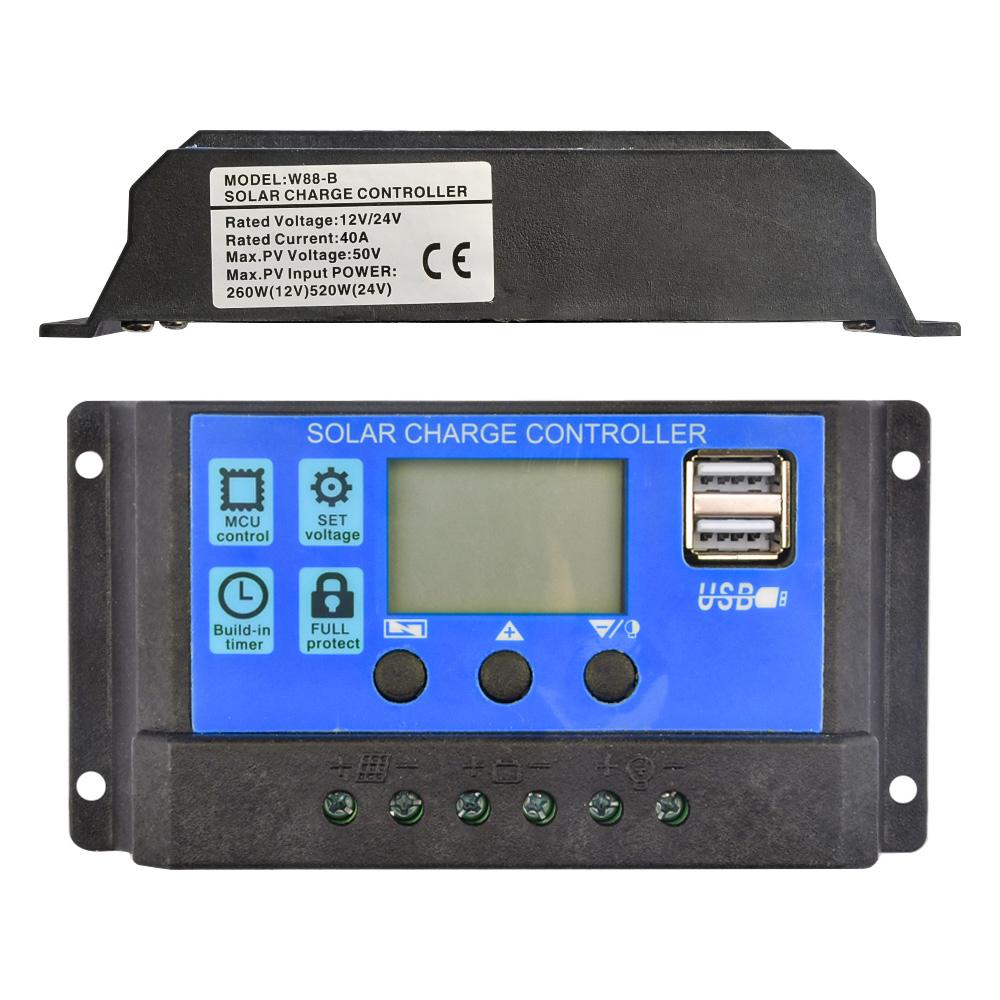
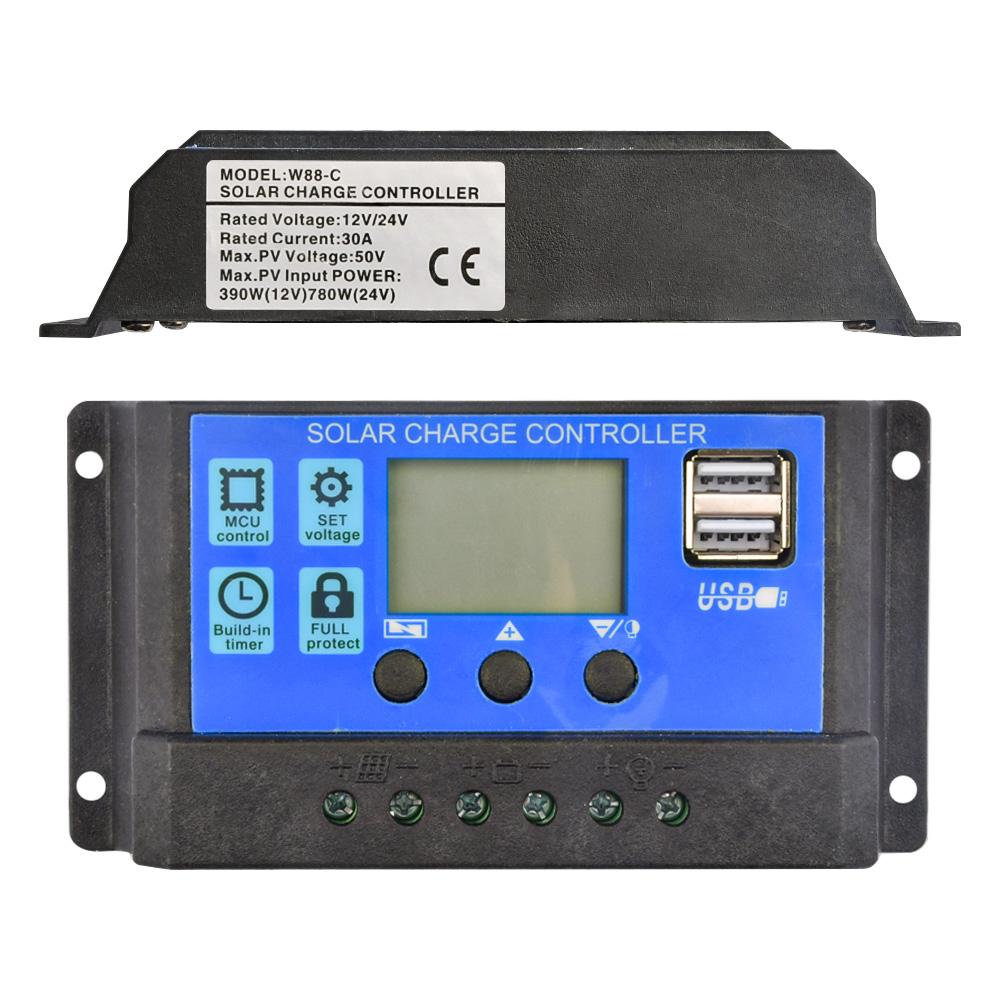
Rated current: 40A-60A Current: 30A
Maximum photovoltaic voltage: Maximum 23V for 12V battery; Maximum 46V for 24V battery.
Full cut-off voltage: 14.4V (default, adjustable)
Discharge cut-off voltage: 10.7V (default value, adjustable)
Discharge recovery voltage: 12.6V (default value, adjustable)
Charge recovery voltage: 13.2V .
Light-controlled switch-on threshold: PV panel 8V (light-controlled switch-on with delay)
Light-control switch-off valve: light-control switch-off valve
USB output: 2-channel USB output, 5V/2.5A (maximum)
Standby current: <1 0mA
Operating temperature: -35~ +60C
Size/Weight: 133.5* 70* 35mm 1 1 65g
Instruction manual
1.This controller is 12V/24V auto adaptive, when installing for the first time, please make sure the battery has enough voltage so that the controller can recognise it as the correct battery type.
Pake the controller to be installed as close as possible to the battery, in order to avoid voltage drop caused by long wires, which will affect the normal voltage judgement.
3. This controller is only applicable to all kinds of lead-acid batteries (including open, sealed, gel, etc.), please do not use in other batteries (including lithium batteries, nickel-metal hydride batteries, etc.)
4. This controller can only use photovoltaic panels as a charging source, please do not use DC or other power sources as a charging source.
6. The controller will be hot when running, please pay attention to install the controller on a flat, well-ventilated surface.
Menu key: used to switch the parameter interface, or long press for 5 seconds to enter or exit the parameter setting.
Up: in the parameter setting interface, press lightly once to make the parameter up. Up: In the parameter setting interface, press once lightly to make the parameter up one step.
Down: In the parameter setting interface, press once to make the parameter go up or down one step.
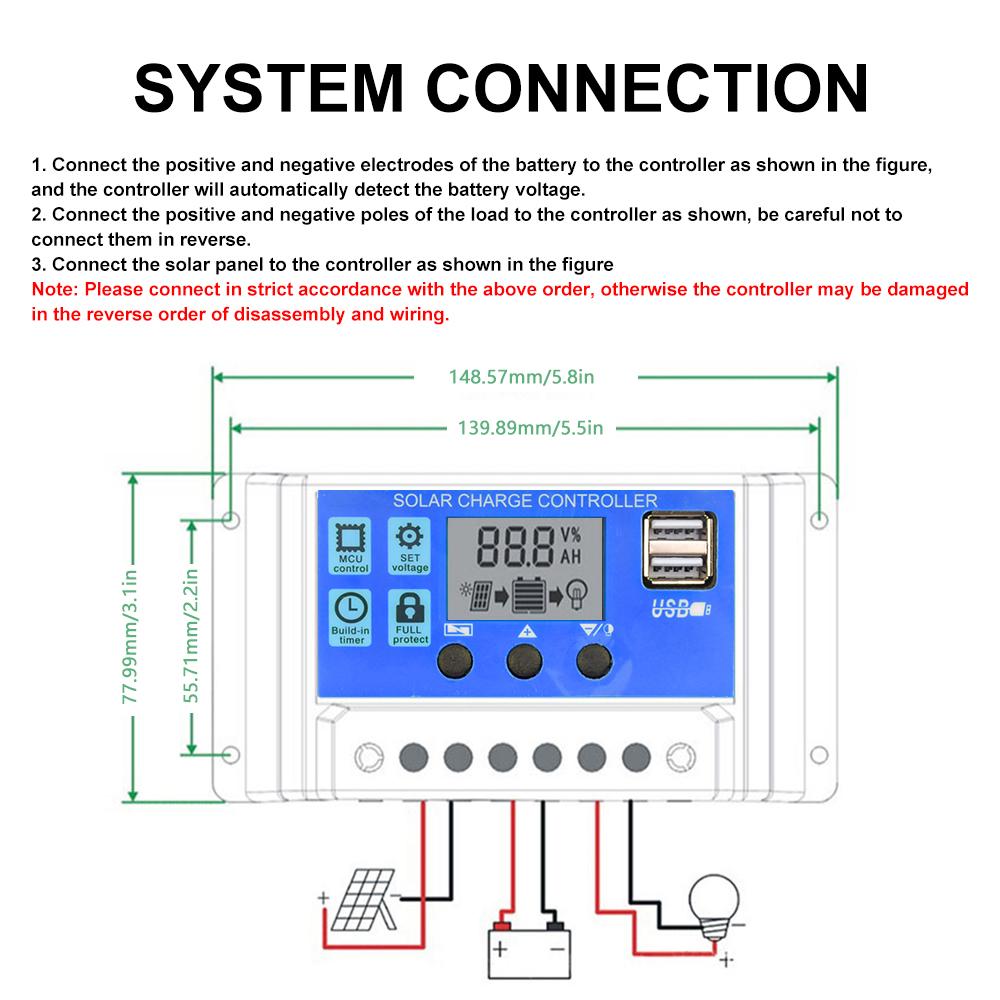
System Link
1. Connect the positive and negative terminals of the battery to the controller as shown in the diagram, and the controller will automatically detect the battery voltage.
2. Connect the positive and negative terminals of the load to the controller as shown in the diagram, and be careful not to connect them in reverse.
3.Connect the solar panel to the controller as shown in the picture.
Note: 12V battery with 1 8V solar panel, 24V battery with 36V solar panel.
List:
Solar controller X1


 Återbetalning vid utebliven leverans