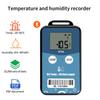
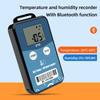
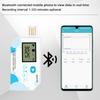
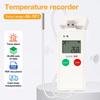
Bluetooth Temperature Humidity Data Logger BT06 Digital Datalogger Wireless PDF Recorder for Cold-chain Transport Warehouse
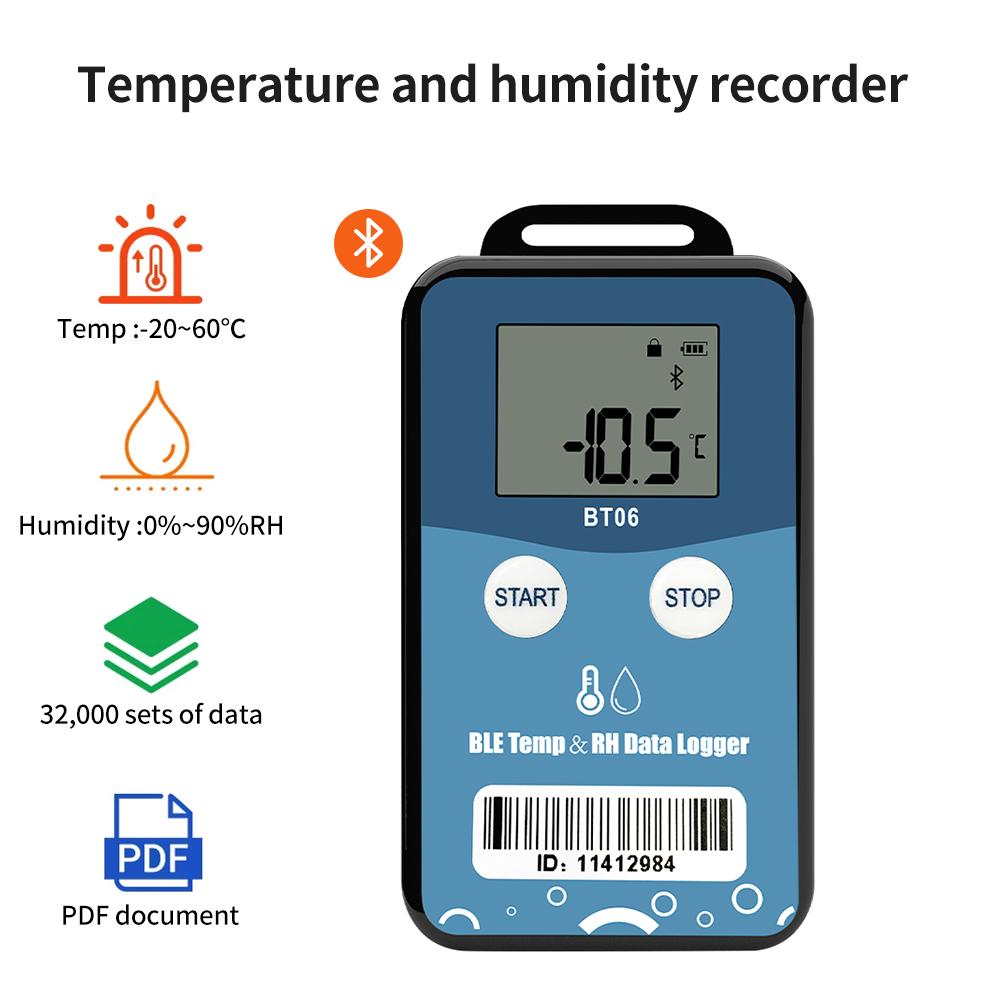
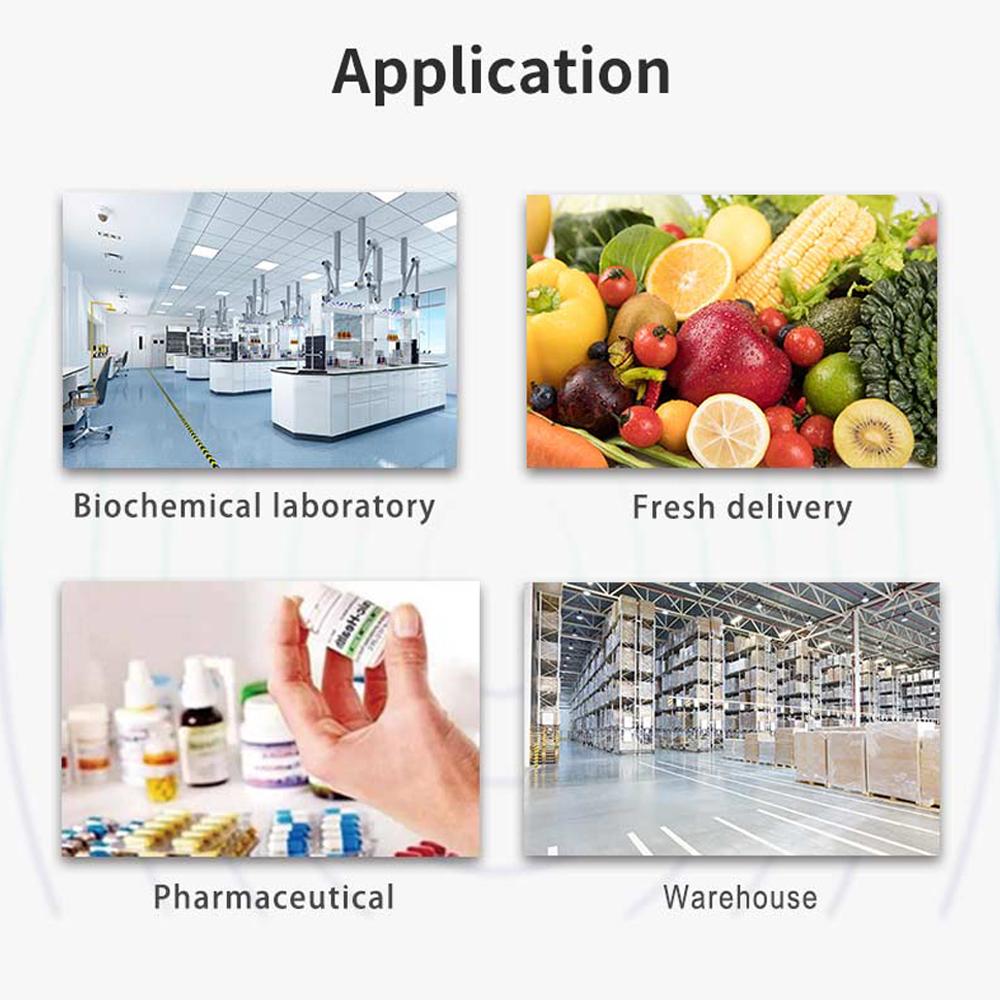
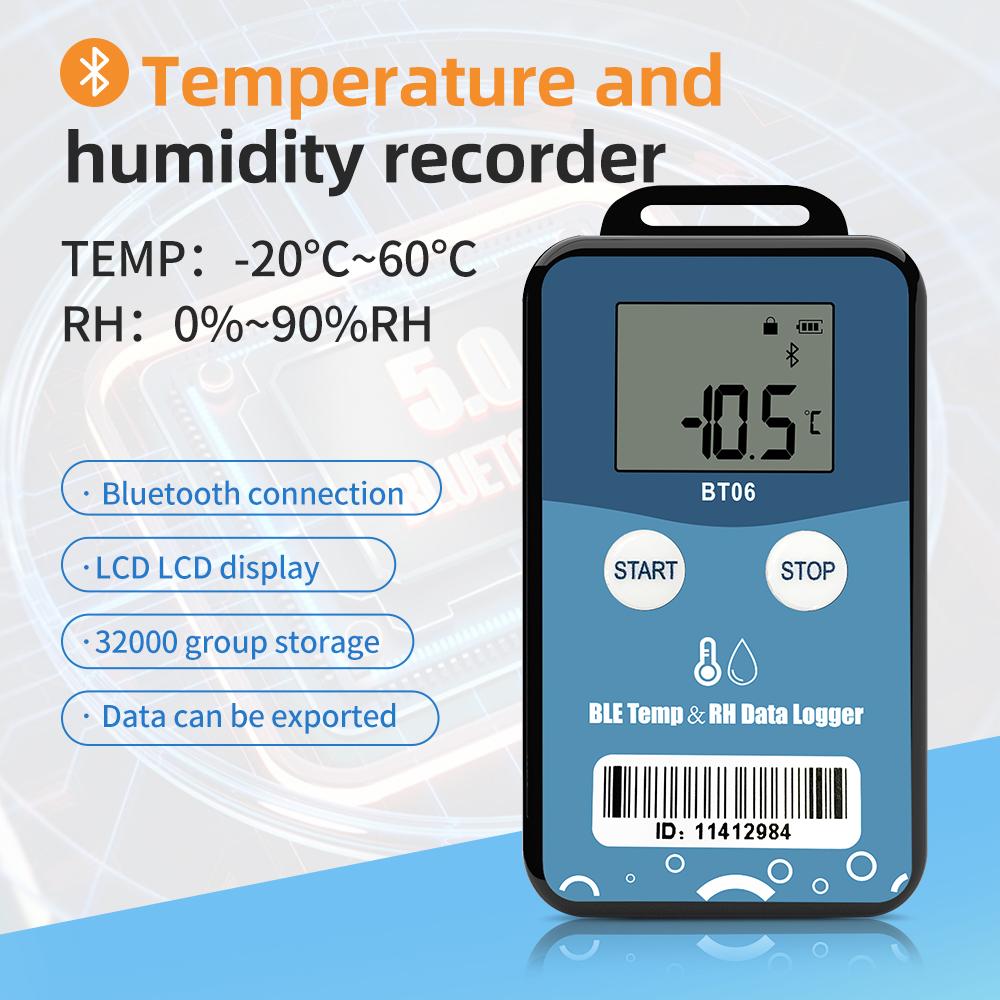
TZ-BT06 is Bluetooth Low Energy temperature&humidity data logger with the latest.Bluetooth 5.0 technology. It can collect temperature&humidity of the surrounding environment. Such data can be recorded as history data. BT06 can store up to 32000 pieces of the temperature&humidity data.when the long range mode is enabled, the transmission distance is up to 300 meters, and the LCD screen can view the temperature&humidity data in real time. Mobile phone with Bluetooth 4.0 or above can download and install App.It can store and monitor temperature&humidity of the environment comprehensively. Its characteristics are small-sized, low-weighted, easily portable and highly accurate for wide use in cold chain logistics, archives, labs, museums, etc.
Features
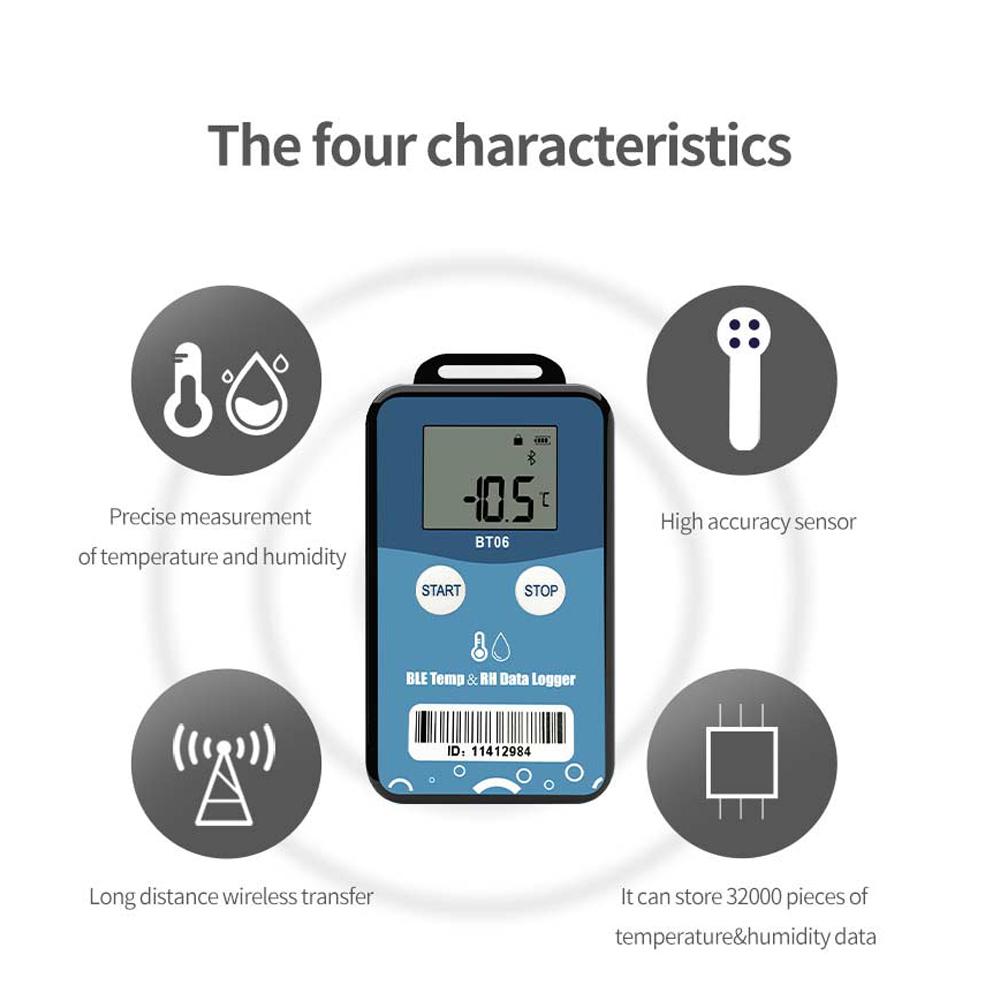
1. High accuracy and stability;
2. Bluetooth 5.0;
3. Long distance wireless transfer;
4. Built-in highly sensitive temperature&humidity sensor;
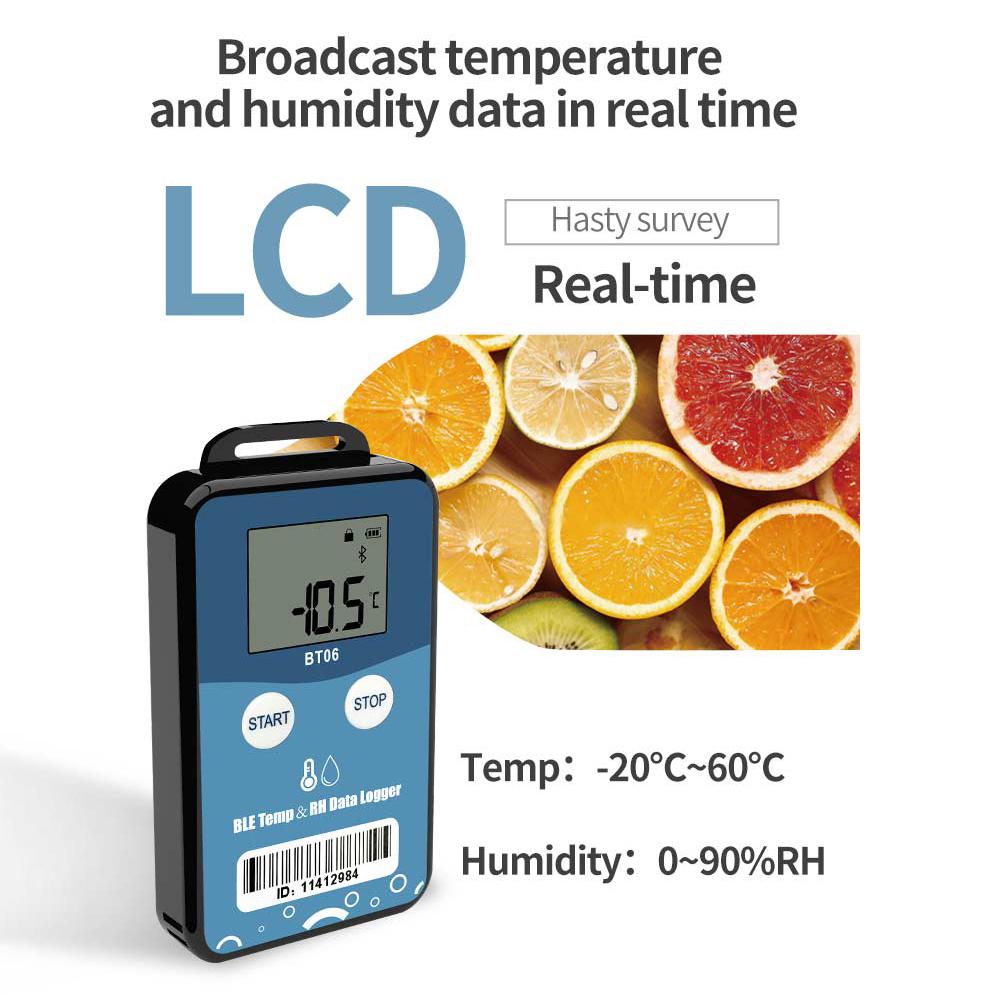
5. Real-time broadcast temperature&humidity,can view the temperature&humidity
in real time on the LCD;
6. It can store 32000 pieces of temperature&humidity data(when the storage space is
full, the first 256 pieces of data will be overwritten);
7. Enable long range mode, the transmission distance is up to 300 meters
8. Can be set the scope of temperature&humidity alarm;
9. History report can be sent to specified email;
10. By pairing Bluetooth printer to print the data report;
11. Can by OTA update version.
How To Use
APP download:
--Android download: Scan the QR code; (Due to foreign reasons, scanning may not be possible. Please contact the seller.)
--IOS download: Go to the Apple App Store and enter "Temperature Recorder
Device Registration:
1.Open the APP, enter the device ID directly to register on the homepage, or scan
the QR code to get the device ID, or do not enter any ID and directly click search to
find the device .
2.Enter the device connection page and click Connect. After a successful
connection, the device ID will be displayed on the "Devices" page, indicating that the
device has been registered successfully .
Device View:
Click the icon in the upper left corner of the home screen to expand the main menu. You can select the menu function and click “device” to enter the multidevice interface.
Device connection:
Click a single device quickly to enter the connection interface. It will display the
temperature/humidity, voltage, RSSI, alarm status and logger status of the device. Click "CONNECT," and jump to update after the connection is successful, indicating
that the device has been successfully connected and read the current data content. After the connection is successful, it will prompt you whether to view the report, or
the access key and flight mode of the device will be displayed.
(Please operate according to the instructions.)



 Återbetalning vid utebliven leverans