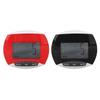
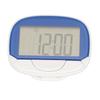
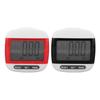
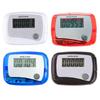
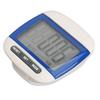
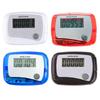
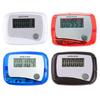
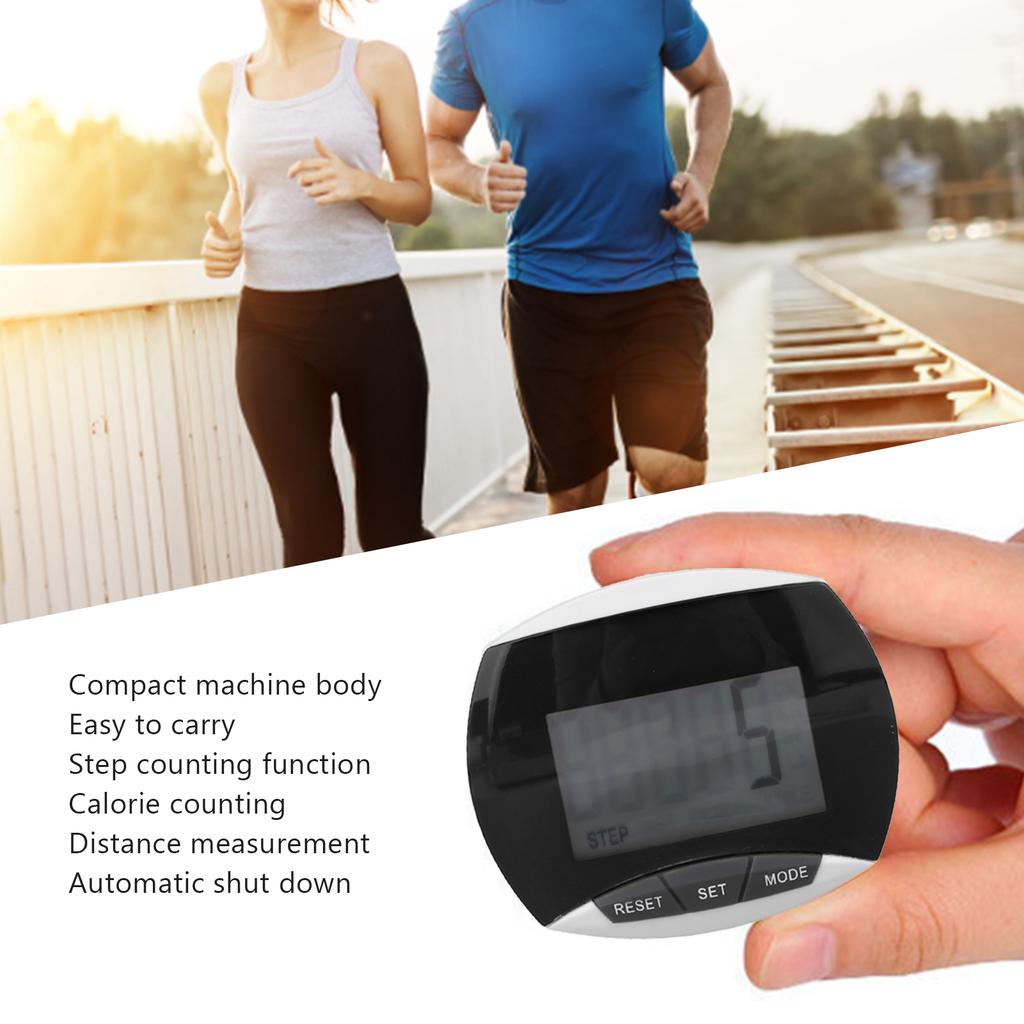
User Friendly Functions: Step counting function, calorie counting, distance msurement, clr touch button, sy to operate, bring you convenience.
Auto Power Off: If no motion data is detected for a short period of time, it will automatically shut down and the data will be automatically saved in the record. Once the pedometer detects motion data, it will automatically resume.
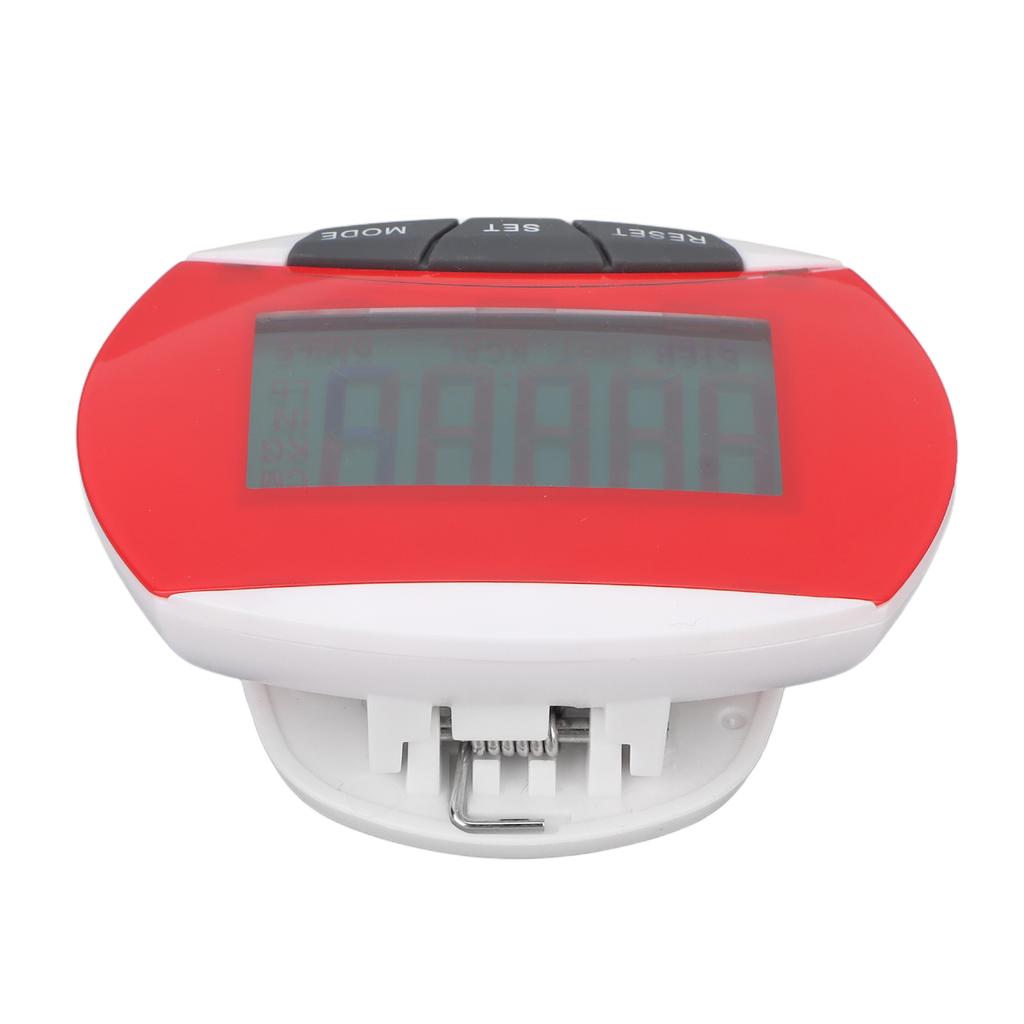
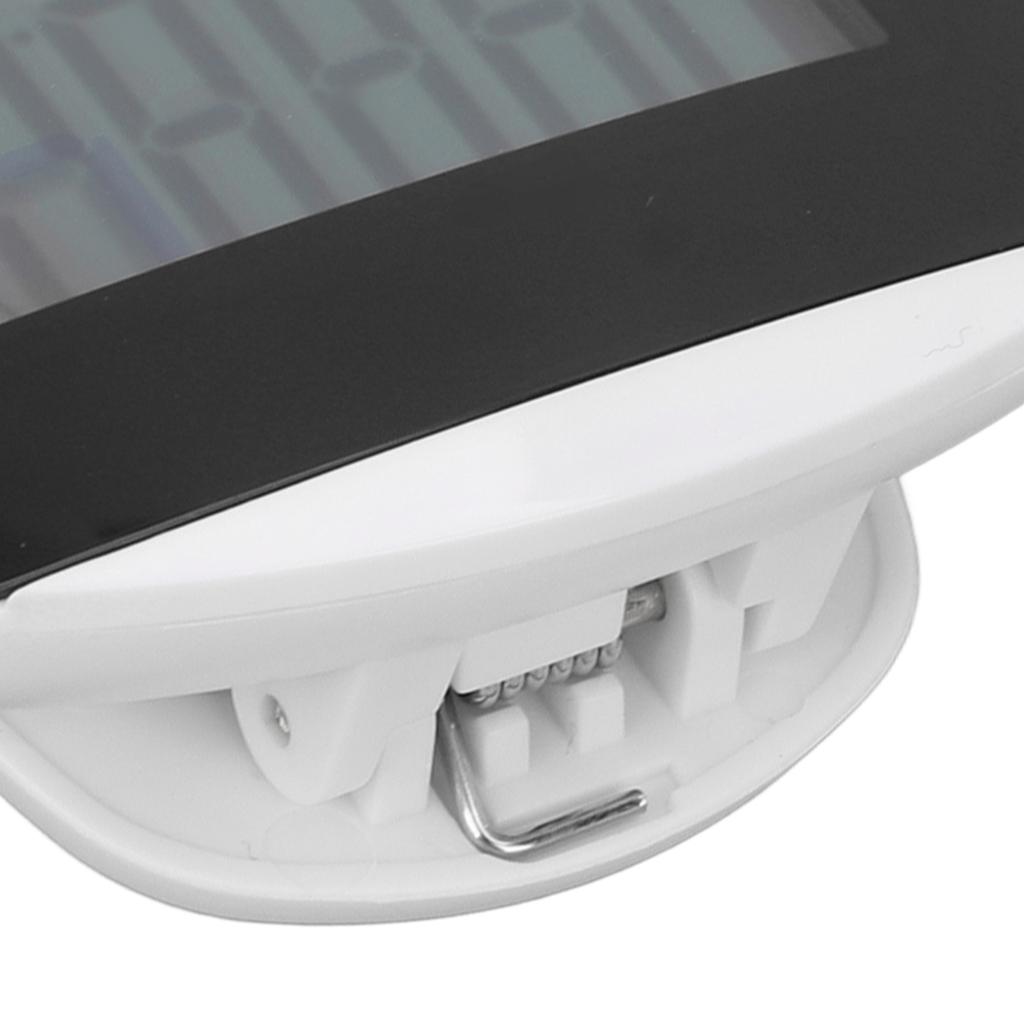
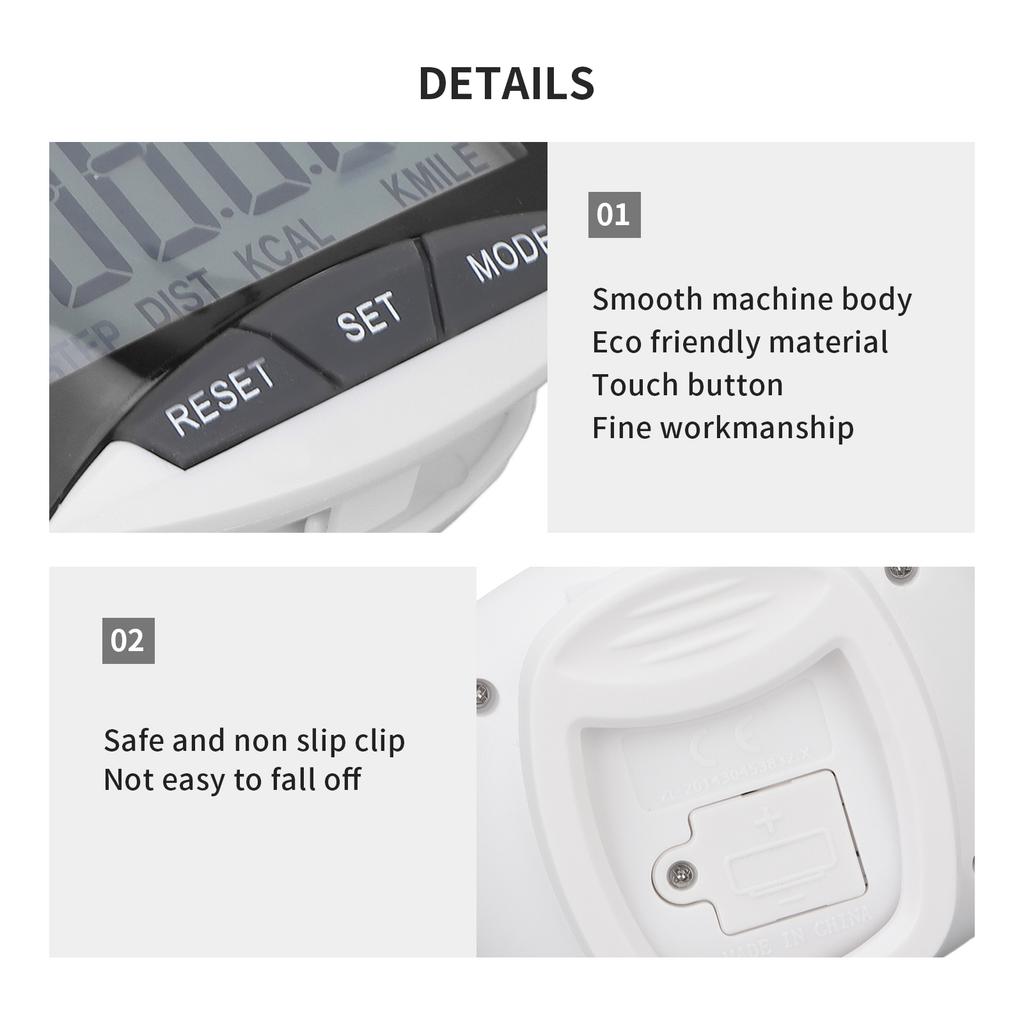
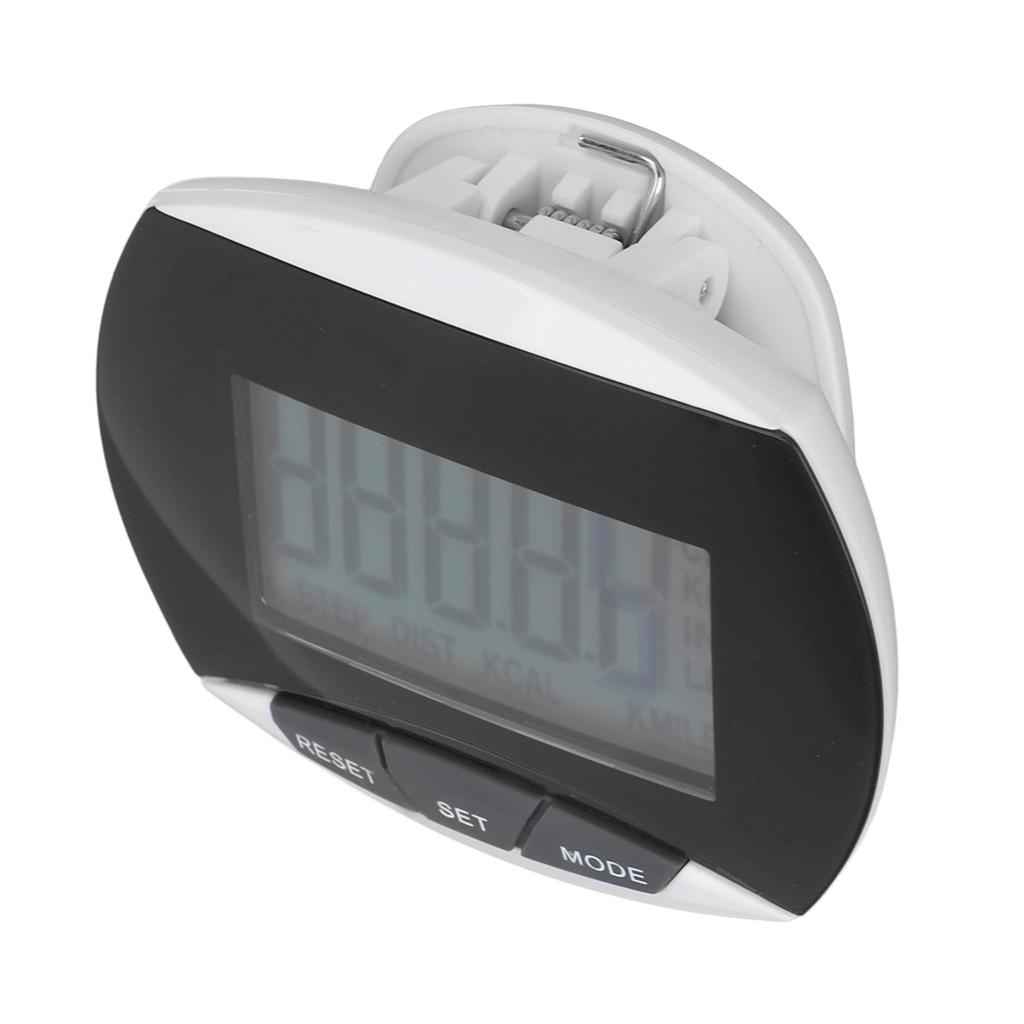
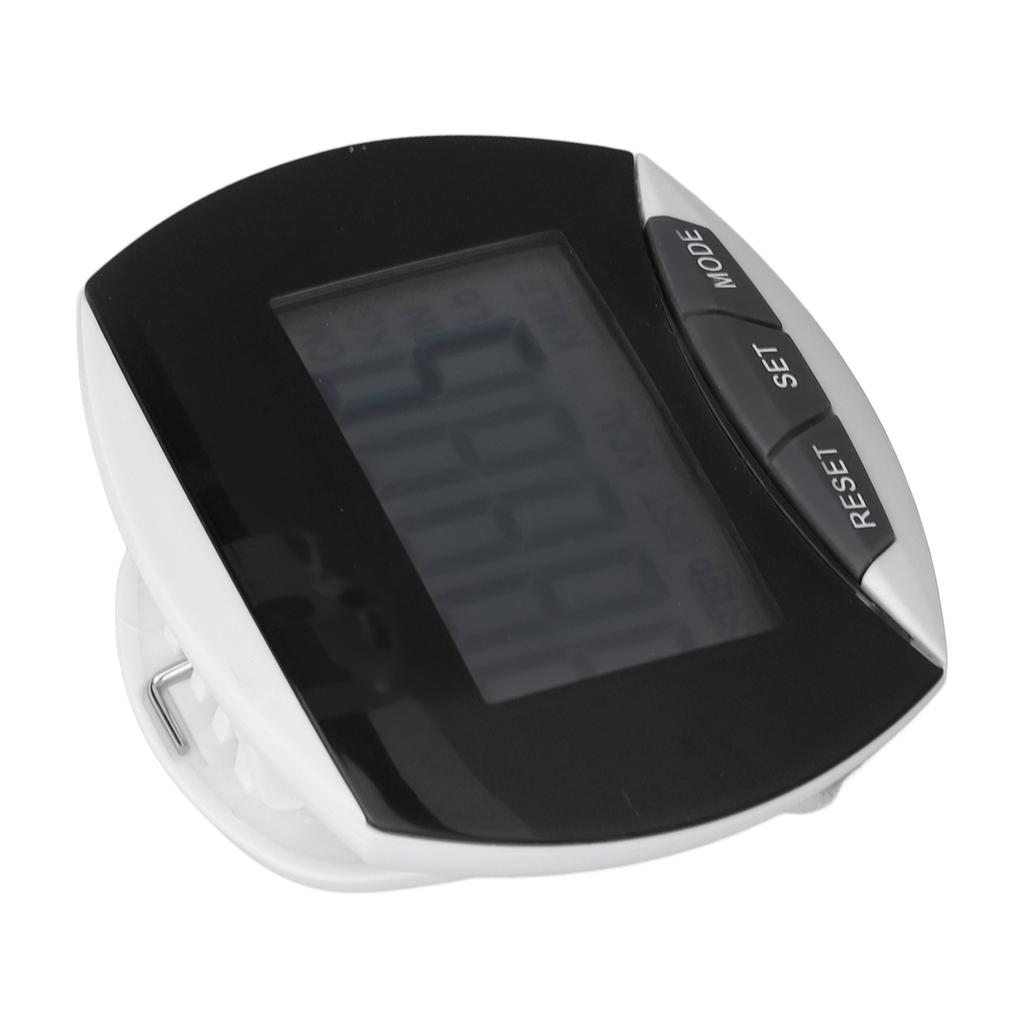
Portable Design: Safe non slip buckle clip, can be clipped on the waist or other positions, not sy to fall off. Compact and light weight, sy to carry.
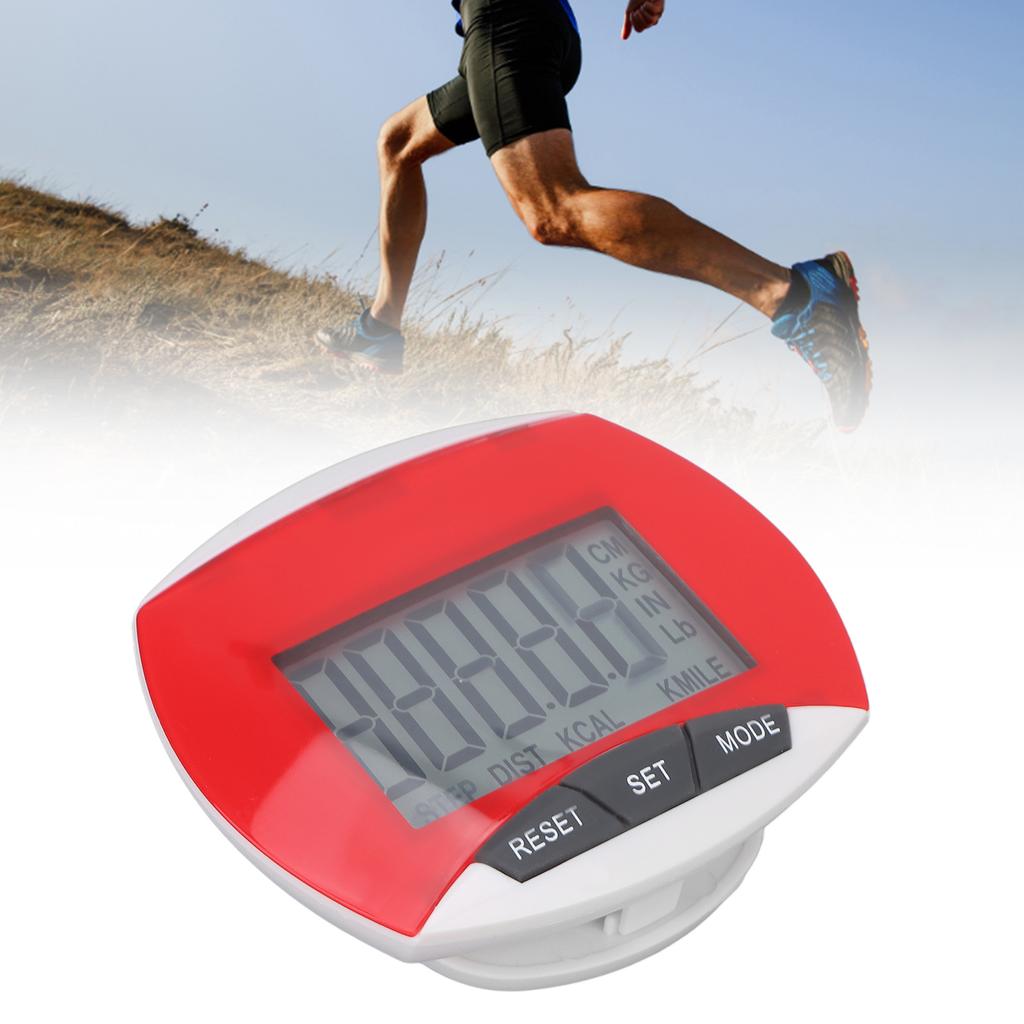
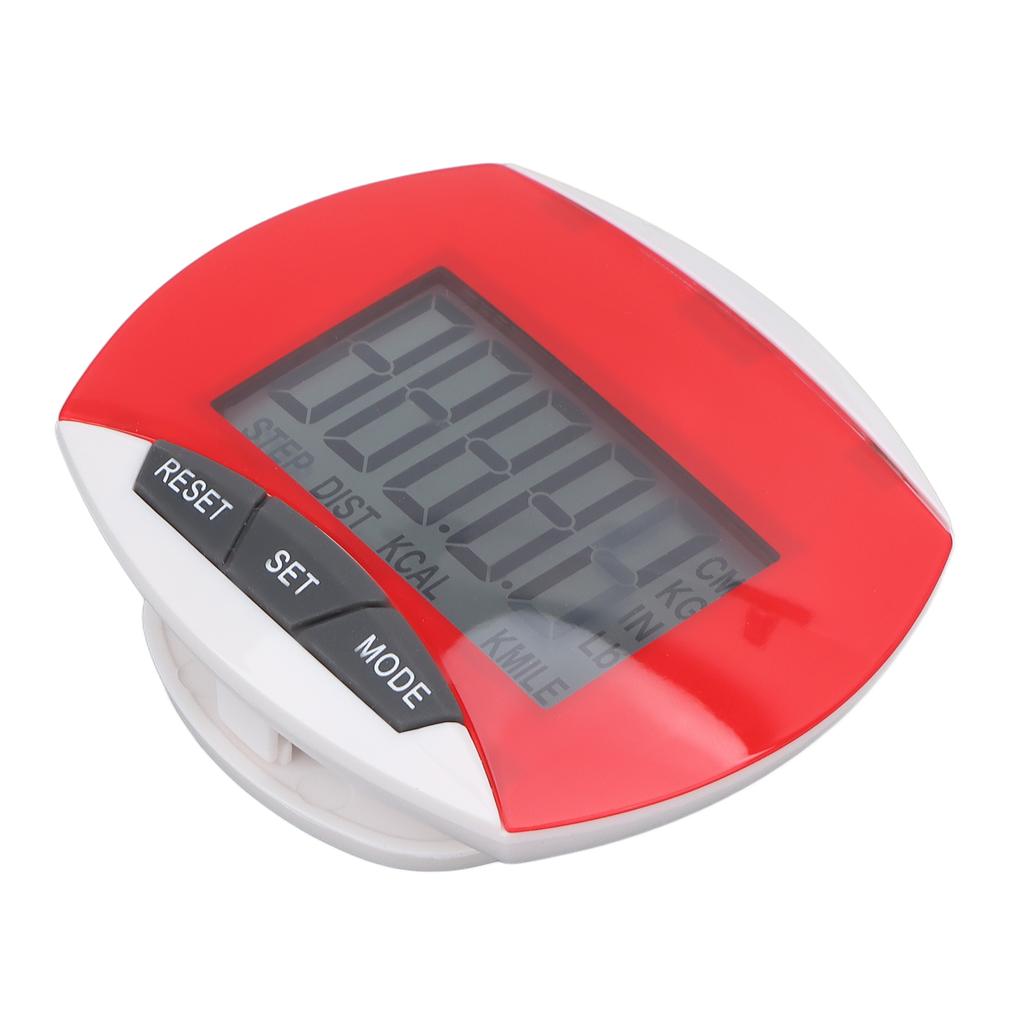
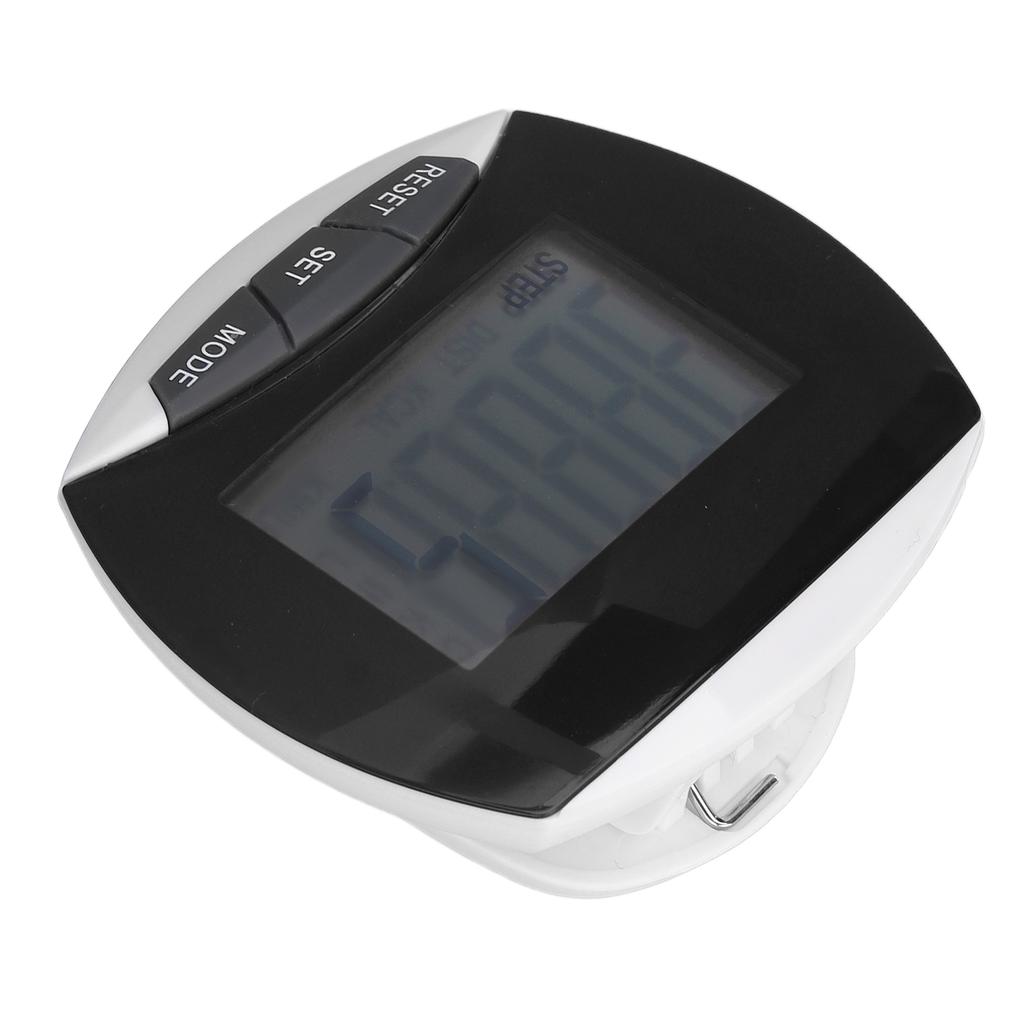
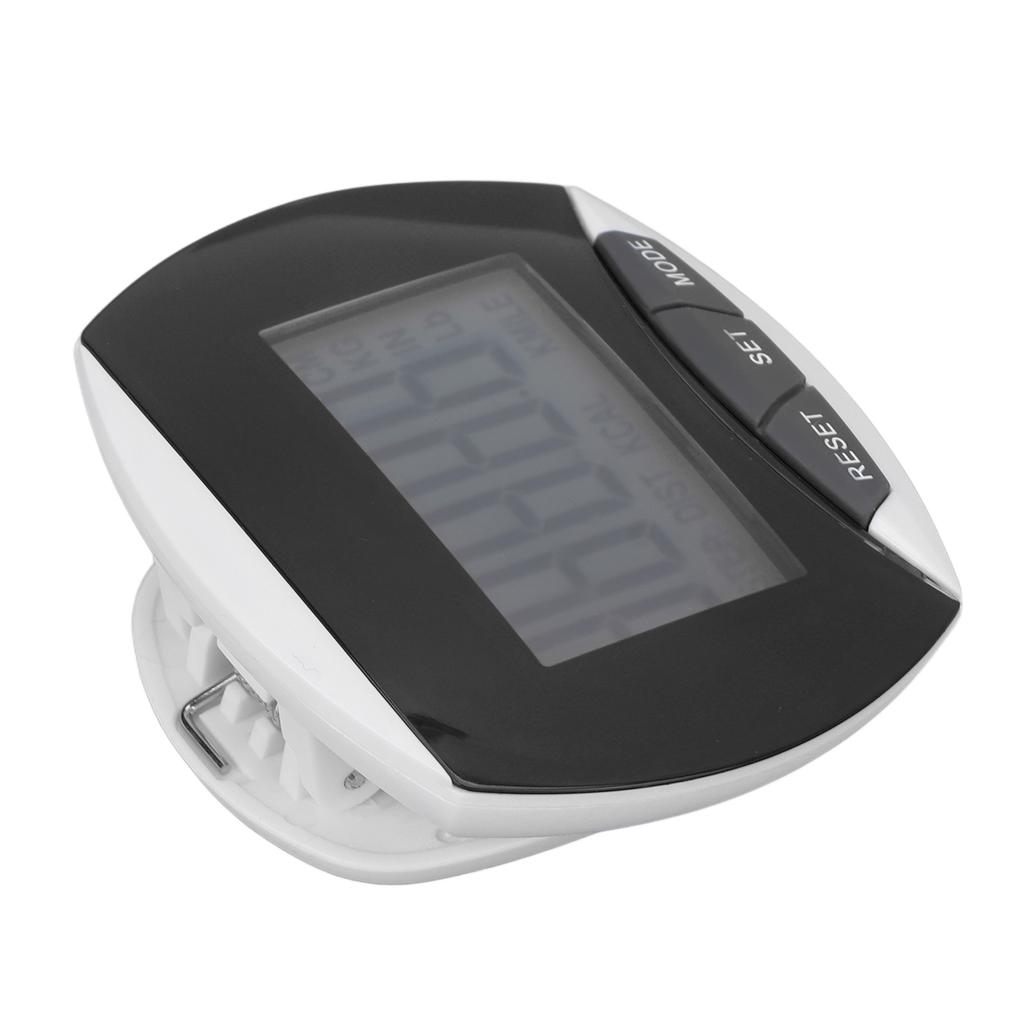
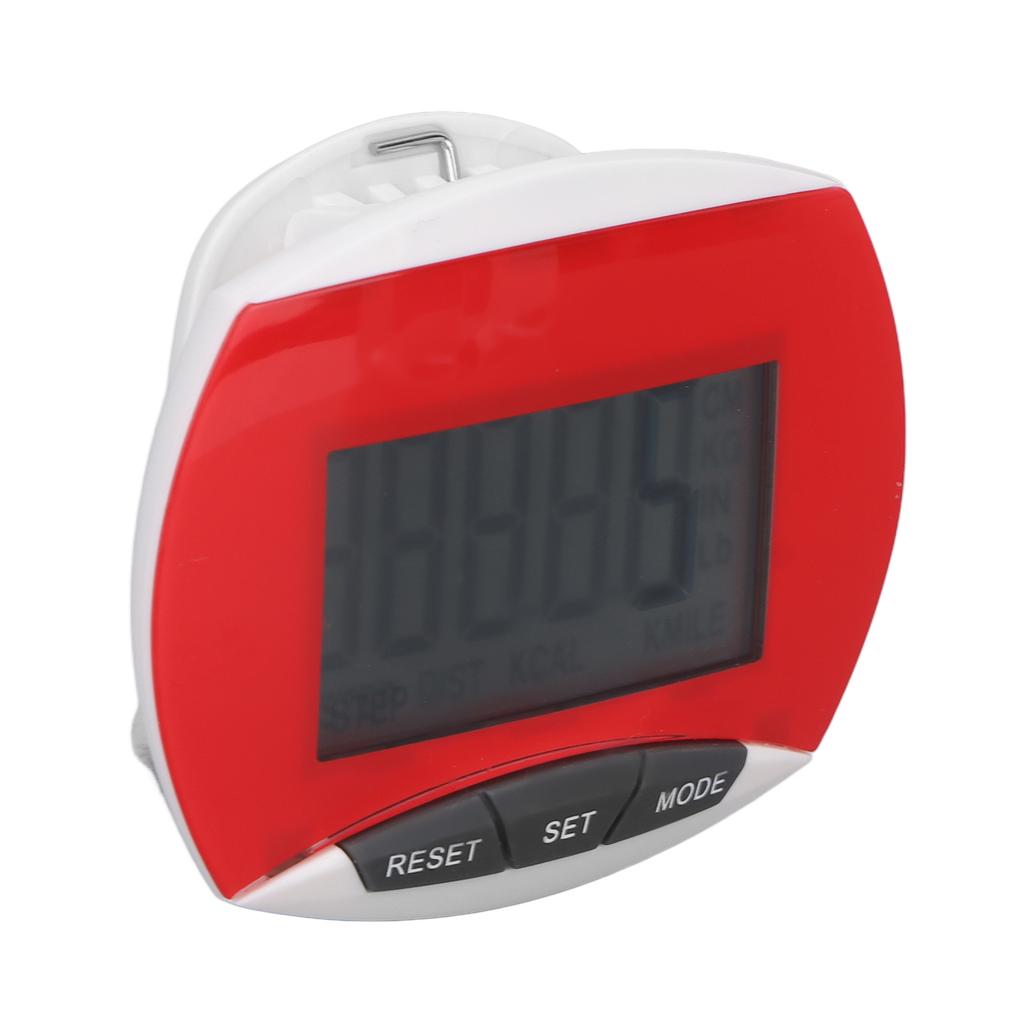
Item Type: Pedometer
Material: ABS
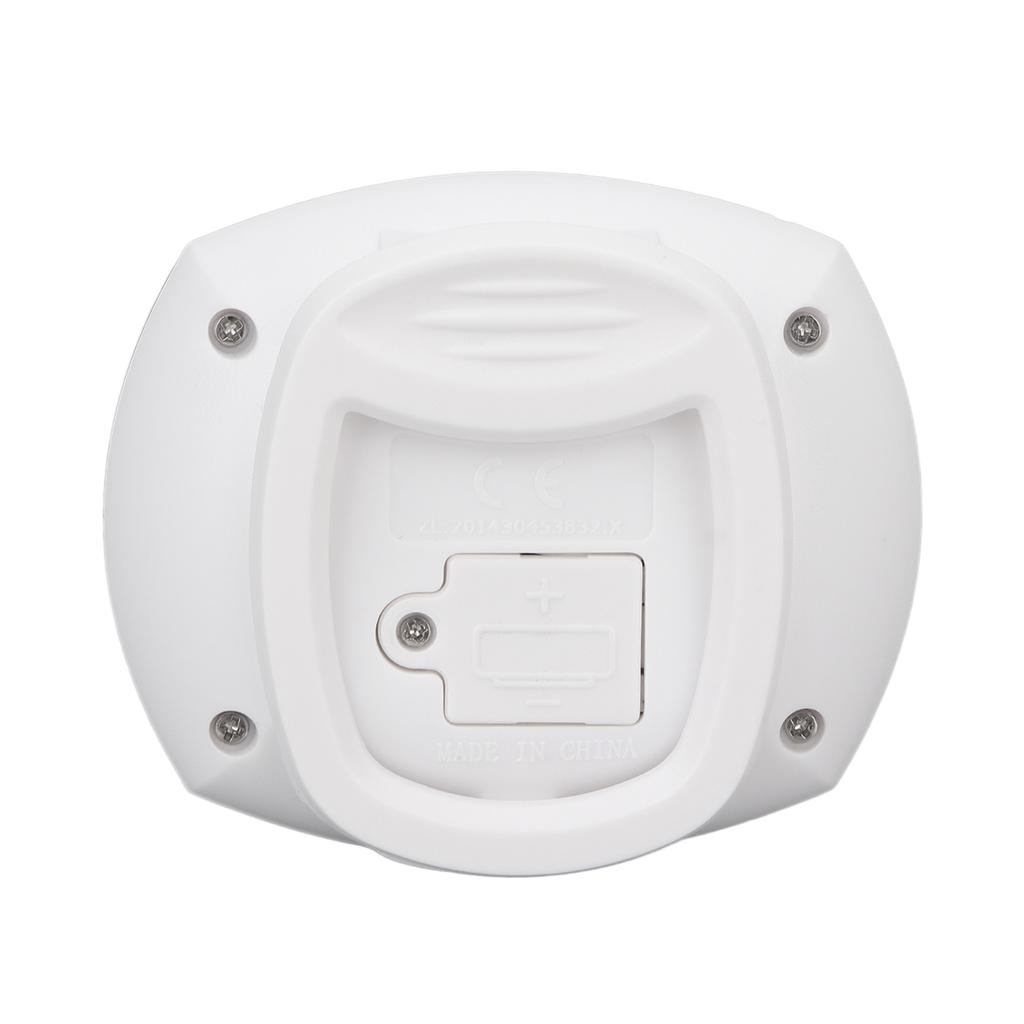
Battery Type: 1 x LR1130 Button Battery (Not Included)
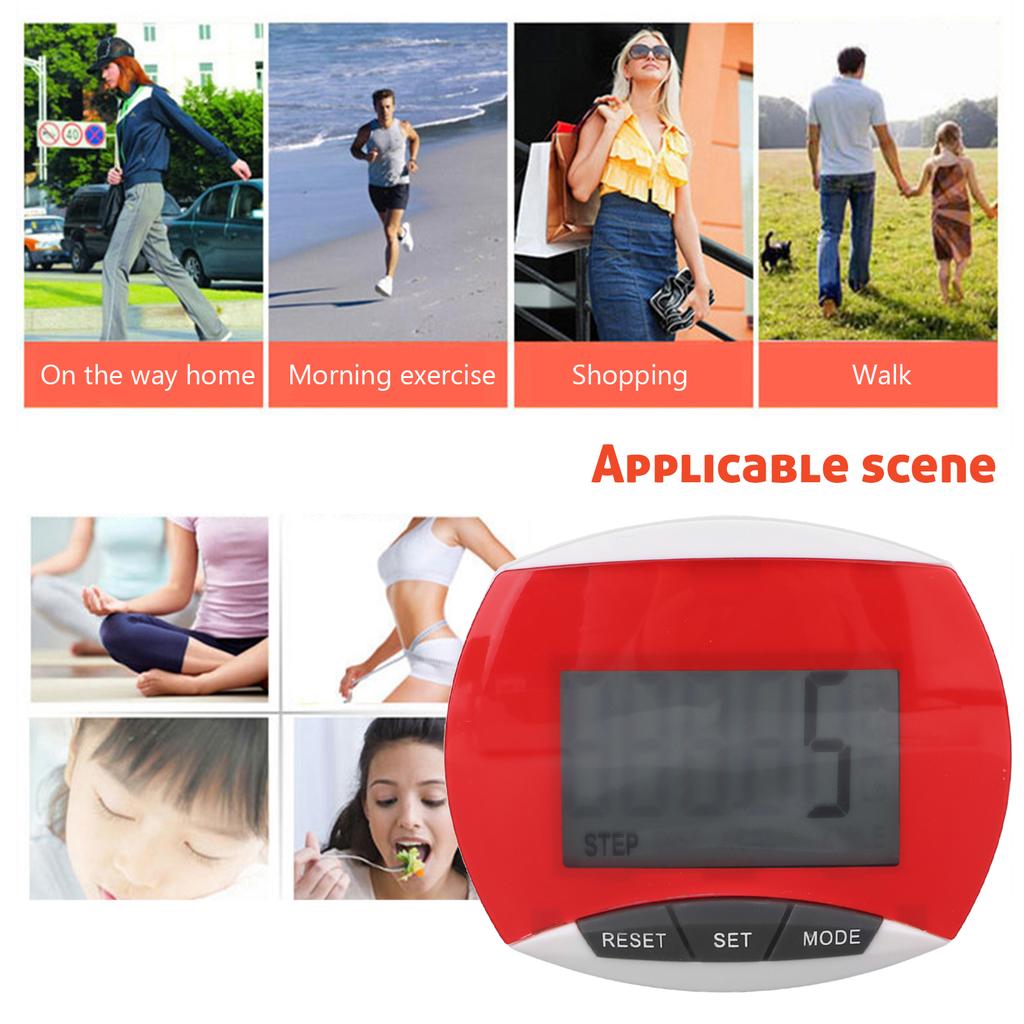
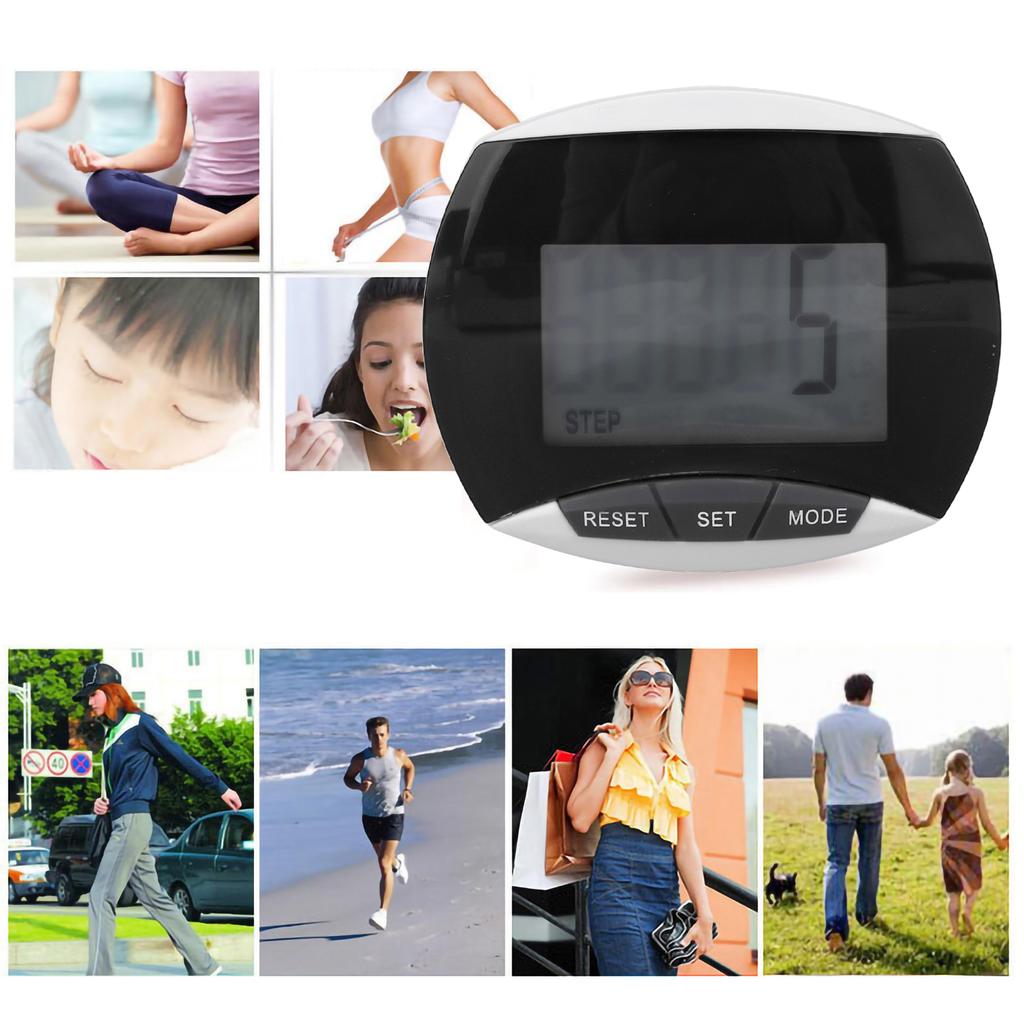
Applicable People: Suitable for men, women, children and the elderly who want to track their steps and achieve fitness goals
This pedometer rlizes step counting through waist movement. The closer the pedometer is to the waist, the more accurate the step count is.
1. Step count function:
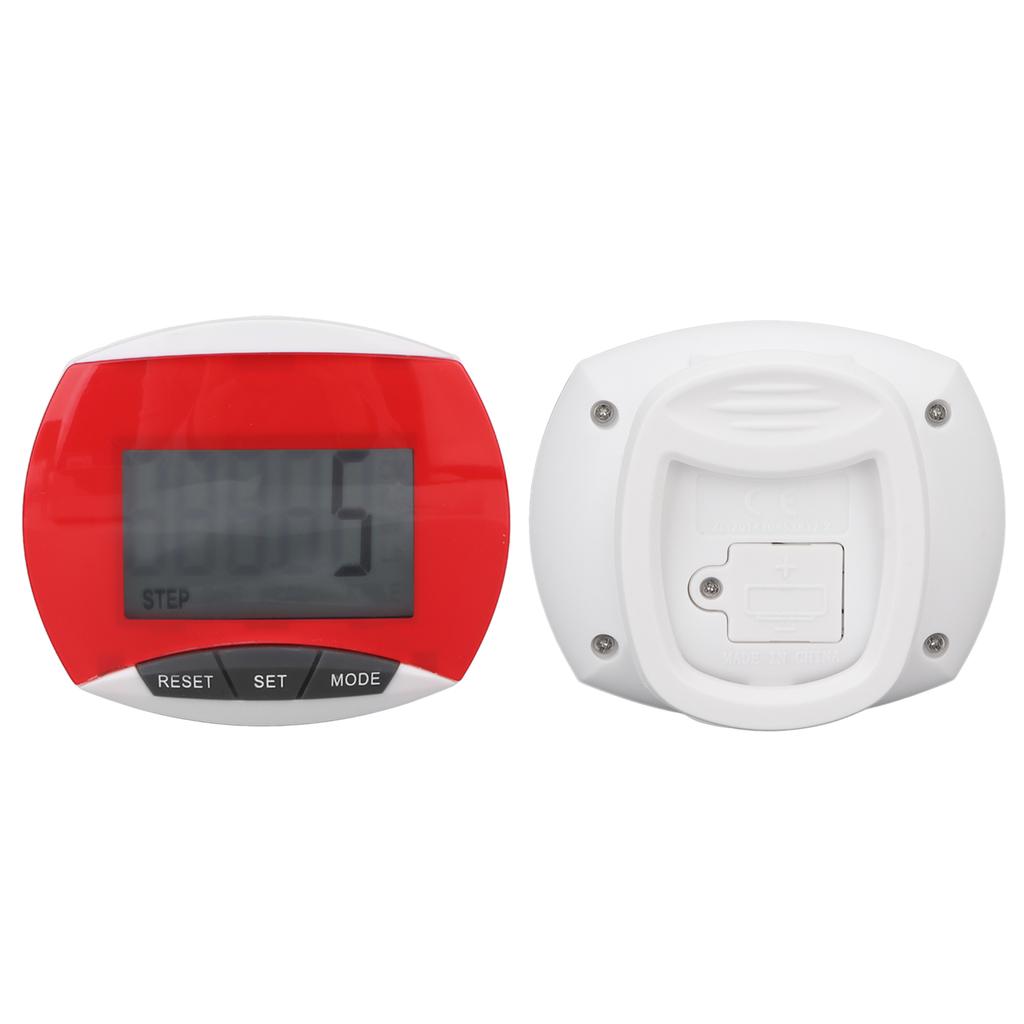
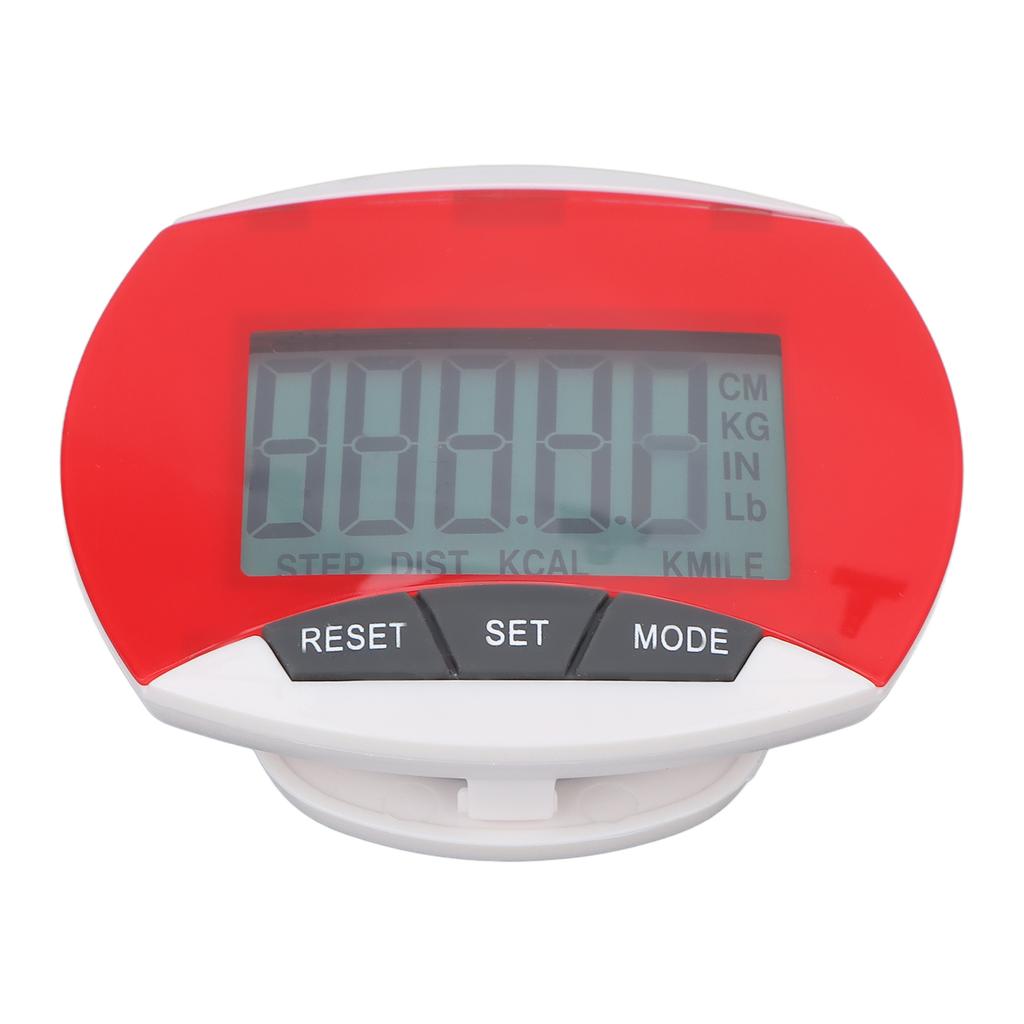
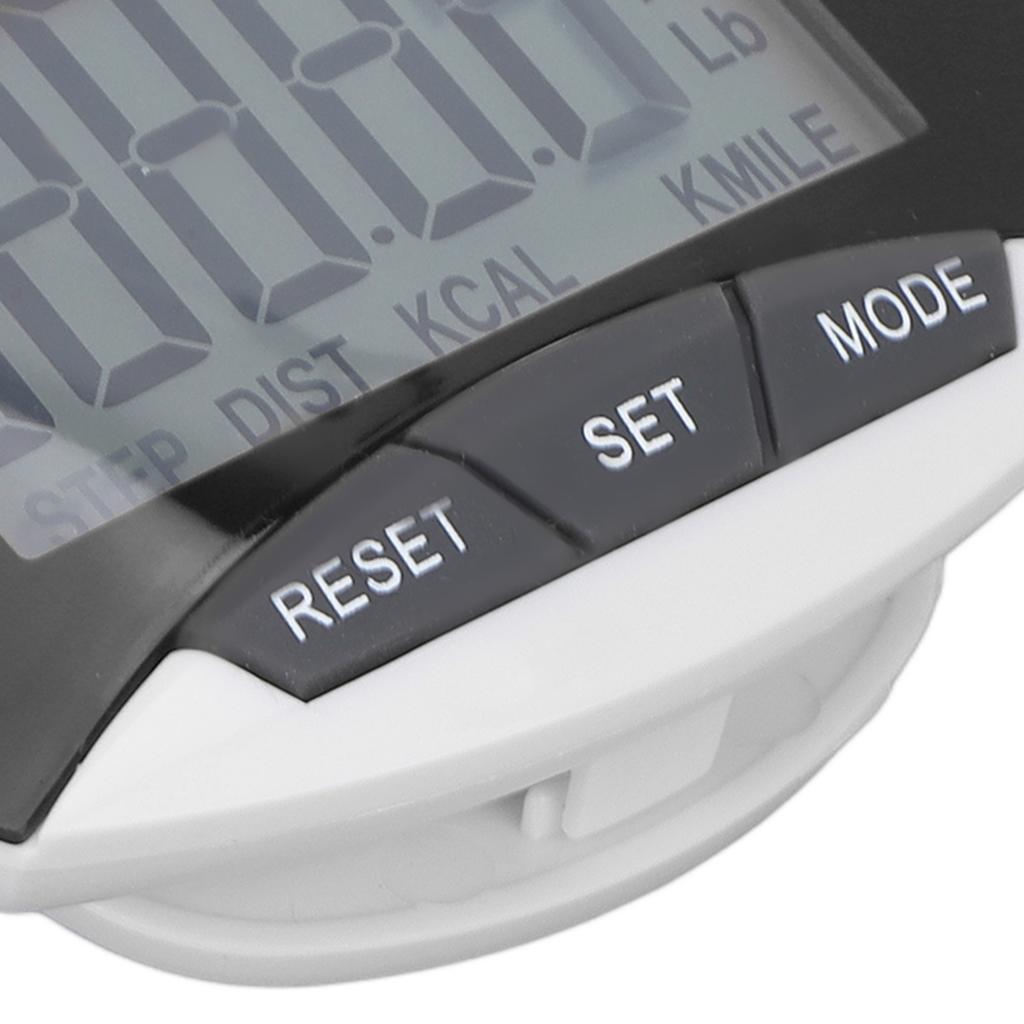
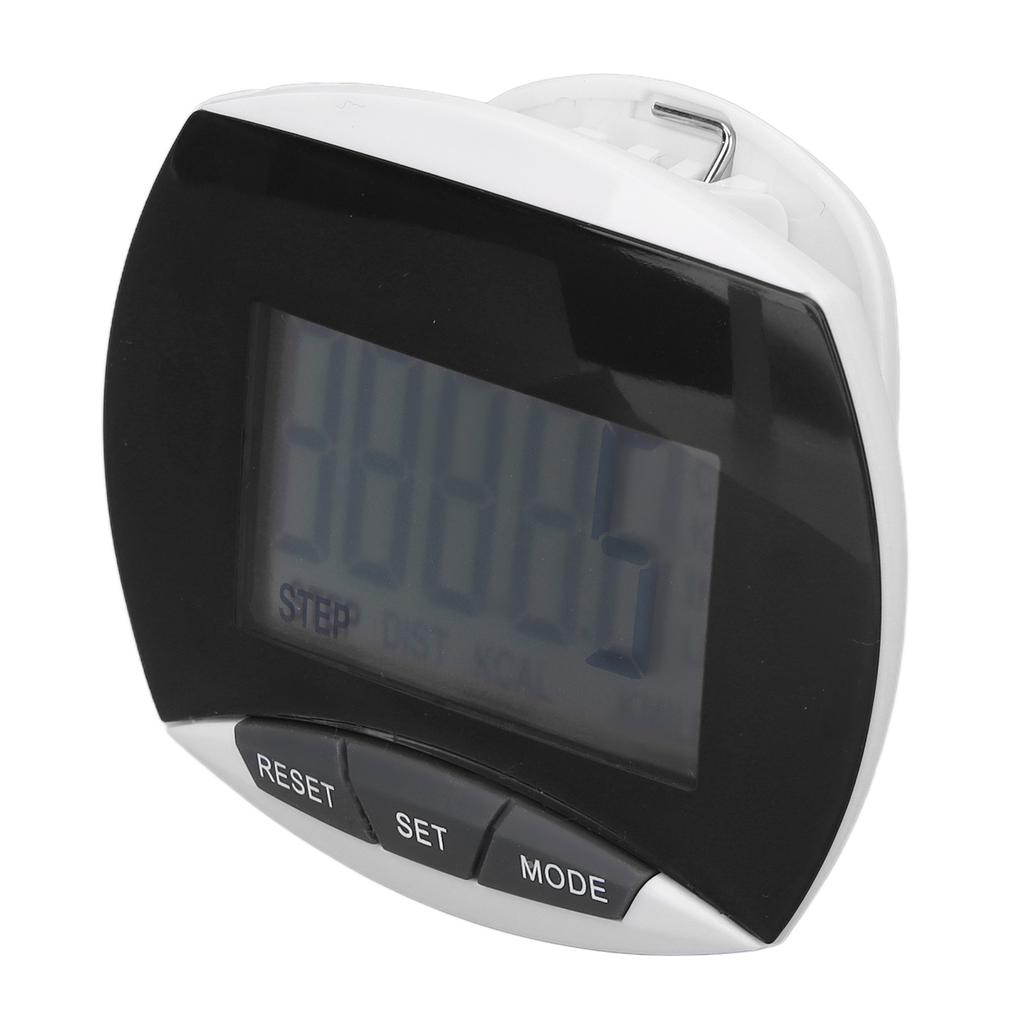
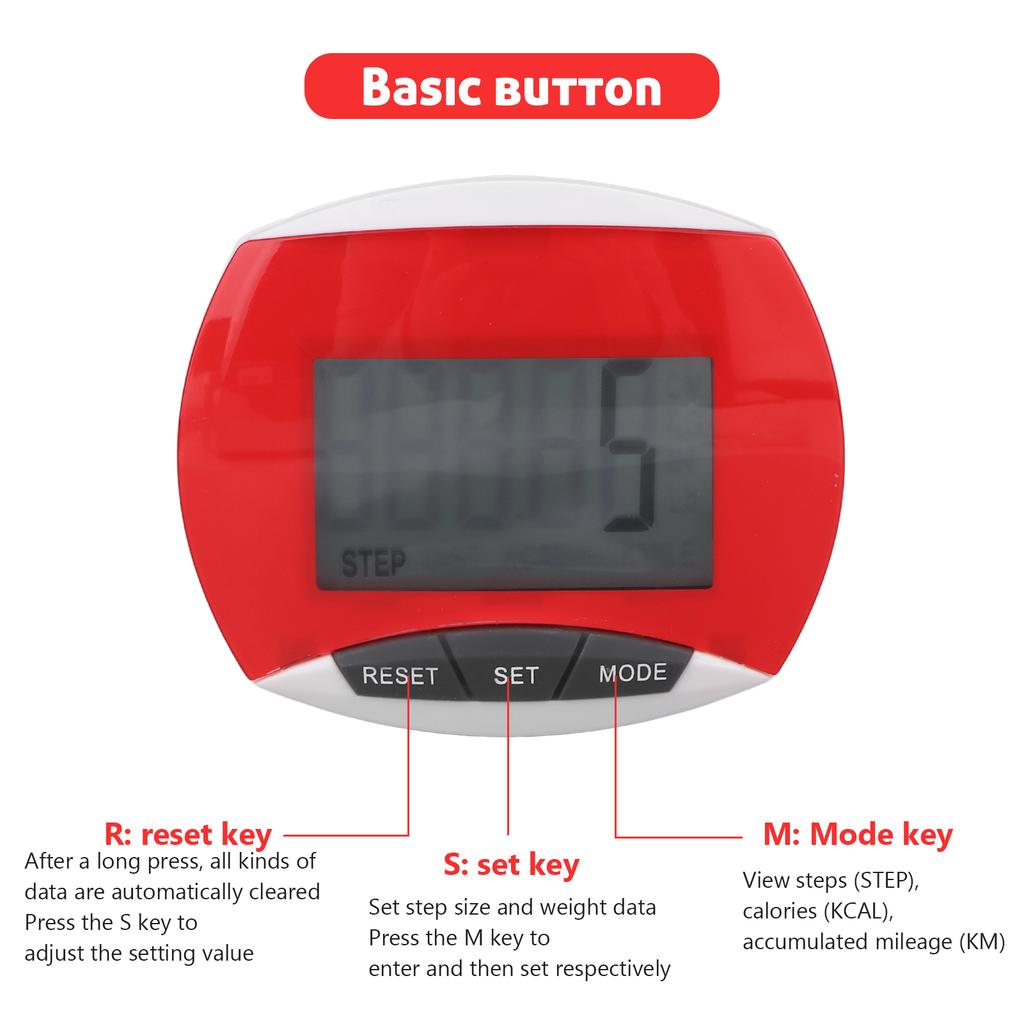
Press the "MODE" button until the word "STEP" apprs at the bottom of the display. Once the pedometer detects motion data, the pedometer will start counting steps.
In order to avoid recording the number of steps during sudden movement, the data of less than 5 steps will not be displayed. If you walk continuously for more than 5 steps, the pedometer will display the data, and it will start to display from the 5th step, and then continue to msure.
press the "RESET" button to reset the number on the pedometer to .
2. Distance calculation: version, press the "MODE" key until the word "KM" apprs on the display;
For the inch version, press the "MODE" key until the word "MILE" apprs on the display.
3. Stride setting:
Press the "SET" button to adjust the stride (that is, the distance of ch step), and the numbers on the screen begin to flash
Press the "RESET" key to adjust the value you need. Once the value is set, it will automatically return to the distance metering mode without any for 5 seconds.
Once the pedometer msures the movement data, it will msure the distance
press the "RESET" button to reset the number on the pedometer to .
Set your stride
a) Take 10 steps at your normal pace.
Step count function:
b) Calculate the distance from the first step to the last step.
c) Calculate by dividing the total distance you walked by the 10 steps you walked.
4. Calorie counting
Press the "MODE" key until the display shows "KCAL"
Press the "SET" button to set your weight and the numbers on the display will start flashing.
Keep pressing the "RESET" button to adjust the value you need. Once the value is set, it will automatically return to the calorie mode without any within 5 seconds.
Once the pedometer msures exercise data, it will start counting calories.
Press and hold the "RESET" button to reset the calorie value to .
5. and settings; the pedometer can be set in and modes.
In any mode, press and hold the "MODE" button until the display flashes and the value returns to to enter another mode.
Press the "MODE" key to to the distance test mode, and then see if the display at the bottom of the display is in or format.
6. Auto off; if no motion data is detected within 1 minute, it will automatically turn off and the value will be automatically saved in the record. Once the pedometer detects motion data, it will automatically resume.



 Återbetalning vid utebliven leverans